25
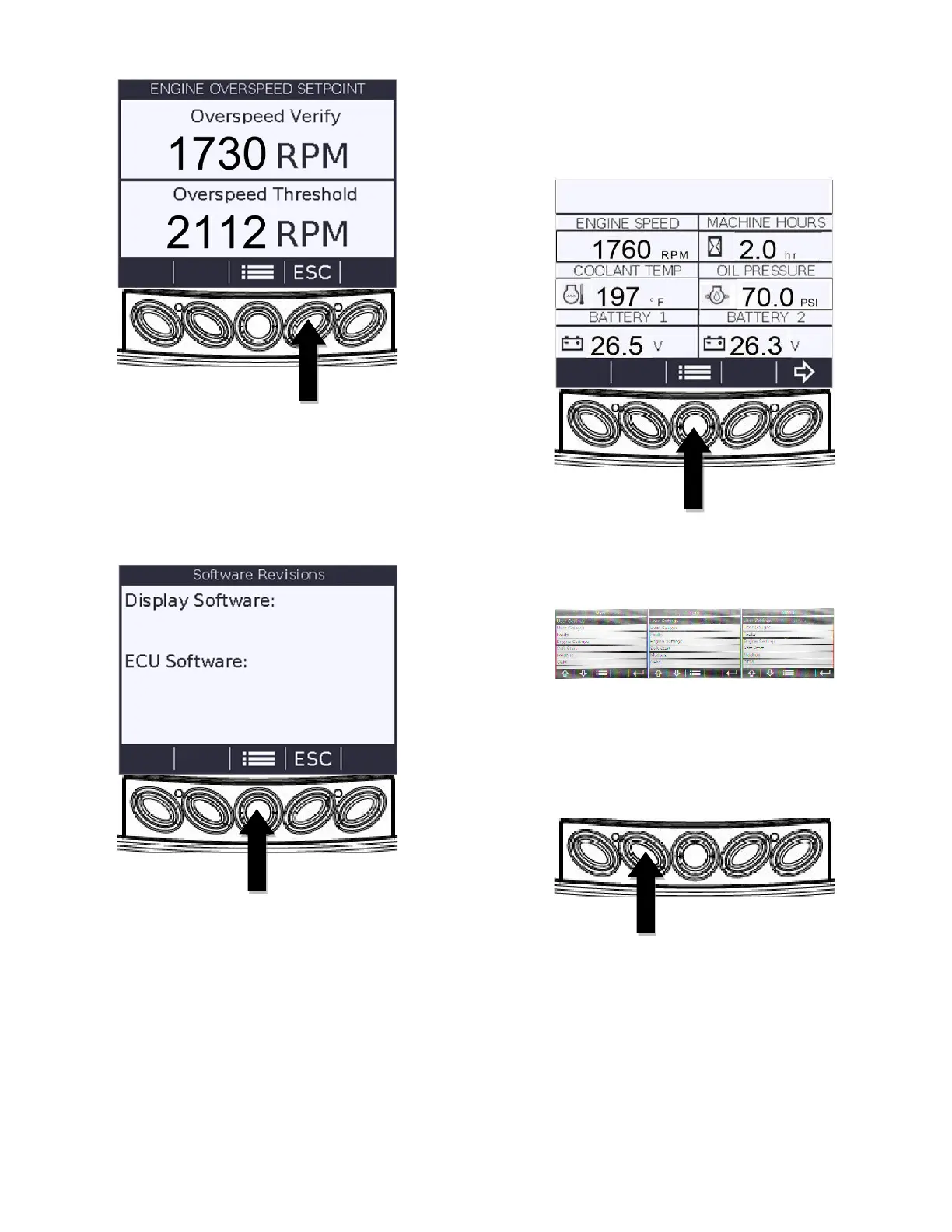
5. Pressing the “Escape” (D) key will return you
to the “Engine Settings” menu. Press the
“Arrow” (B) key to highlight “Software
Revision”. Then press the” Enter” (E) key.
The following screen will appear. This
information may be requested during an
attempt to troubleshoot an issue.
6. Press the “Menu” (C) key to return to the main
menu.
Accessing Stored Trouble Codes
1. Starting at the six-up display, press the
“Menu” key.
2. The main menu will be displayed. Use the
“Arrow” (A&B) keys to scroll through the
menu until “Faults” is highlighted.
3. Press the “Enter” (E) key once “Faults” is
highlighted and the “Faults” menu will appear.



 To Next Page