Classeq Under Counter Range - User Manual
8
2.2 Intended Use
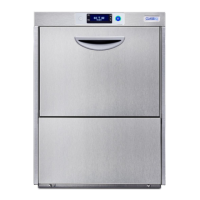
2.2.1 Glasswasher
The intended use is the washing of glasses.
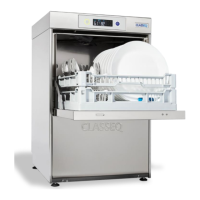
2.2.2 Dishwasher
The intended use is the washing of kitchen and tableware.
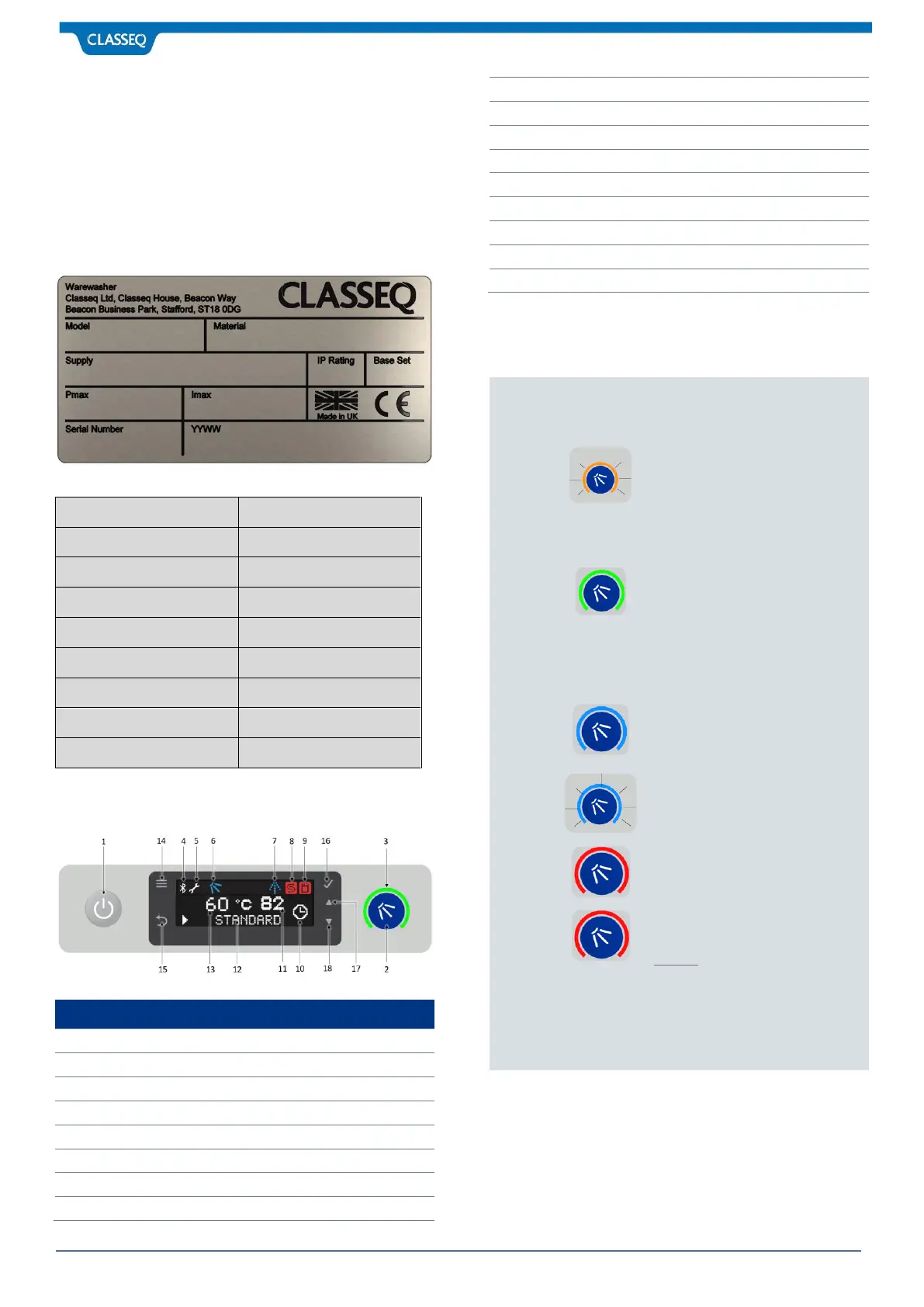
2.3 Designation of the Warewasher
Example:
Refill Salt indicator (Note 2)
Low Chemical Indicator (Note 3)
FLASHING AMBER - warewasher
not ready (Wash Tank not full /
Rinse Tank not full / Wash Tank
still heating / Rinse Tank still
heating).
GREEN - warewasher is ready / in
standby (Wash Tank full / Rinse
Tank full).
Note that Tank full interlocks
always apply. Operating
temperature interlocks can be
altered as required (C5.2.3).
BLUE - Warewasher is in Wash
cycle.
FLASHING BLUE – In Drain Cycle.
RED – If not in Service mode, then
it indicates Error warning.
Contact: CLASSEQ’s Service or
Technical support.
2. Only on warewashers with fitted Water Softeners.
3. Function available to warewashers fitted with
external chemical lancer only.



 To Next Page