ddrum4 SE V1.5x 2. Overview: The rear panel
Page 9
T
TT
T
H
HH
HE
EE
E
R
RR
RE
EE
EA
AA
AR
RR
R
P
PP
PA
AA
AN
NN
NE
EE
EL
LL
L
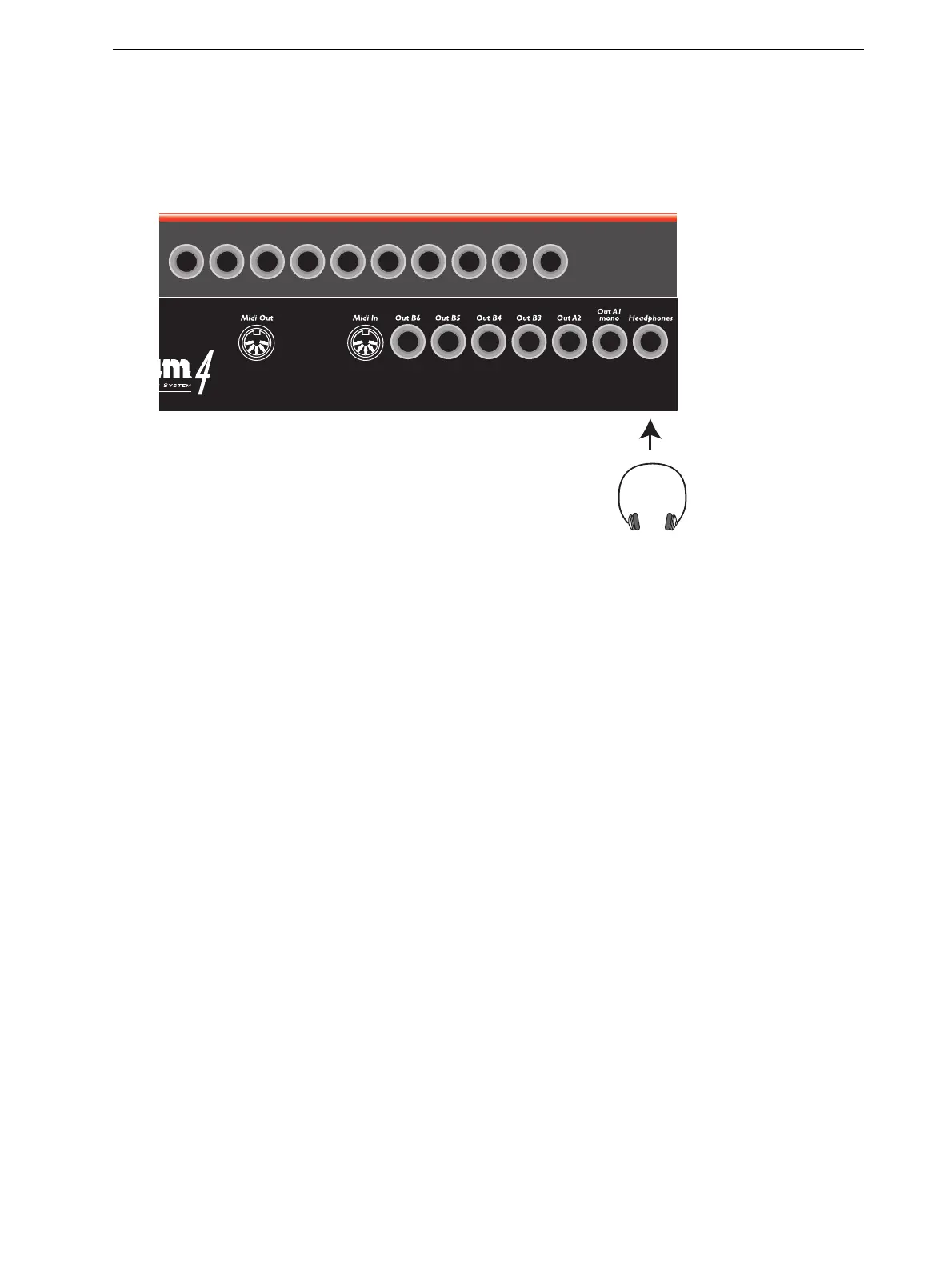
The rear panel contains all the T
RIGGER
I
NPUT
, audio O
UT
and H
EADPHONES
jacks, the MIDI con-
nectors and the P
OWER
S
WITCH
. The ddrum4 SE outputs are unbalanced line level.
The ten T
RIGGER
I
NPUTS
for the pads or external triggers correspond to each sound channel. They are
identical in function except for the following:
• Inputs 1, 2, 8 and 9 are capable of detecting pressure sensitivity. If you have pads that can transmit
pressure, connect them to these inputs.
• Input 10 is also capable of detecting pressure sensitivity but only with the special ddrum Hi-Hat. This
input has a special stereo jack connector, but it may be used with any other pad or trigger source for
ordinary triggering.
Tip! Pressure can be very useful if you want to play a tabla sound and change the pitch with your
hands, or to choke a ddrum Cymbal. Note that the pressure sensitivity function only works with Cast
Precision Pads, ddrum Cymbal and ddrum Hi-hat - not with the Cast Precision Mesh Head Pads.


 To Next Page