6. Panel reference: System functions ddrum4 SE V1.5x
Page 18
6. P
6. P6. P
6. PA
AA
AN
NN
NE
EE
EL
LL
L
R
RR
RE
EE
EF
FF
FE
EE
ER
RR
RE
EE
EN
NN
NC
CC
CE
EE
E
S
SS
S
Y
YY
YS
SS
ST
TT
TE
EE
EM
MM
M
F
FF
FU
UU
UN
NN
NC
CC
CT
TT
TI
II
IO
OO
ON
NN
NS
SS
S
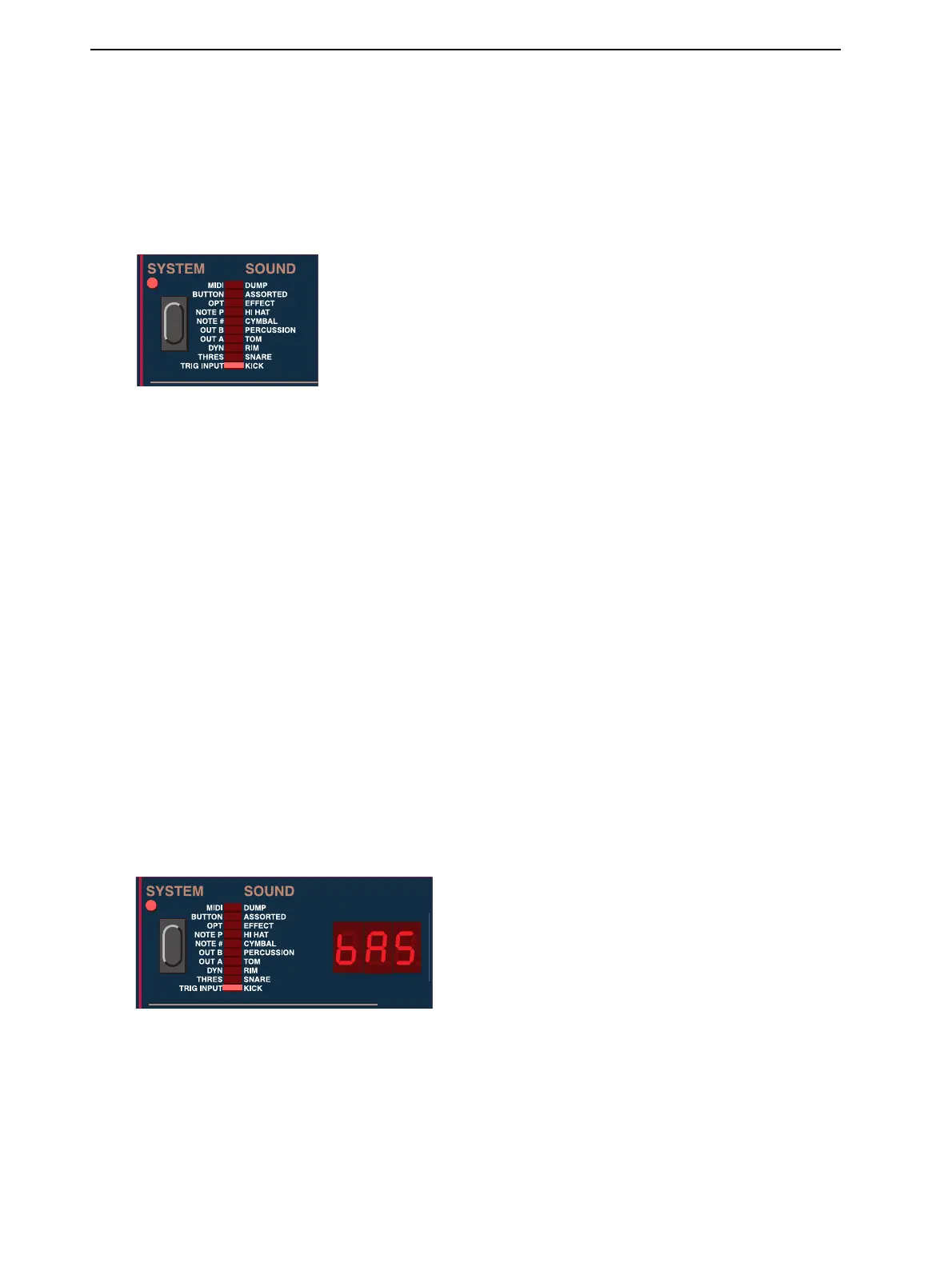
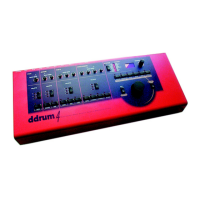
The System functions are active for editing when the S
YSTEM
LED is lit.
1. Select a system function by pressing the S
YSTEM
button repeatedly until the desired function is
shown by the corresponding segment of the S
YSTEM
I
NDICATOR
bar. Press the S
HIFT
button
together with the S
YSTEM
button to scroll backwards.
2. Select the channel that you wish to edit by pressing one of the C
HANNEL
buttons. You can also select
a channel by hitting a pad, however once you select a channel by pressing a C
HANNEL
button, the
pad select is disabled. To enable it again, press E
XIT
and go back to edit mode.
3. Edit the selected System parameter with the R
OTARY
D
IAL
. The current value or function will be
indicated in the D
ISPLAY
.
4. Choose another system function, if desired, with the S
YSTEM
button or another channel with one of
the C
HANNEL
buttons.
5. To exit the system functions, press E
XIT
.
There is no need to manually save or store the parameters of the system functions menu. Every change
you make is automatically stored.
T
TT
T
R
RR
RI
II
IG
GG
G
I
II
I
N
NN
NP
PP
PU
UU
UT
TT
T
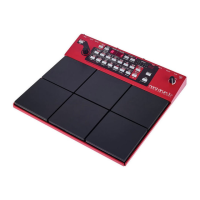
Here you select Trig Input type separately for each trigger input channel:
‘bAS’: Use with the ddrum Cast Precision and Cast Precision Mesh Head Kick pad.
‘PAd’: This is the one to use when playing ddrum Cast Precision pads with sticks.


 To Next Page