ddrum4 SE V1.5x 4. Kits & Sounds: Kit mode
Page 15
• Kits P16-P20 contains sounds for different kind of percussion purposes
• Kits P21-P26 all contain “mixed” styles of kits
• Kits F27-F99 holds different types of drums that can be used as base for creating your own custom
drum kits. You can then store your kits in any of the P1-P26 memory locations (see “Storing your kit”
on page 16)
S
SS
S
E
EE
EL
LL
LE
EE
EC
CC
CT
TT
TI
II
IN
NN
NG
GG
G
S
SS
SO
OO
OU
UU
UN
NN
ND
DD
DS
SS
S
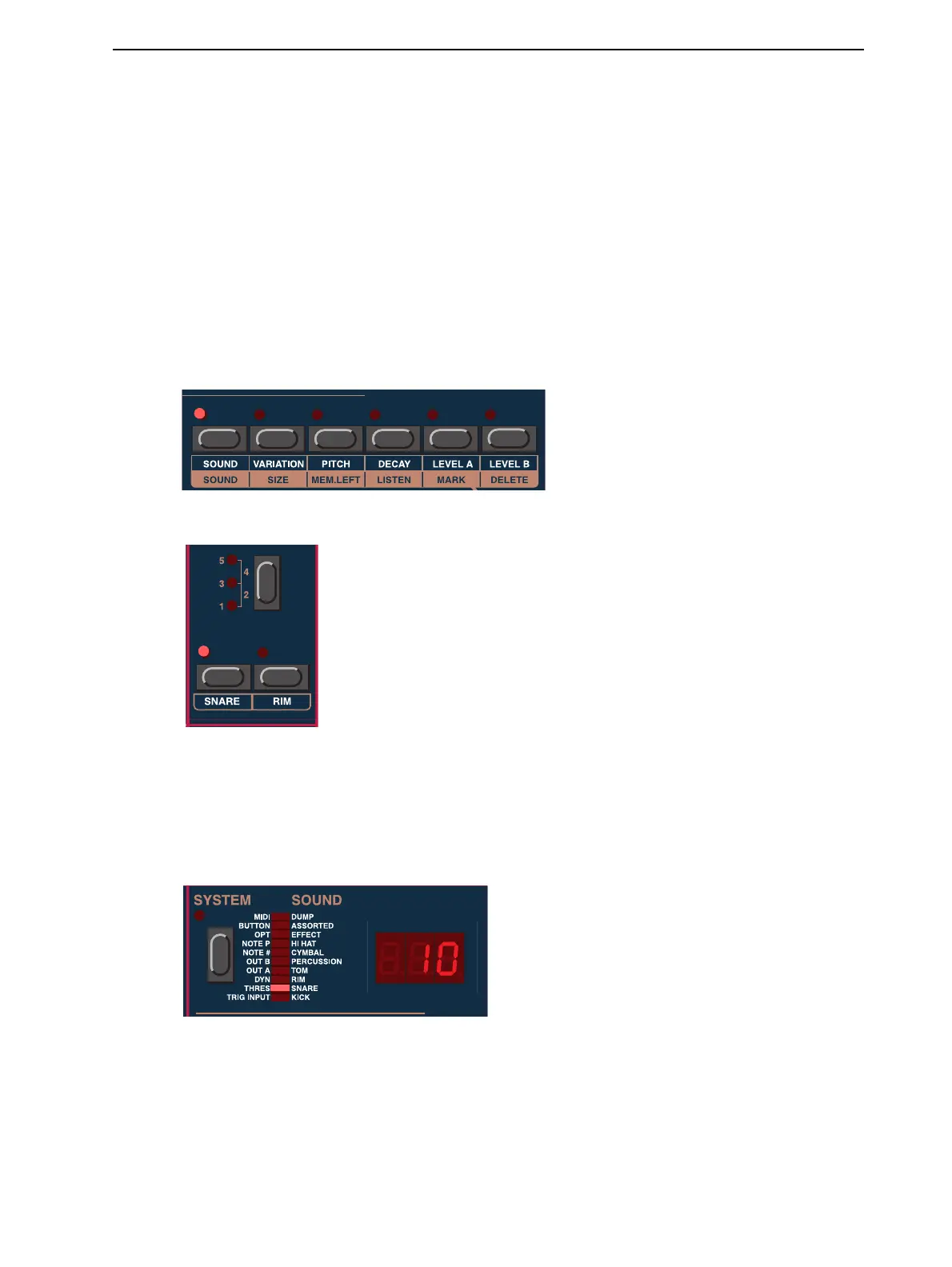
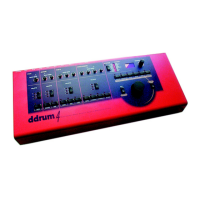
To select/change sound for each channel, do like this:
1. Press the S
OUND
button.
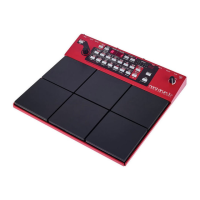
2. Select a channel by pressing a C
HANNEL
button.
3. Select a sound by turning the R
OTARY
D
IAL
. As you turn the R
OTARY
D
IAL
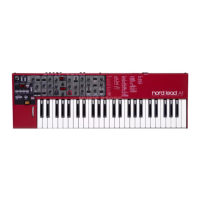
, the sound numbers are
shown in the D
ISPLAY
. When selecting sounds the S
YSTEM
I
NDICATOR
bar indicates to which
sound group the selected sound belongs. There are 10 sound groups (categories) in the ddrum4 SE
module: Kick, Snare, Rim, Tom, Percussion, Cymbal, Hi-hat, Effects, Assorted and Dump. If you
want to jump directly to another sound group, hold down the S
OUND
button and turn the R
OTARY
D
IAL
.
4. Repeat the procedure from step 2 above for the other channels.
For information on how to edit sounds, please refer to “Sound functions” on page 24.


 To Next Page