6. Panel reference: Sound functions ddrum4 SE V1.5x
Page 26
sound will automatically mute the previously played hit. This could be useful especially for long de-
caying sounds. Please refer to page 31 for more info on loading MIDI Sample Dump sounds.
Values: 1 - 10, (differs from sound to sound)
P
PP
P
I
II
IT
TT
TC
CC
CH
HH
H
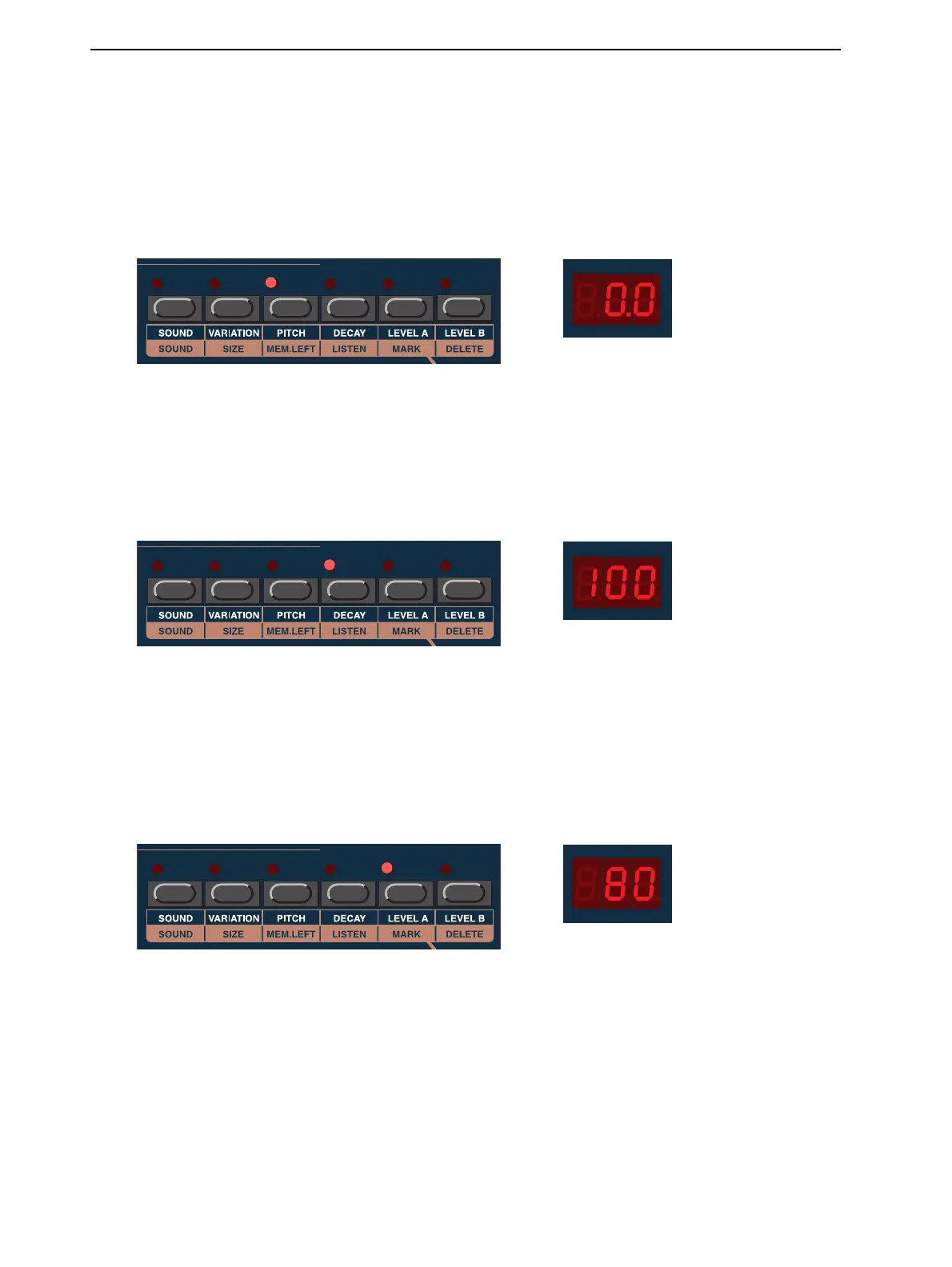
With this function you can tune the sound. The range is between +12.0 and -48.0 semitones. Select pitch
with the R
OTARY
D
IAL
. If you hold the P
ITCH
button, you are able to fine tune the sounds in 0.1 incre-
ments.
Values: -48.0 - +12.0
D
DD
D
E
EE
EC
CC
CA
AA
AY
YY
Y
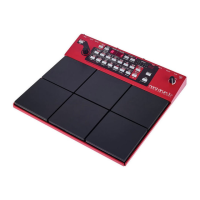
Here you can set the decay of the sound. You can shorten any sound by setting this parameter to anything
below the default value ‘100’, which is the maximum, original length. The lower the value, the shorter
the sound. This is very useful if you e.g. have tuned down a sound. The lower the tuning, the longer the
sound. Shorten it if needed, with the R
OTARY
D
IAL
.
Values: 0 - 100
L
LL
L
E
EE
EV
VV
VE
EE
EL
LL
L
A
A A
A
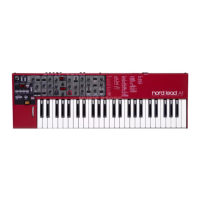
This sets the level of the selected sound in the two main outputs A1 and A2 and to the H
EADPHONES
output. Set the level with the R
OTARY
D
IAL
.
Note! The total level of the A1 and A2 (and H
EADPHONES
) outputs are also affected by the M
ASTER
L
EVEL
setting as well as by the MIDI Volume setting described on page 22.
Values: 0 - 100


 To Next Page