ddrum4 SE V1.5x 2. Overview: The left front panel section
Page 7
2. O
2. O2. O
2. OV
VV
VE
EE
ER
RR
RV
VV
VI
II
IE
EE
EW
WW
W
T
TT
T
H
HH
HE
EE
E
L
LL
LE
EE
EF
FF
FT
TT
T
F
FF
FR
RR
RO
OO
ON
NN
NT
TT
T
P
PP
PA
AA
AN
NN
NE
EE
EL
LL
L
S
SS
SE
EE
EC
CC
CT
TT
TI
II
IO
OO
ON
NN
N
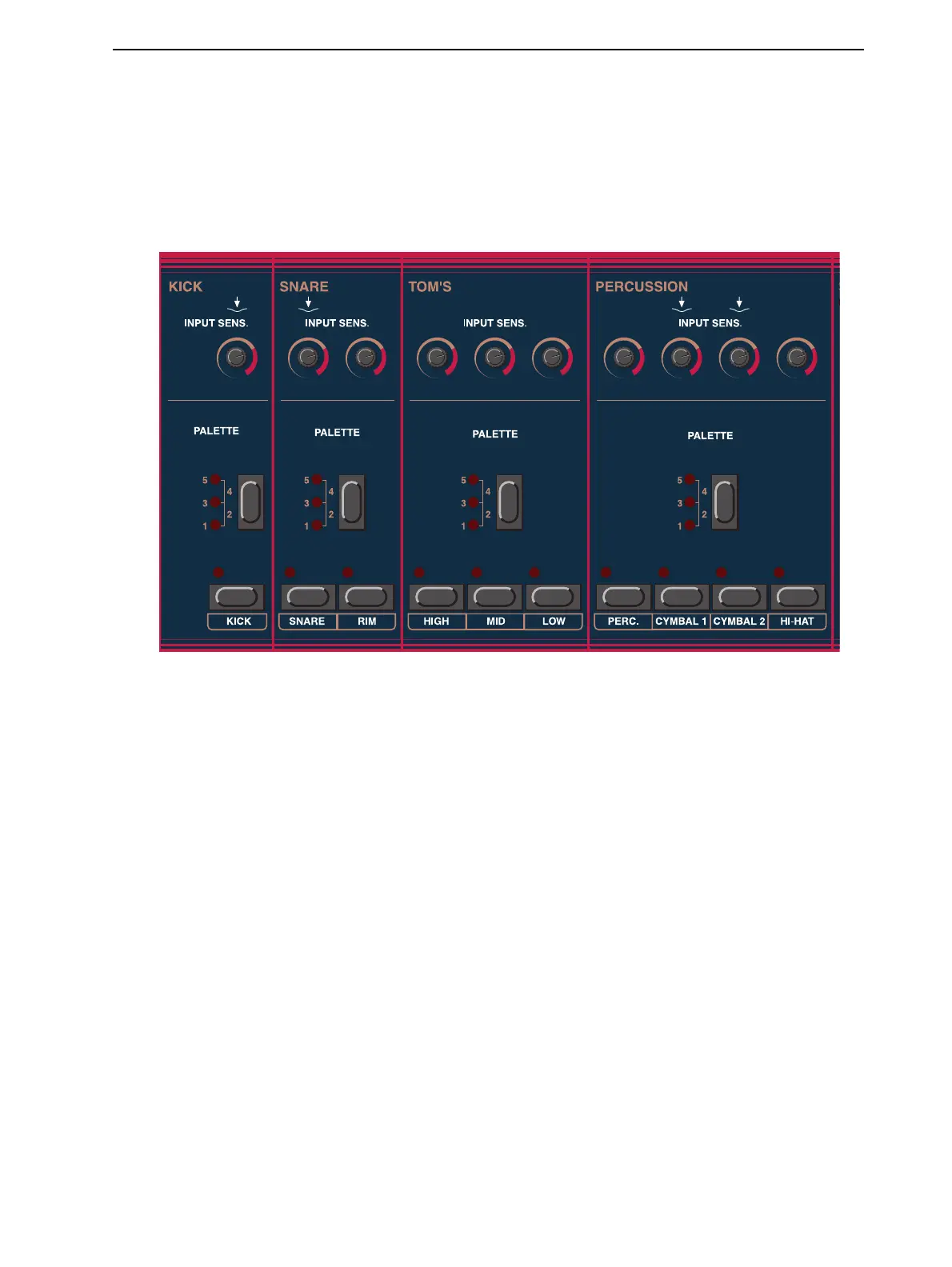
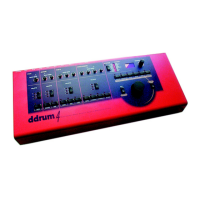
The front panel is divided in two sections. To the left side you see the channel slots with the C
HANNEL
buttons, the P
ALETTE
select buttons and the I
NPUT
S
ENSITIVITY
knobs.
You can play the sounds by pressing the C
HANNEL
buttons. They are not velocity sensitive but you can
program the velocity level that they should use to play the sounds (see “Button” on page 23).
The C
HANNEL
buttons are also used for selecting channels when you wish to edit the sounds or the func-
tions of the channels. The LED above the channel buttons flashes when a channel receives a trig signal
and is continuously lit when a channel is selected for editing. You can only select one channel at a time
for editing purposes.


 To Next Page