6. Panel reference: Shift functions ddrum4 SE V1.5x
Page 30
S
SS
S
H
HH
HI
II
IF
FF
FT
TT
T
-D
-D-D
-D
E
EE
EL
LL
LE
EE
ET
TT
TE
EE
E
You are now ready to delete the sounds that you marked for removal (see above). Be aware that this is
going to be a “no-going-back” operation:
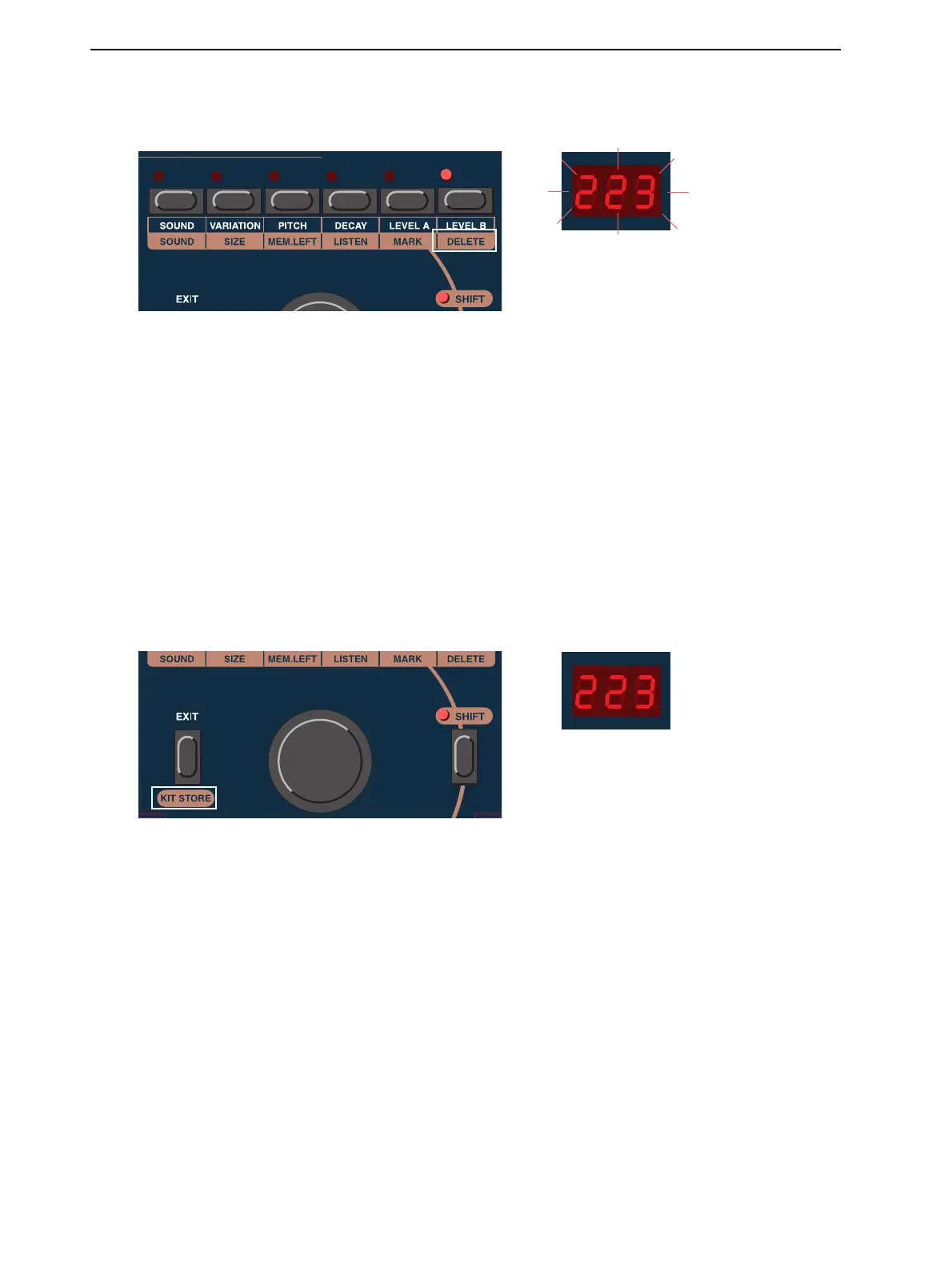
1. Hold the S
HIFT
and press the D
ELETE
button. The D
ISPLAY
will flash, indicating the total number
of Blocks that will be deleted (the total number of Blocks for all marked sounds).
2. Confirm the deletion by holding the S
HIFT
button and pressing the D
ELETE
button again, or abort
by pressing E
XIT
.
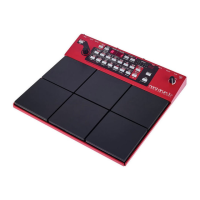
While the ddrum4 SE is clearing up its sound memory, the D
ISPLAY
will count down as the Blocks are
deleted. This operation will take a while, depending on the size and location of the sounds that are re-
moved. You must wait until this operation is finished, which will be indicated by a zero in the D
ISPLAY
.
IMPORTANT! Do not turn off the ddrum4 SE module during this process!
S
SS
S
H
HH
HI
II
IF
FF
FT
TT
T
-E
-E-E
-E
X
XX
XI
II
IT
TT
T
Sounds that are marked, as described above, can be transmitted as ddrum4 MIDI System Exclusive data
via the MIDI O
UT
connector. Hold S
HIFT
and press E
XIT
to start the transmission. The D
ISPLAY
will
count down the Blocks of the individual sounds being transmitted. You may interrupt the procedure by
pressing E
XIT
. The transmission will then stop after any current sound has been completely transmitted.
Note: The data will be transmitted as several MIDI System Exclusive data packets. The number of pack-
ets will depend on the size and number of sounds that are included in the transmission. You can not re-
store any individual sounds that have been a part of a multi-sound transmission. If you want to be able
to restore individual sounds, you must transmit them one by one.


 To Next Page