33
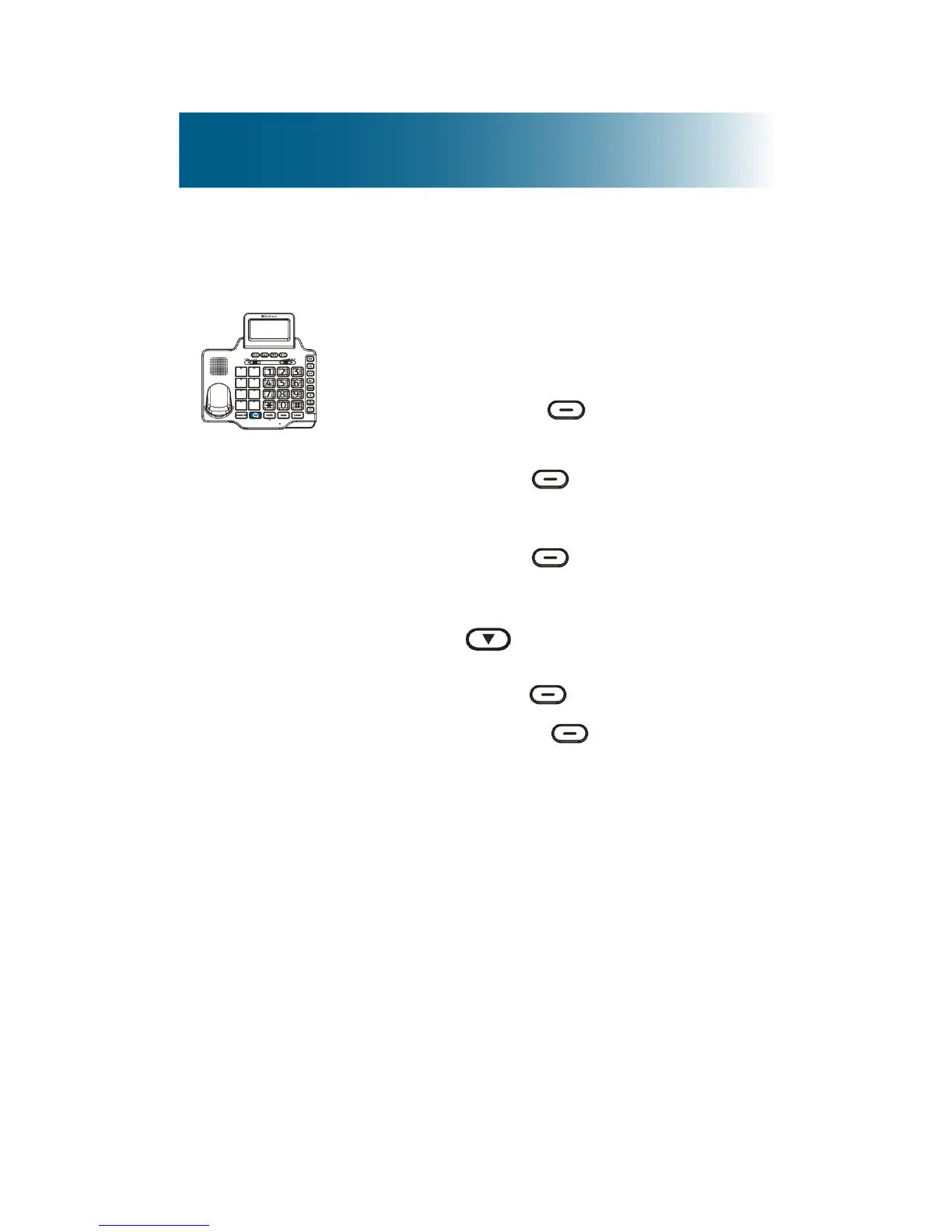
To change the display language of the base
Select from English, French, German
and Spanish.
1. Press the right , beneath Menu
on the screen.
2. Press the left , beneath Select.
Set Display is selected.
3. Press the left , beneath Select.
Set Language is selected.
4. Press and scroll to the
language of your choice, and then
press the left , beneath Select.
5. Press the right beneath Back,
until you arrive at the home screen.



 To Next Page