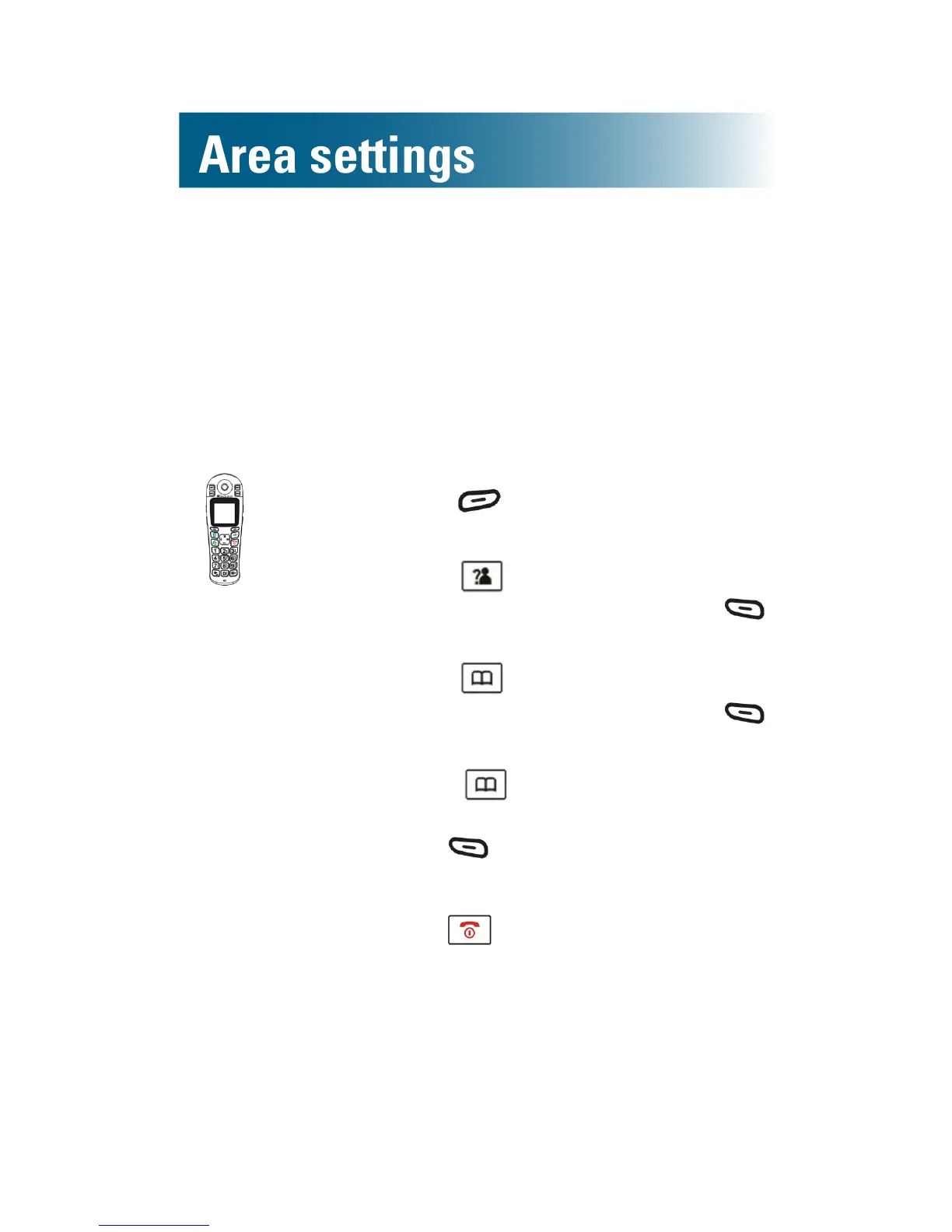
To change the answering machine voice prompt
language
If you use the answering machine to retrieve your
messages, the machine gives you voice prompts
as you review.
English, French and Spanish prompts are available.
1. Press beneath TAM on the
screen.
2. Press and scroll to TAM
Setting, and then press
beneath Select.
3. Press and scroll to TAM
Language, and then press
beneath Select.
4. Press and scroll to the
language of your choice, and then
press beneath Select.
A conrmation tone occurs.
5. Press .



 To Next Page