3
4
5
7
2
6
8
1
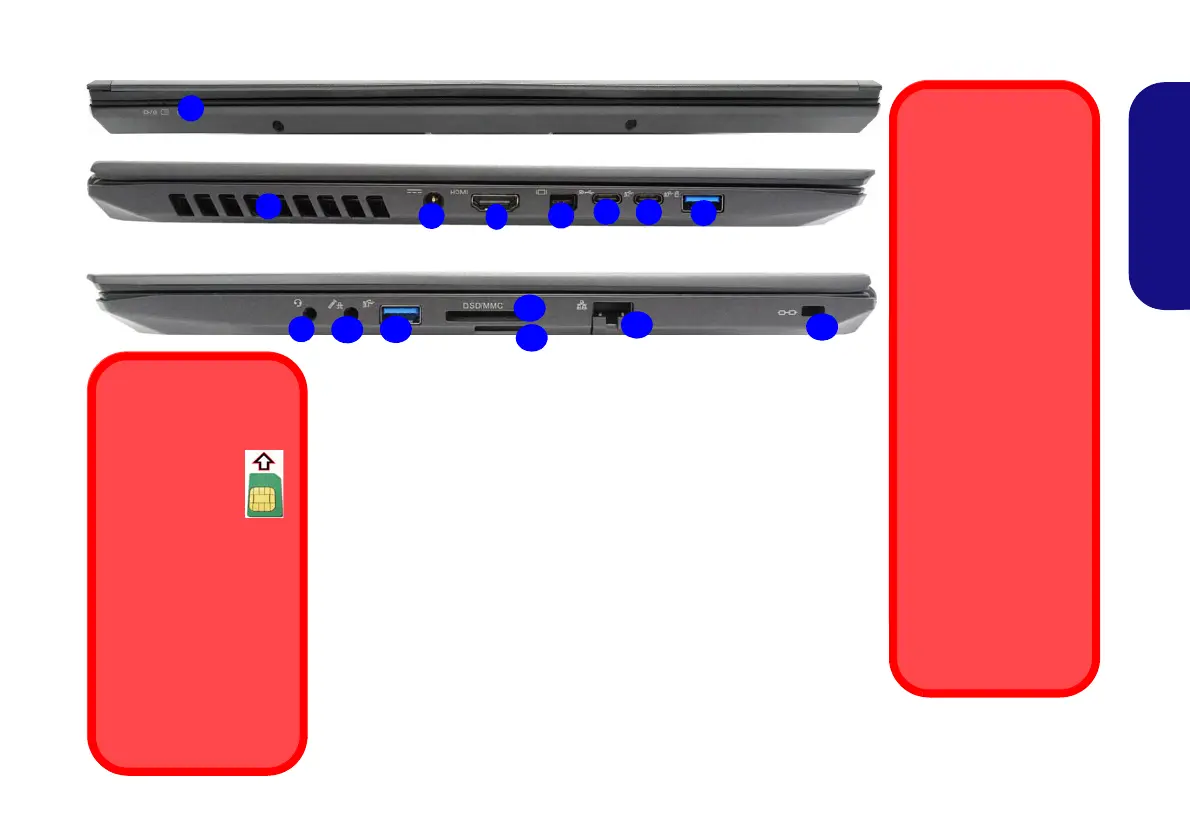
Front
Left
Right
11
13
12
10
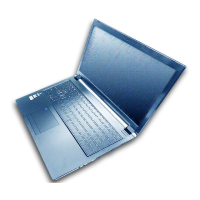
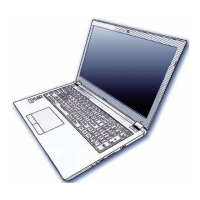
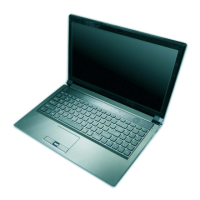
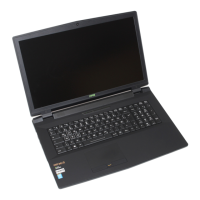
Figure 4 - Front, Left & Right Views (Models A & B)
1. LED Indicators
2. Vent
3. DC-In Jack
4. HDMI-Out Port
5. Mini DisplayPort 1.3
6. DisplayPort 1.3 over USB 3.1 Gen 2
Type-C Port
7. USB 3.1 Gen 2 Type-C Port
8. *Powered USB 3.0 (USB 3.1 Gen 1)
Type-A Port
*Toggle power to this port by using
Fn + Power Button (see Table 3
on page 11).
9. 2-In-1 Audio Jack (Headphone and
Microphone)
10. 2-In-1 Audio Jack
(Microphone and S/PDIF
Optical)
11. USB 3.0 (USB 3.1 Gen 1)
Type-A Port
12. Multi-in-1 Card Reader
13. (Optional for Model A)
USIM Card Reader (for
4G USIM Cards)
14. RJ-45 LAN Jack
15. Security Lock Slot
USIM Card Ejection
Simply press on the
USIM card to eject it,
however do not do
this while a connec-
tion is in progress.
If you do eject the card
while a 4G connection
is ongoing, you will
need to shut down the
system, reinsert the
USIM card, restart the
system and then rees-
tablish the 4G con-
nection.
If you wish to change
USIM cards then you
will also need to shut
down the system, re-
insert the USIM card,
restart the system and
then reestablish the
4G connection.
9
14
USIM Card Orientation
Note that the
USIM card’s
readable side
(with the gold-
colored con-
tacts) should face up-
wards as illustrated.
Overheating
To prevent your com-
puter from overheating
make sure nothing
blocks any vent while
the computer is in use.
15


 To Next Page