12
After editing the settings, click “Save Profile” to save the profile settings. A
pop-up window will indicate the profile has saved. You can use this profile in
the future to apply the same setting to other Mobile Lite.
Apply profile
If you wish to apply all the configuration of a profile into Mobile Lite, go to each
individual page and click on all the “Write” buttons to make sure all settings are
programmed into Mobile Lite.
Profile Manager
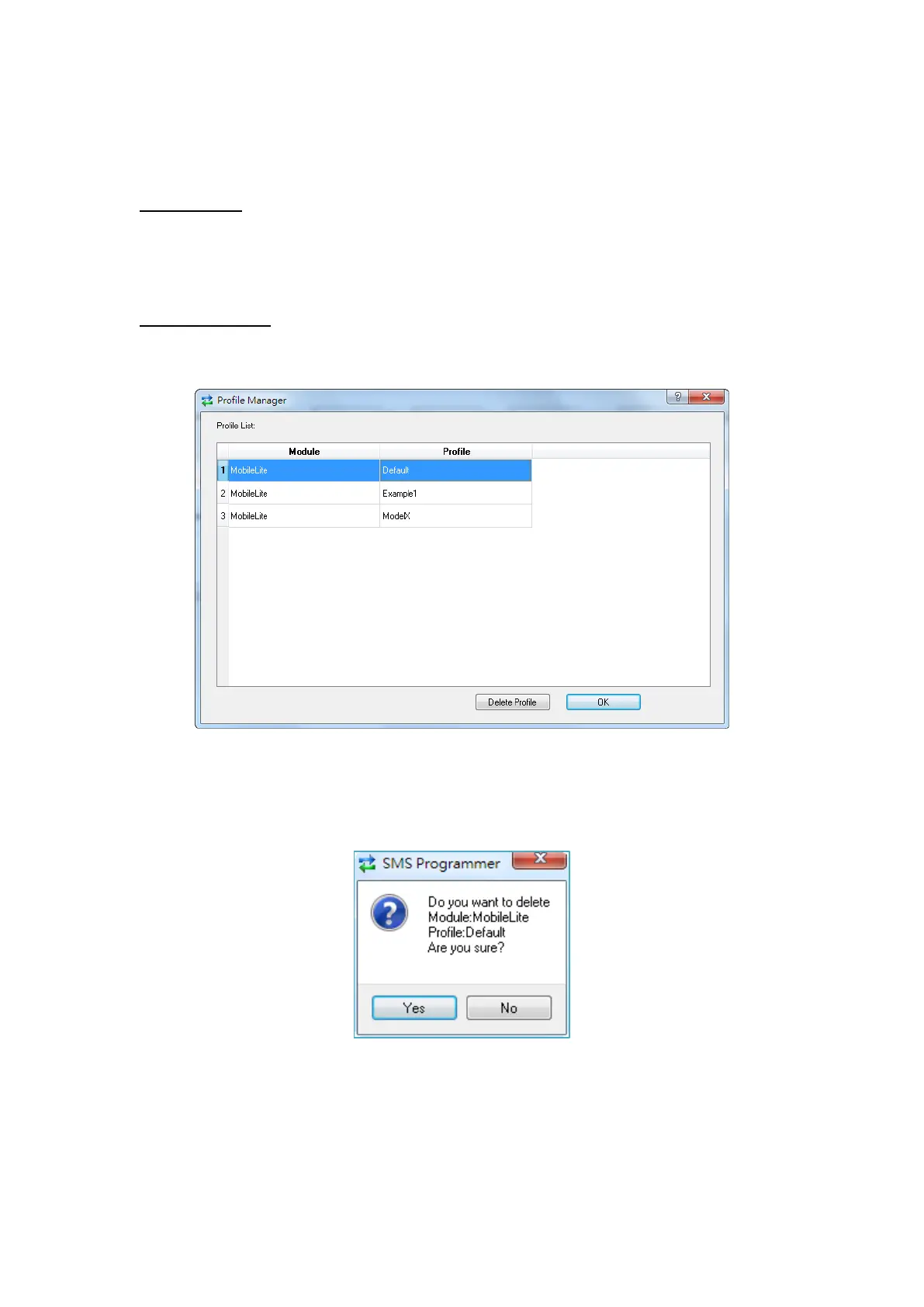
Click on “Profile Manager” to manage the profiles:
Delete Profile
Select a profile and click on “Delete Profile”. A pop-up window will ask you to
confirm the selection:
Select “Yes” to delete the profile, or “No” to return to the previous page.



 To Next Page