5
3. Getting Started – Setting up Mobile Lite
3.1. SIM Card Insertion
Step 1. Loosen the Protective Cover Fixing Screws using a Philips
screwdriver and remove the SIM Card and USB Protective Cover.
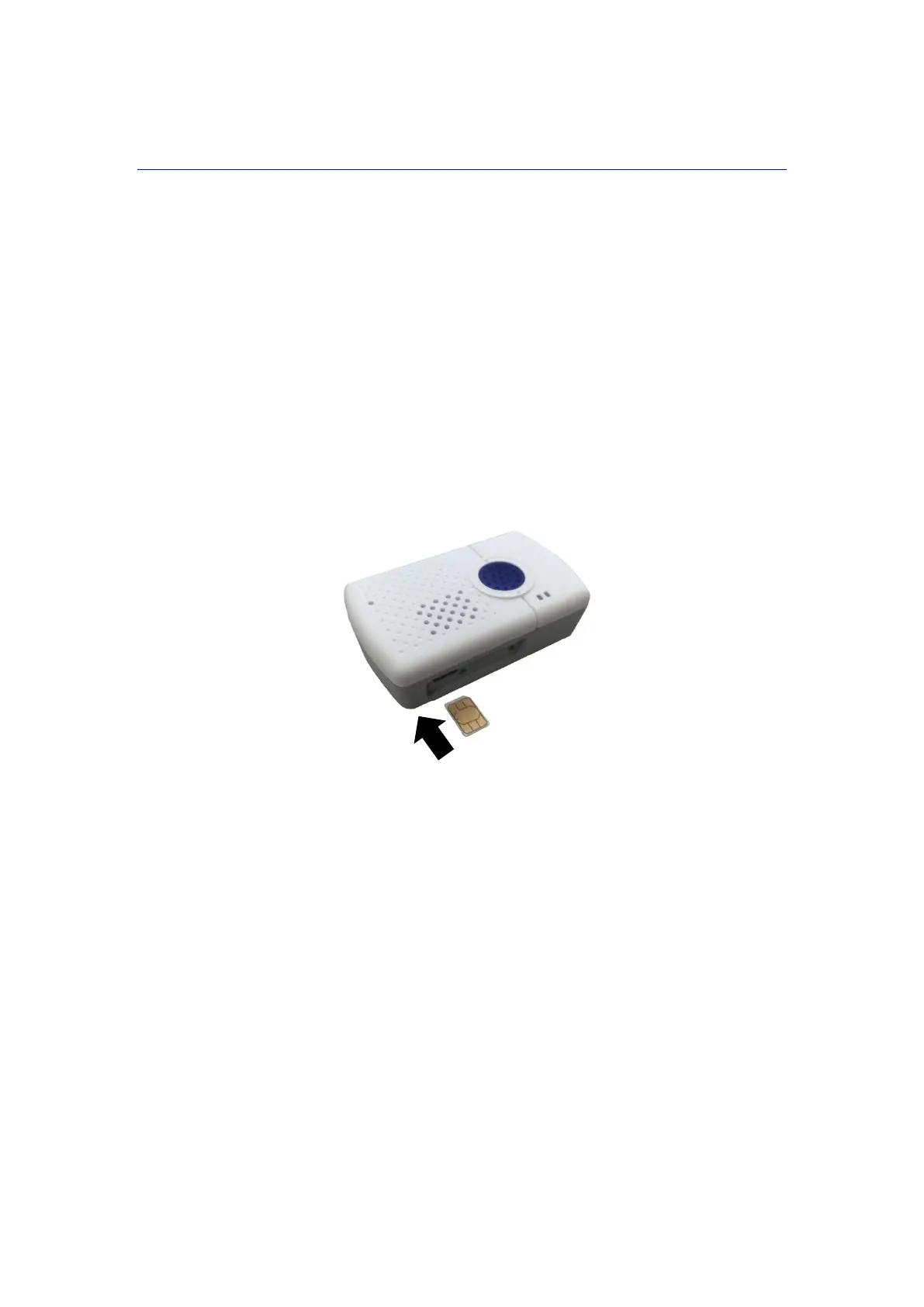
Step 2. Hold Mobile Lite with its front side facing you. Insert a micro SIM card
into the SIM card slot with the chip side of the SIM card facing you as
shown in the picture below.
Please make sure that the micro SIM card PIN code is deactivated
and all SMS messages removed before insertion.
Step 3. Replace the Protective Cover and tighten the Protective Cover Fixing
Screws using a Philips screwdriver.
3.2. Charging Mobile Lite
Step 1. Place Mobile Lite into the Charging Cradle. Please make sure that the
Charging Contact Plates (of both Mobile Lite and the cradle) are in
contact with each other. The Anti-Slide Magnets should help align
Mobile Lite into the Charging Cradle.



 To Next Page