3
2. System Overview
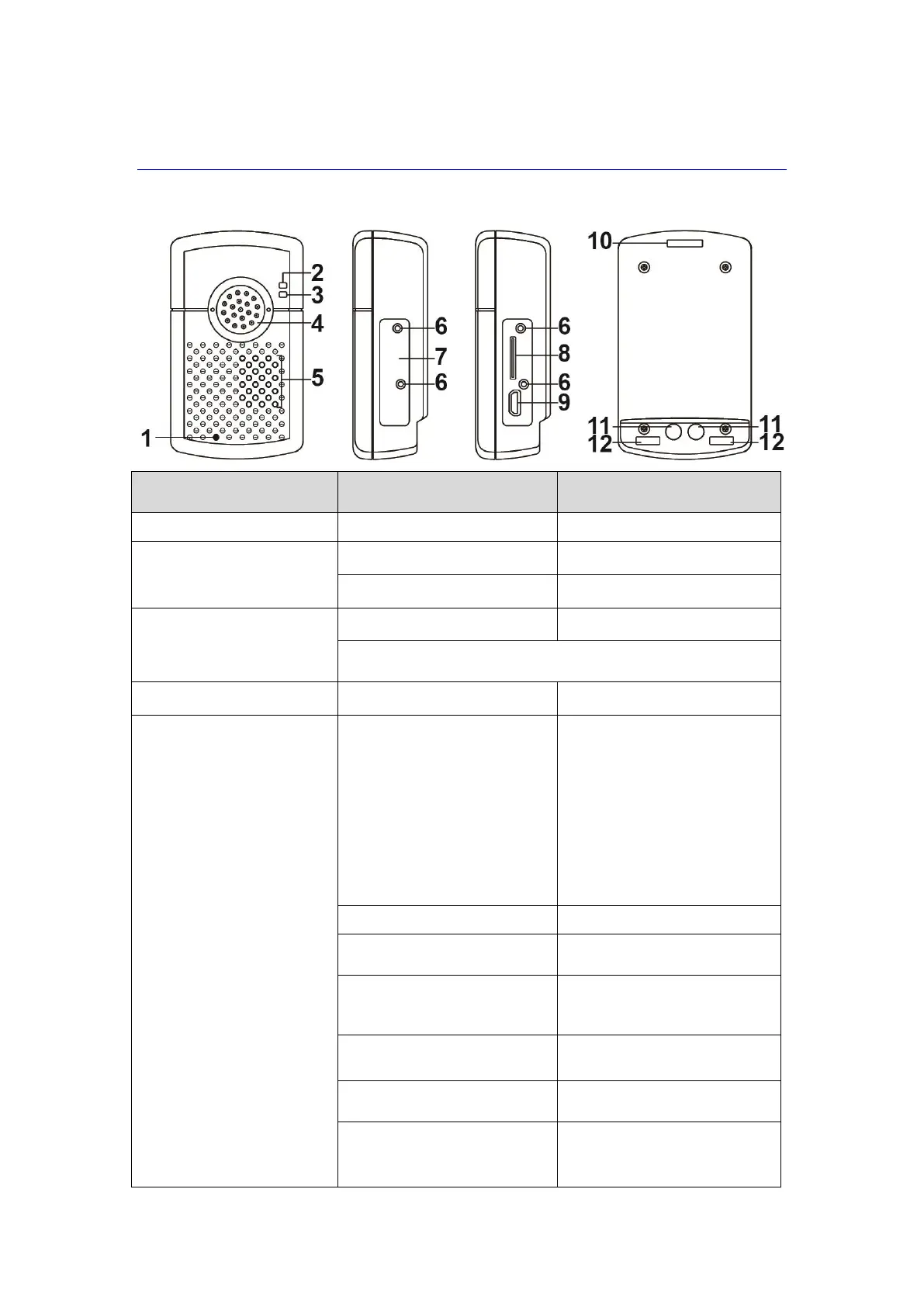
2.1. Identifying the Parts
Mobile Lite operating normally
Mobile Lite low on battery
When Mobile Lite is charging, the Red LED will not indicate
the battery status.
Press and hold for 5 seconds
- To turn on the unit (exits
sleep mode).
- To turn off the unit (enters
sleep mode).
Cellular module will be
powered down 30
seconds after the button
is pressed for 5
seconds.
Press and hold for 5 seconds
during a Guard Time
Press once when Mobile Lite
is ringing
Press and hold for 5 seconds
during a call
Press and hold for 8 seconds
in normal mode
To enter RF device learning
mode
Press once in learning mode



 To Next Page