20
4.1.5. Geo-fence
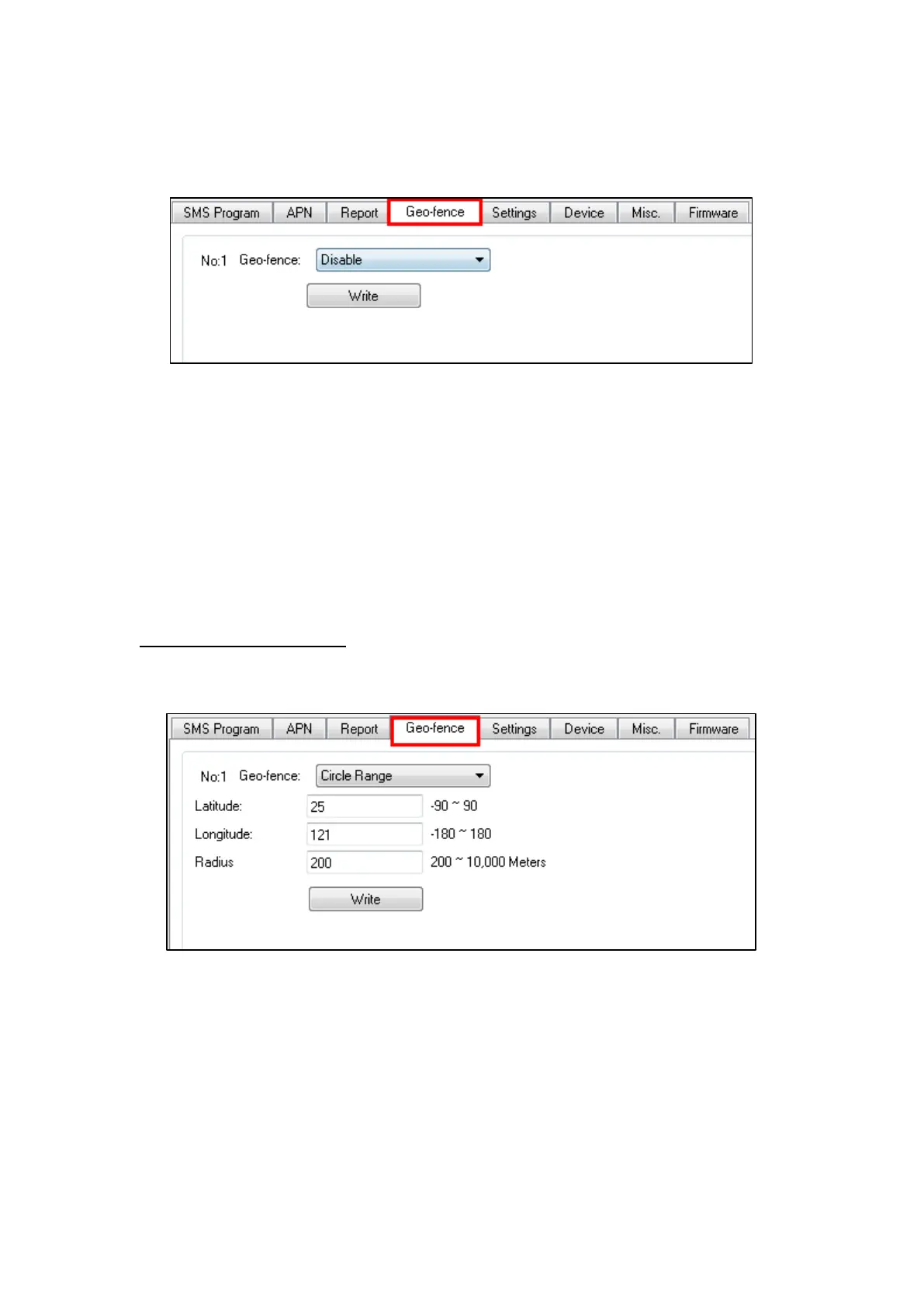
The “Geo-fence” tab allows the user to setup a GeoFence area.
When GeoFencing is enabled, Mobile Lite will check its location every 2
minutes.
If the user leaves the GeoFence area and is detected while Mobile Lite is
checking its location, it will automatically report to the report destinations.
If the user returns to the GeoFence area, it will also send restoration
report to the report destinations.
When Mobile Lite makes a second low battery report to the CMS, the GPS
function is turned off and GeoFence function will also be turned off.
Circle Operational Area
Select “Circle Range” to program a circular GeoFence area.
Latitude: Enter the location latitude of the center of the operational area (-90
to 90).
Longitude: Enter the location longitude of the center of the operational area
(-180 to 180).
Both Latitude and Longitude accept coordinates of up to 6 decimal points. Due
to the mechanics of GPS positioning, the 6
th
decimal point may deviate slightly



 To Next Page