31
4.1.8. Miscellaneous
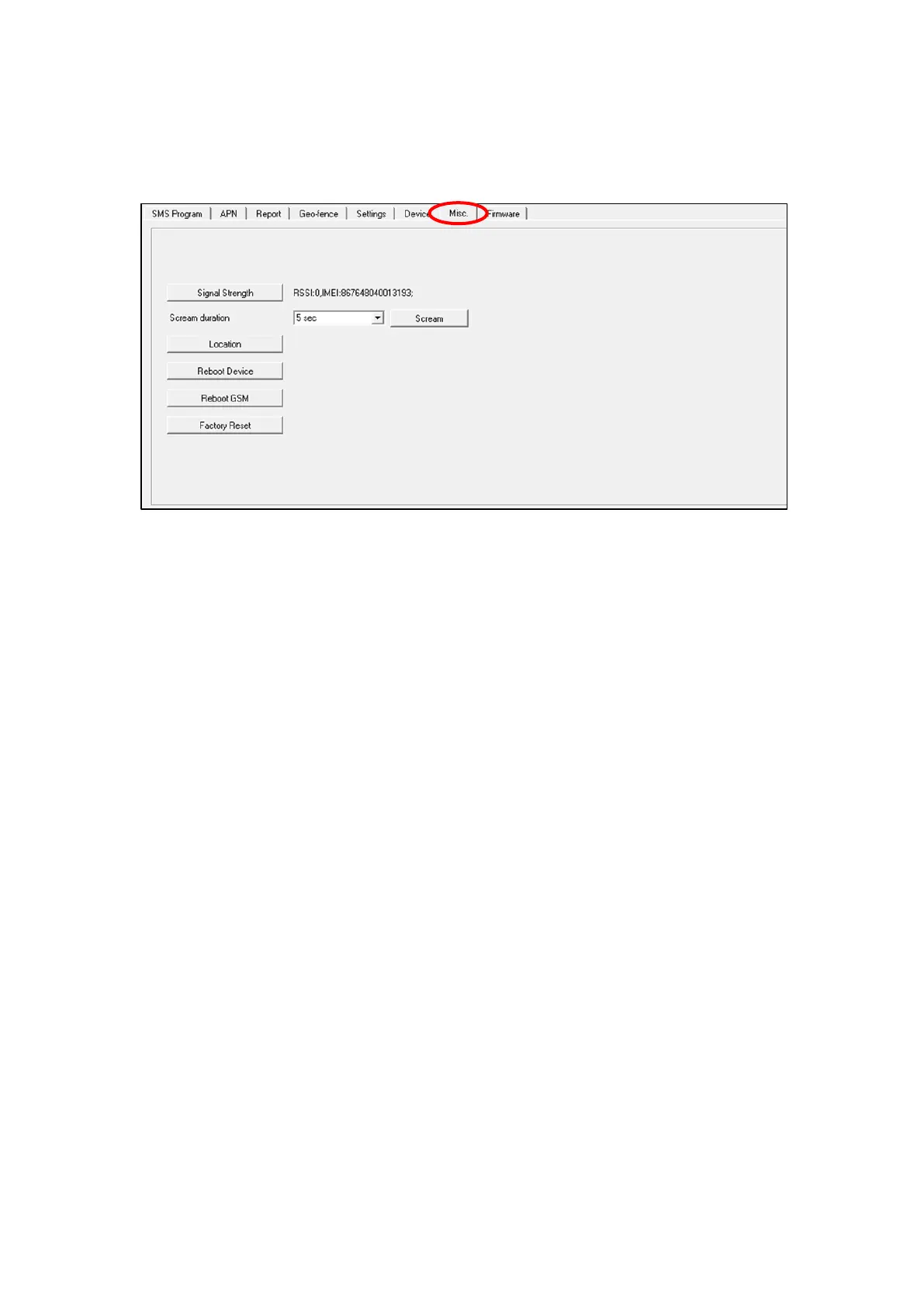
Click on the “Misc.” tab to program miscellaneous options:
Signal Strength
Click on the Signal Strength button to obtain GSM signal strength.
The IMEI number of GSM module will be displayed on the right side
of GSM signal strength.
Scream Duration
Select a duration and click on the Scream button. Mobile Lite will
emit a series of long beeps for the duration. A location information
will also be sent to the reporting destination(s).
Location
Clicking on this button to send current location information to the
reporting destinations.
Reboot Device
Click “Reboot Device” to reboot Mobile Lite. This will not remove
any programmed parameters on Mobile Lite.
Reboot GSM
Click “Reboot GSM” will reset the Cellular module.
Factory Reset
Factory Resetting Mobile Lite will clear all programmed parameters.



 To Next Page