6
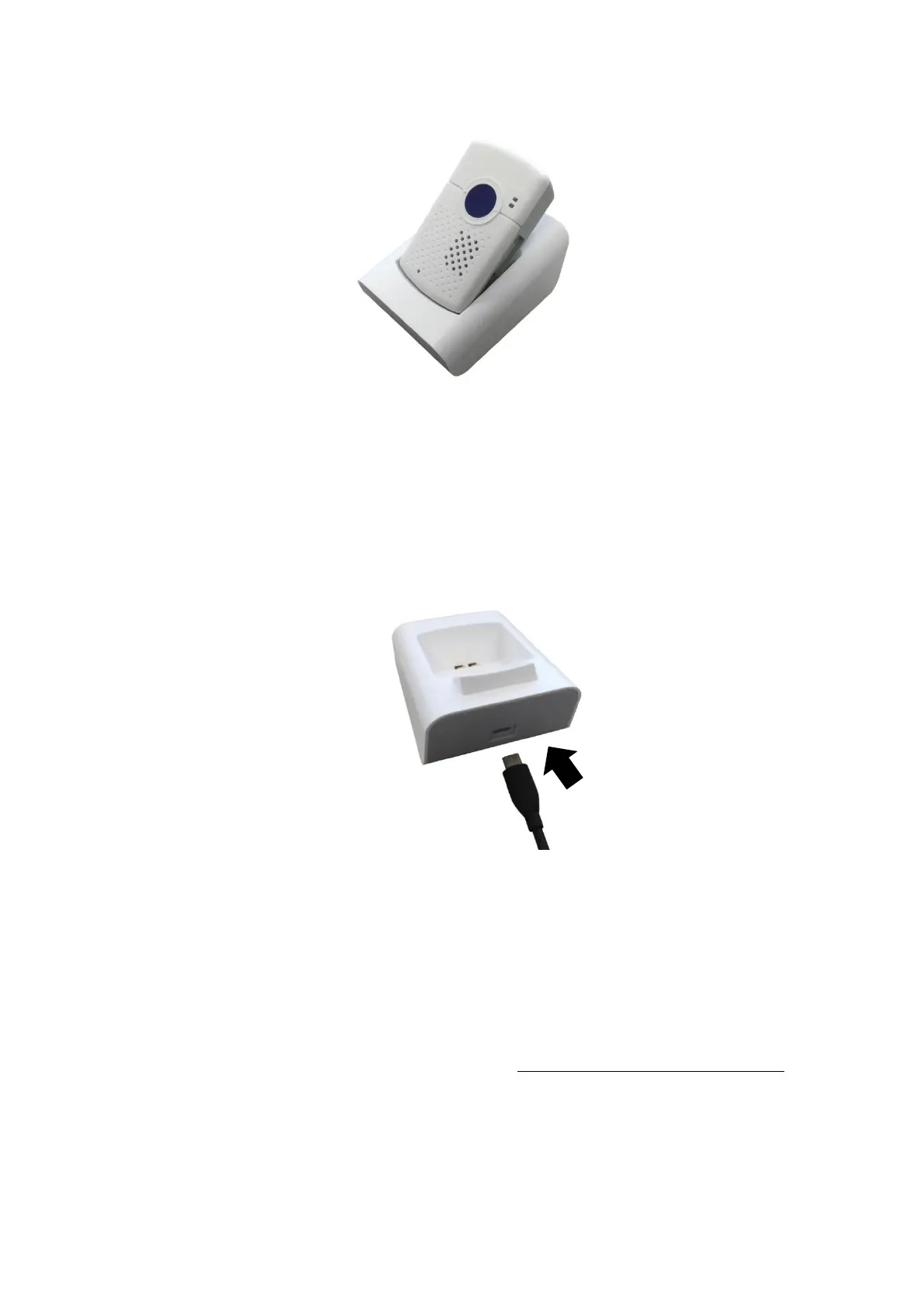
Step 2. Insert the device/cradle end of the Micro-USB Cable into the
Micro-USB jack as shown in the picture:
Step 3. Insert the programming/charging end of the USB cable into the AC
Adapter and plug the adapter into a power socket.
3.3. Hardware Installation
To use PC Programming Tool for programming Mobile Lite, follow the
hardware installation steps below:
Step 1. Loosen the Protective Cover Fixing Screws using a Philips
screwdriver and remove the SIM Card and USB Protective Cover.
Step 2. Insert the device/cradle end of the Programming Micro-USB Cable
into the Micro-USB jack as shown in the picture:



 To Next Page