4
Press twice in learning mode
To remove all learnt in RF
device
6. SIM Card / USB Port
Cover Fixing Screw
7. SIM Card and USB Port
Cover
11. Charging Contact
Plates
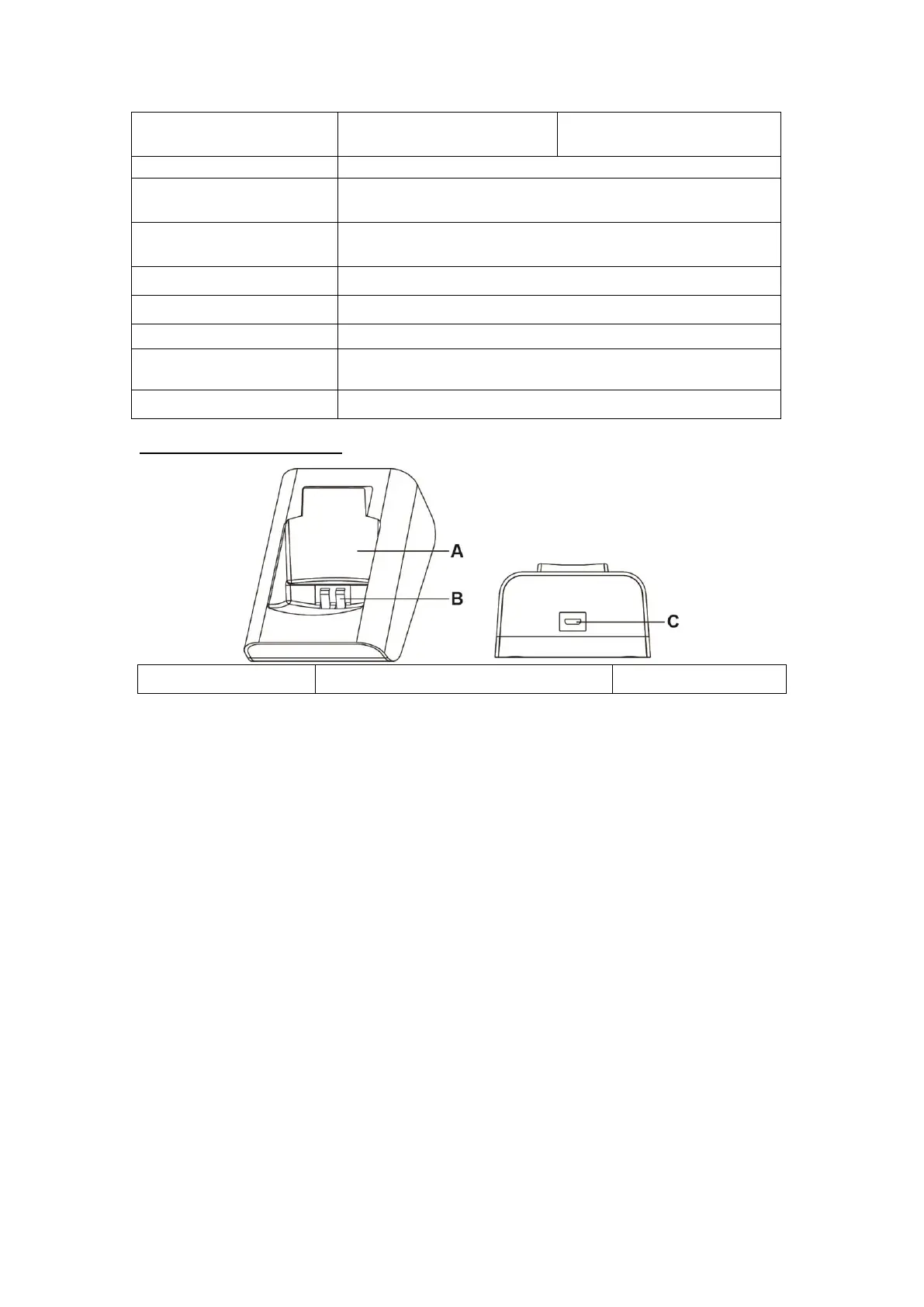
Charging Cradle (CT-5)
B. Cradle Charging Contact Plates
2.2. Power Supply
Mobile Lite is powered by rechargeable battery.
As the battery may not be 100% charged when you get your Mobile Lite,
make sure to charge your Mobile Lite before the first use.
The typical charging time is 4 hours.
To Charge Mobile Lite, please refer to 3.2. Charging Mobile Lite.
When Mobile Lite is low on battery, the Top LED will flash Red every 3
seconds and Mobile Lite will make Low Battery report.
If battery is not changed after making Low Battery report, Mobile Lite will
make the second Low Battery report when battery voltage drops too low
and turn off GPS/Wi-Fi positioning function.
Mobile Lite makes a battery restored report to the CMS when its battery is
fully recharged.



 To Next Page