11
4.1.1. Profile
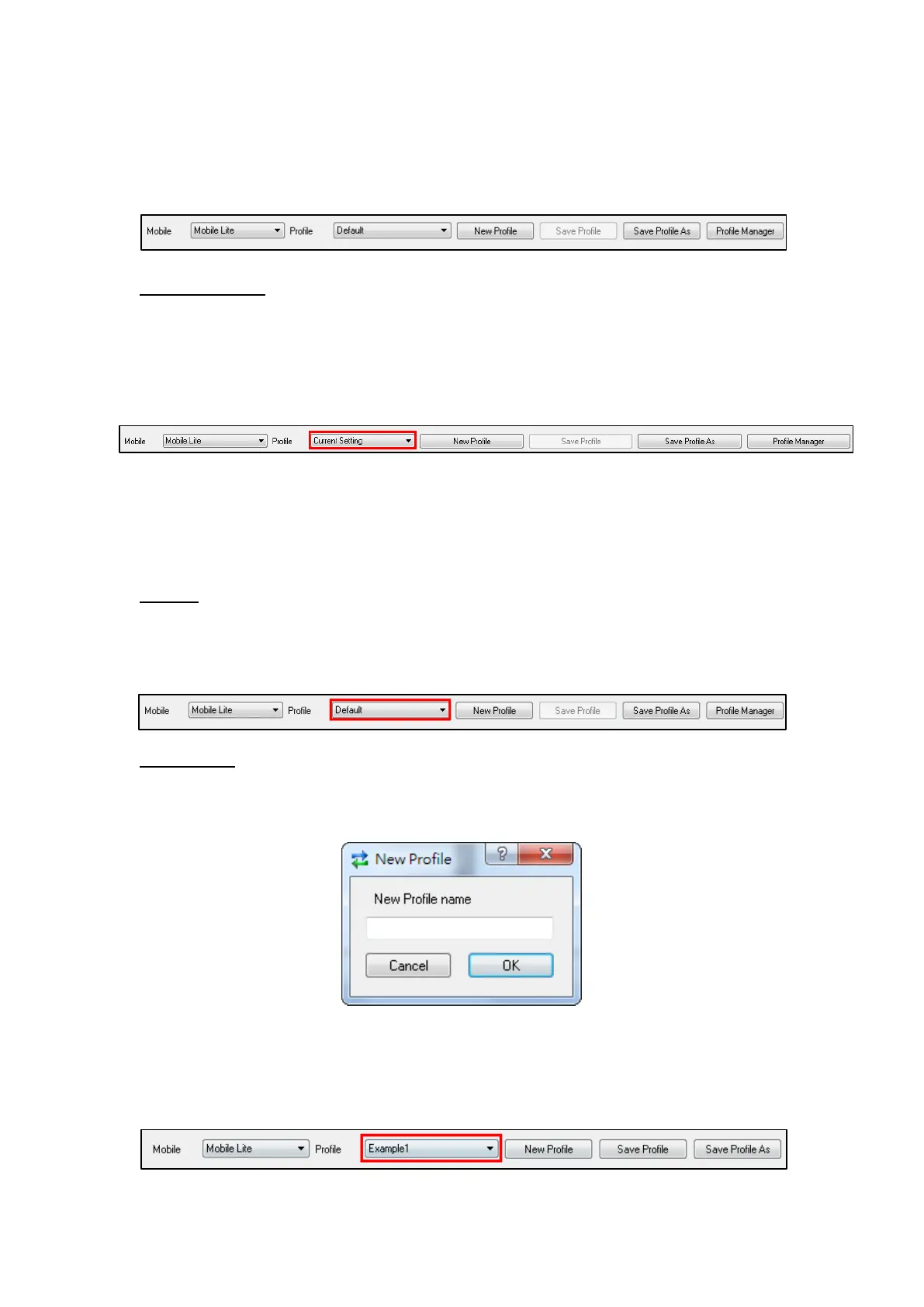
The Profile function allows you to create and edit different setting profiles
which can be easily accessed in the future for quick programming.
Current Setting
After reading the configuration of Mobile Lite, the Profile scroll down bar will
now display “Current Setting” indicating PC Programming Tool is now
displaying the current Mobile Lite configurations. Selecting different tabs will
show the current values of each setting.
If you select a different profile from the drop down menu, the “Current Setting”
profile will disappear to indicate the PC Programming Tool is no longer
displaying Mobile Lite’s current configuration. To access Current Setting again,
click on “Read”.
Default
When “Default” is selected, the PC Programming Tool will display default
configurations of Mobile Lite, you can use this profile to return Mobile Lite to its
default setting.
New Profile
To create a new profile, click on “New Profile”. A pop-up window will prompt
you to enter a profile name:
After entering a profile name, the profile scroll down bar will show the new
profile name:



 To Next Page