18
- If reporting to all the programmed groups failed in a reporting
cycle, Mobile Lite will wait for 5 minutes. After 5 minutes,
Mobile Lite will retry as it starts another reporting cycle.
For Emergency event, Mobile Lite will try reporting for up to
three reporting cycles. If going through three reporting cycles
and all failed, Mobile Lite will terminate reporting.
Example 1, if Groups 1 and 3 are programmed for “Emergency”
reports, and assuming NO successful report until Group 1 is
successful after the second try:
Group 1 > Group 3 > Wait 5 minutes > Group 1 (Success!) >
Group 3 > Stops reporting whether Group 3 is successful or
not.
Example 2, if Groups 1 and 3 are programmed for “Emergency”
reports, and assuming there is NO successful report:
Group 1 > Group 3 > Wait 5 minutes > Group 1 > Group 3 >
Wait 5 minutes > Group 1 > Group 3 > Stops reporting
Status Events:
Mobile Lite will only go through one reporting cycle for Status reports.
For example, if Groups 1 and 3 are programmed for “Status” reports:
Group 1 > Group 3 > Stops reporting whether Groups 1 and 3
succeeded or not
SMS Report text format
Below are the SMS Text messages sent to user according to the condition
of the Mobile Lite.
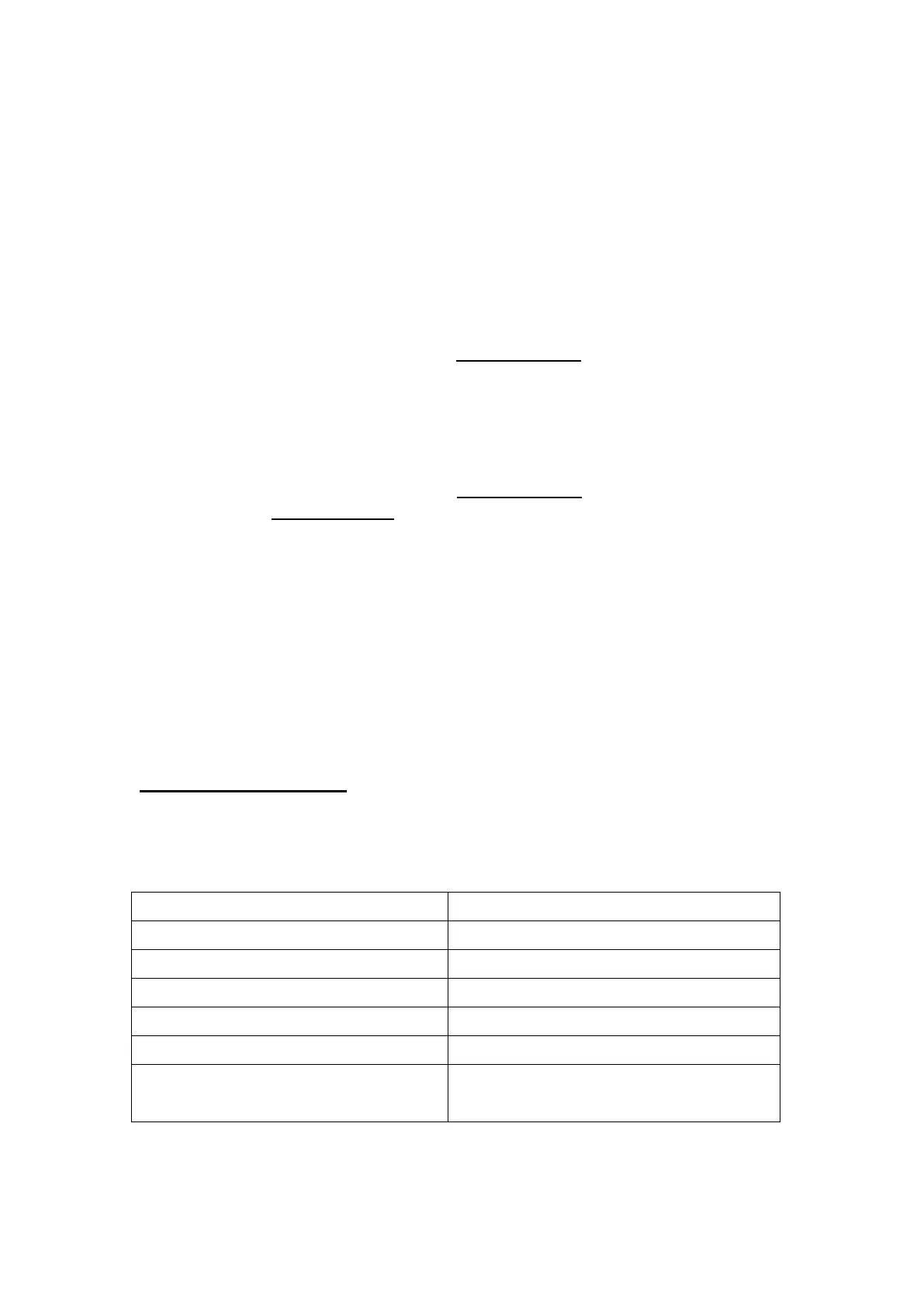
SMS text table:
Mobile Lite Battery Restored
Mobile Lite Periodic Test
Mobile Lite GPS Signal Failure
Carrier leaves GeoFence area
Mobile Lite has exit GeoFence Area
Carrier enters GeoFence area
Mobile Lite has entered GeoFence
Area
When help is sent by pressing the Mobile Lite’s Button, in which according
to CID event code, the user will receive SMS text format as follows:



 To Next Page