ClonerAlliance ViewPro User Manual
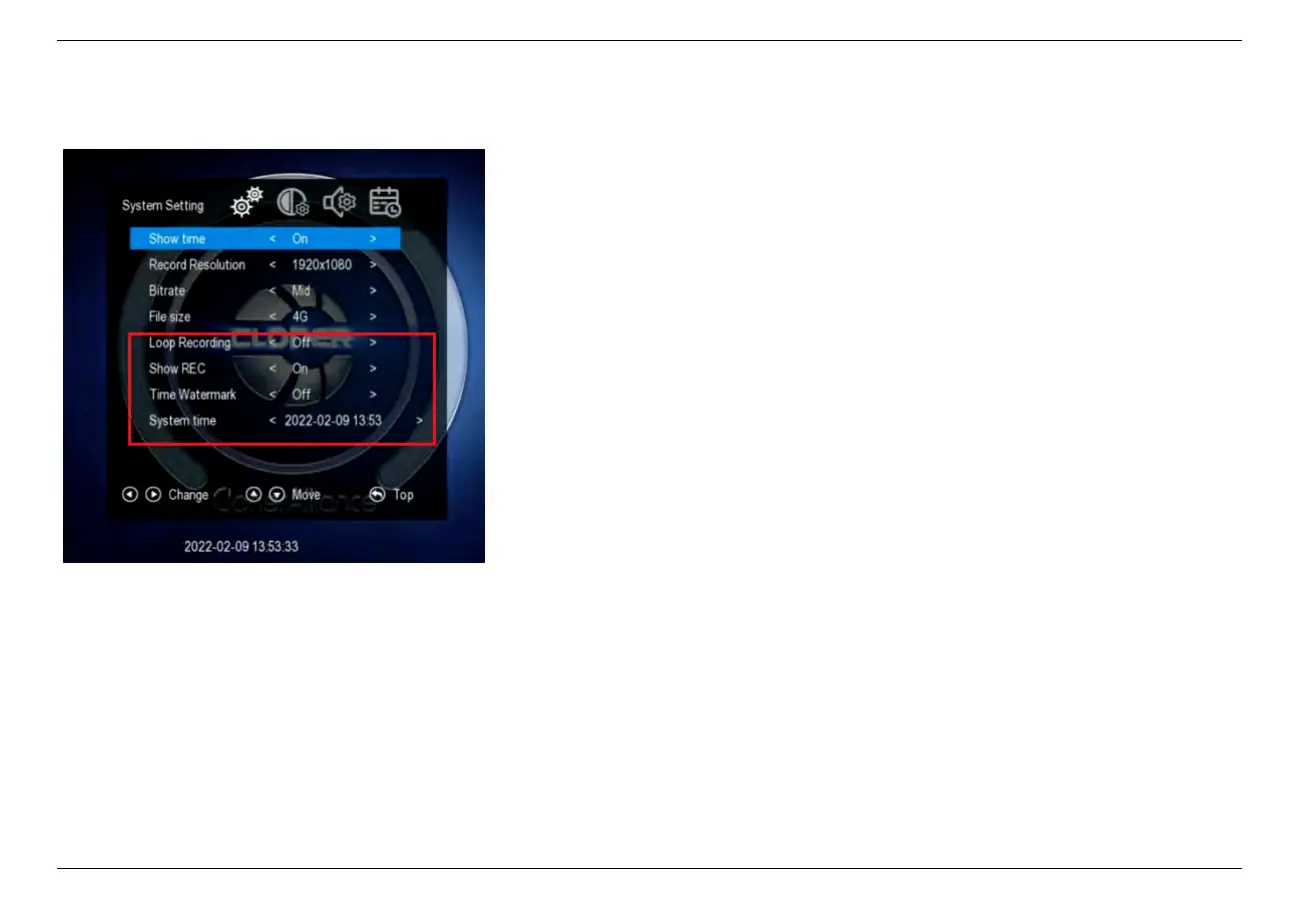
* Press the right and left arrows to choose a setting category
• Loop recording
– On: Enable loop recording. Under this setting,
when the USB storage device is full, it will keep
recording and previous files will be overwritten.
– Off: Disable loop recording. Under this setting,
when the USB storage device is full, it will stop
recording automatically.
• Show REC
– On: It will always display ”REC” during record-
ing.
– Off: ”REC” only shows up at the beginning of
recording, and will disappear in a few seconds.
• Time Watermark
– On: It will display time watermark during record-
ing.
– Off: No time watermark displayed on screen.
• System time
– Set up system time with format ”yyyy-mm-dd hh-
mm”.
2.2. System Settings 10



 To Next Page