ClonerAlliance ViewPro User Manual
4.2 Playback the Recorded media files on TV
• Connect
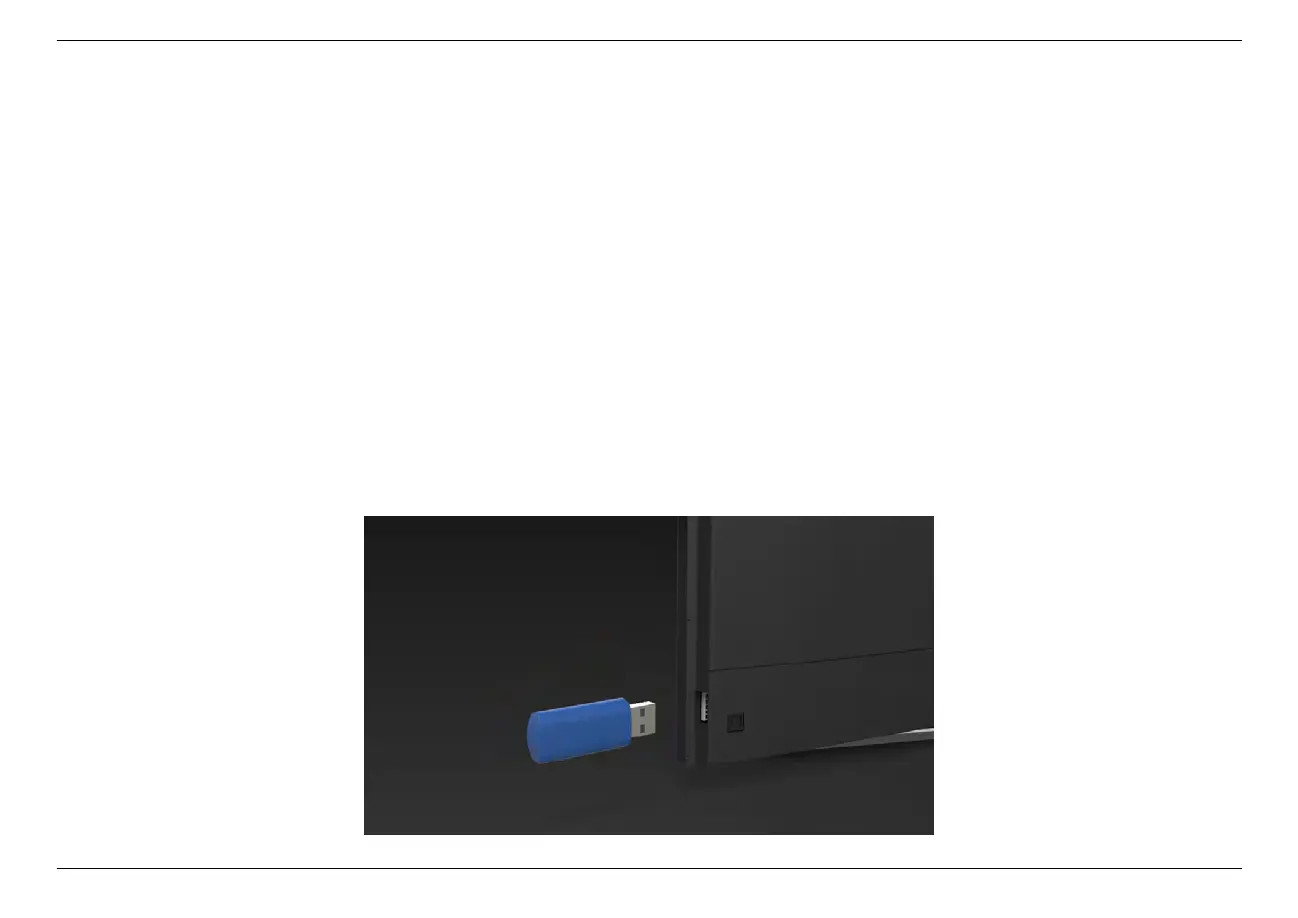
1. Plug the USB flash drive to the USB socket of a smart TV which has built-in media file playback function.
2. Power on the smart TV
• Steps
1. After files are successfully saved to USB flash drive, plug the USB flash drive to the USB socket of a smart TV which
has built-in media file playback function.
4.2. Playback the Recorded media files on TV 31



 To Next Page