ClonerAlliance ViewPro User Manual
6.4 Record/Capture videos on PC
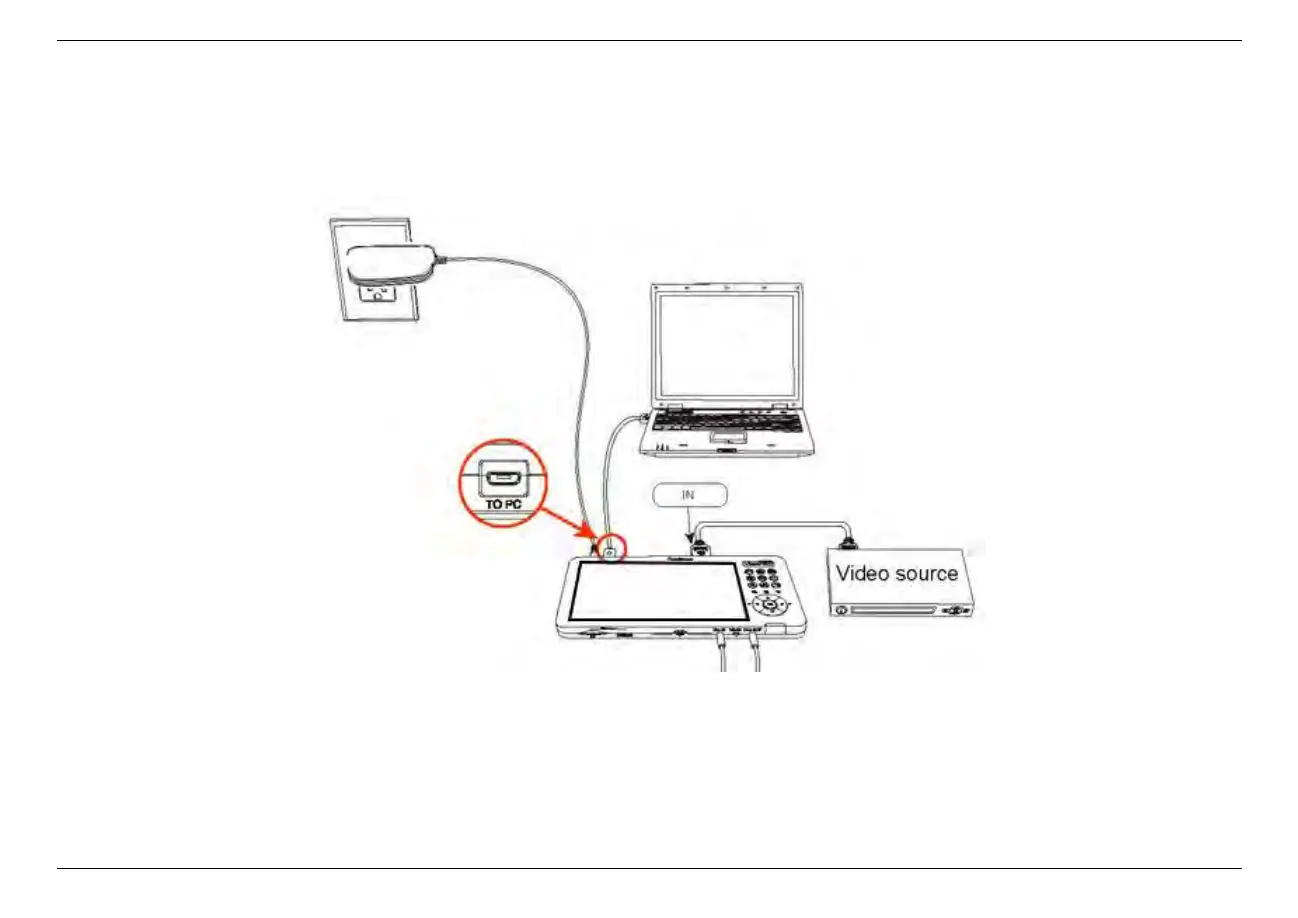
1. After all devices are connected properly, power on the video source device and launch ClonerAlliance Helper on PC.
• When you use ClonerAlliance ViewPro for the first time or restore all settings to the default, you may see the following
black screen:
6.4. Record/Capture videos on PC 42



 To Next Page