ClonerAlliance ViewPro User Manual
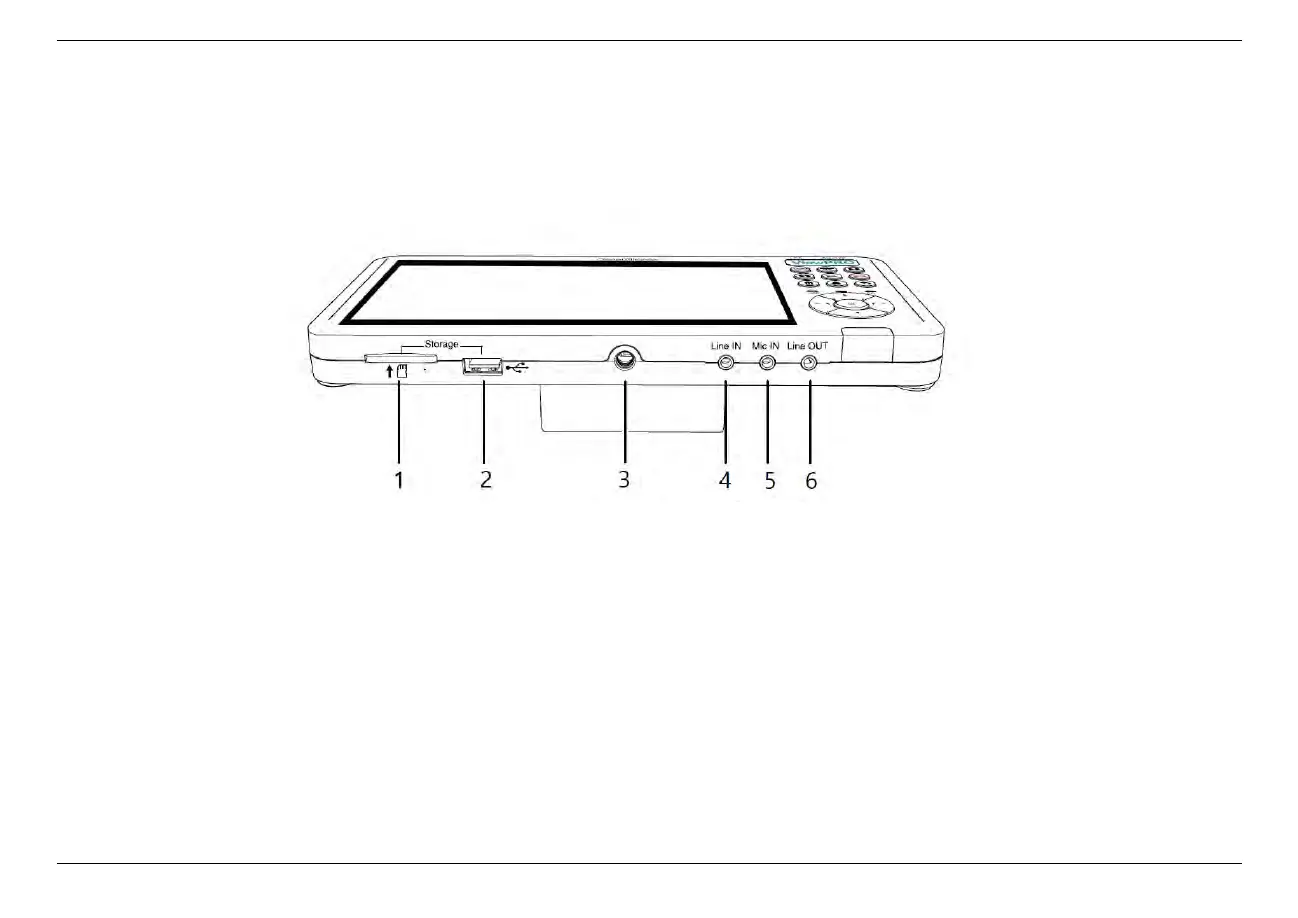
1.2 Product Diagram
1. SD Card slot: Insert SD Card
2. USB slot: Insert a USB flash drive or mobile hard disk and record videos to this storage medium.
3. Tripod Hole: Mount the device to a tripod.
4. Line In: Stereo audio inputs.
5. Mic In: Insert the microphone plug into this jack to input voice.
6. Line out: Stereo audio outputs.
1.2. Product Diagram 2



 To Next Page