FREQUENTLY ASKED QUESTIONS
You can visit https://www.cloner-alliance.com/help/knowledgebase at any time to view latest technical questions and an-
swers.
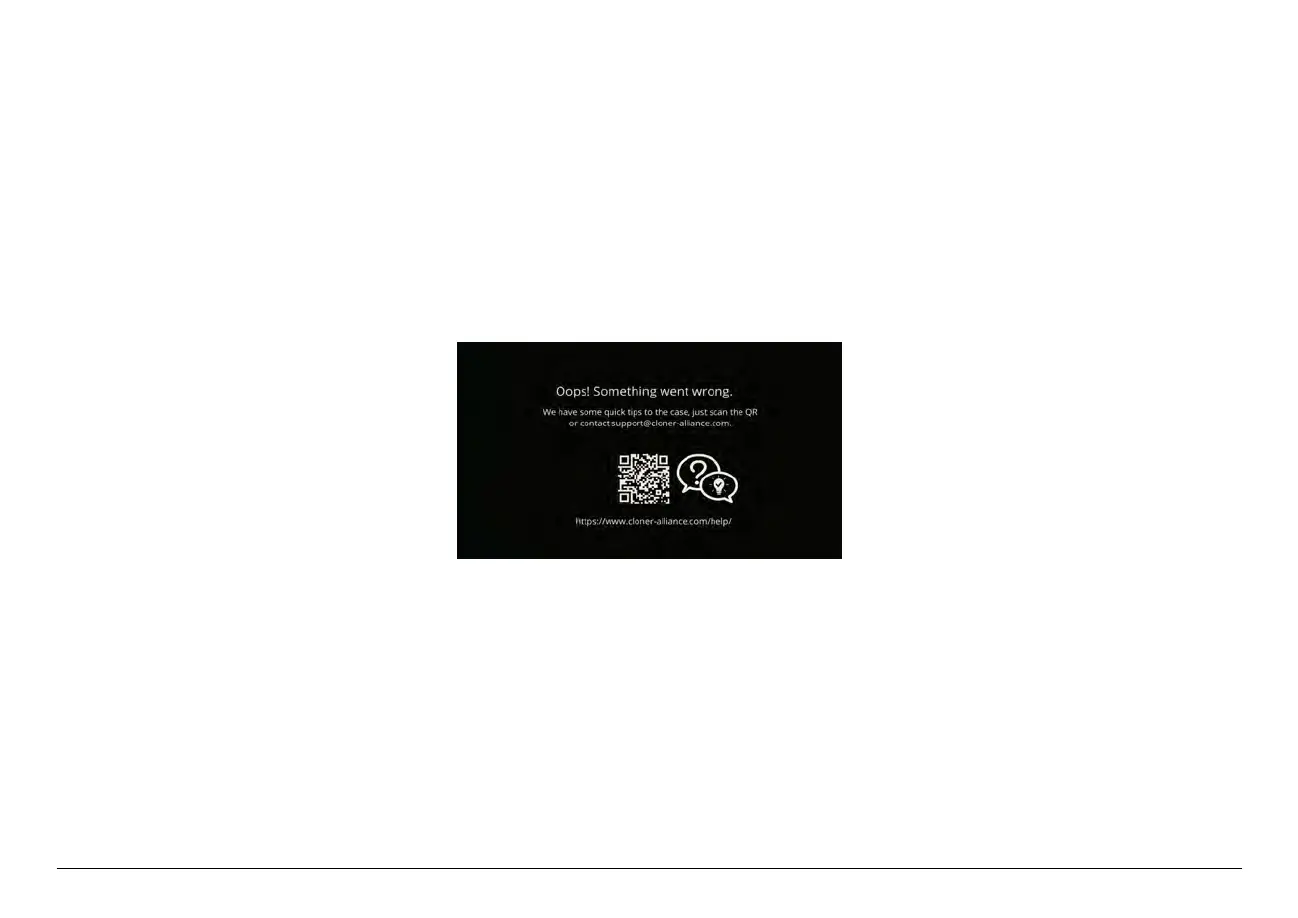
My TV/LCD screen has an “Oops! Something went wrong”message when using ClonerAlliance ViewPro.
After all devices are connected properly, in the process of recording certain video sources, you may see the message “Oops!
Something went wrong”on LCD/TV.
Please click here to find the answer.
USB storage device is not detected, can not start recording, what should I do?
Please proceed as follows:
1. Insert the USB storage device or SD card before powering on ClonerAlliance ViewPro.
55



 To Next Page