ClonerAlliance ViewPro User Manual
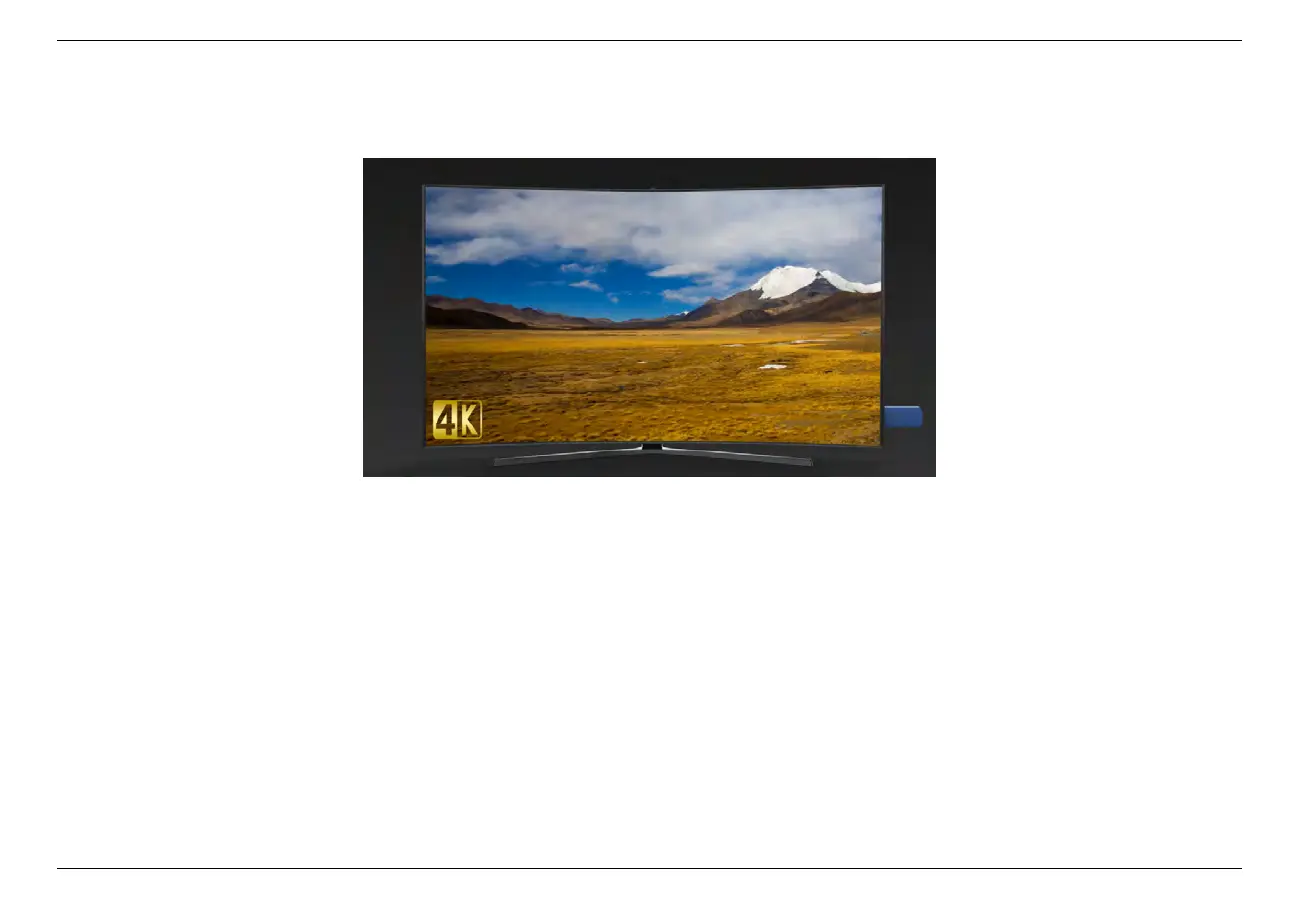
2. Launch USB device on smart TV, then playback the files ClonerAlliance ViewPro recorded.
4.3 Playback the Recorded media files on PC
• Connect
1. Plug the USB flash drive to the USB socket of PC.
2. Launch USB flash drive on PC.
4.3. Playback the Recorded media files on PC 32



 To Next Page