ClonerAlliance ViewPro User Manual
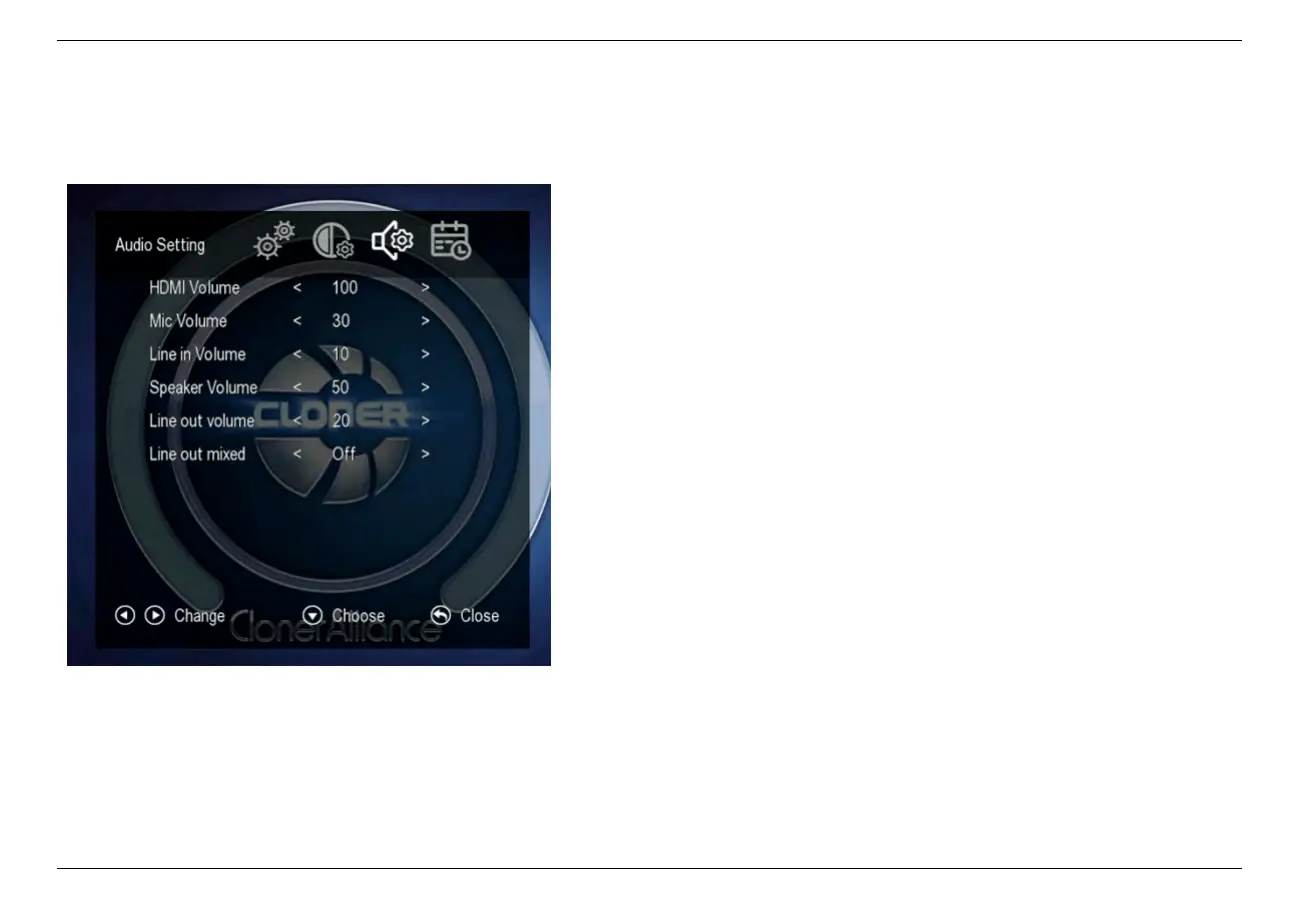
2.4 Audio Settings
* Press the right and left arrows to choose a setting category
• HDMI Volume: Set the volume of HDMI.
• Mic Volume: Set the volume of Mic.
• Line in Volume: Set the volume of Line in.
• Speaker Volume: Set the volume of speaker.
• Line out Volume: Set the volume of Line out.
• Line out mixed:
– On: Line out outputs the audios of HDMI, Mic
and Line in together.
– Off: Line out only outputs the audio of HDMI.
2.4. Audio Settings 12



 To Next Page