ClonerAlliance ViewPro User Manual
5.2 Schedule a recording
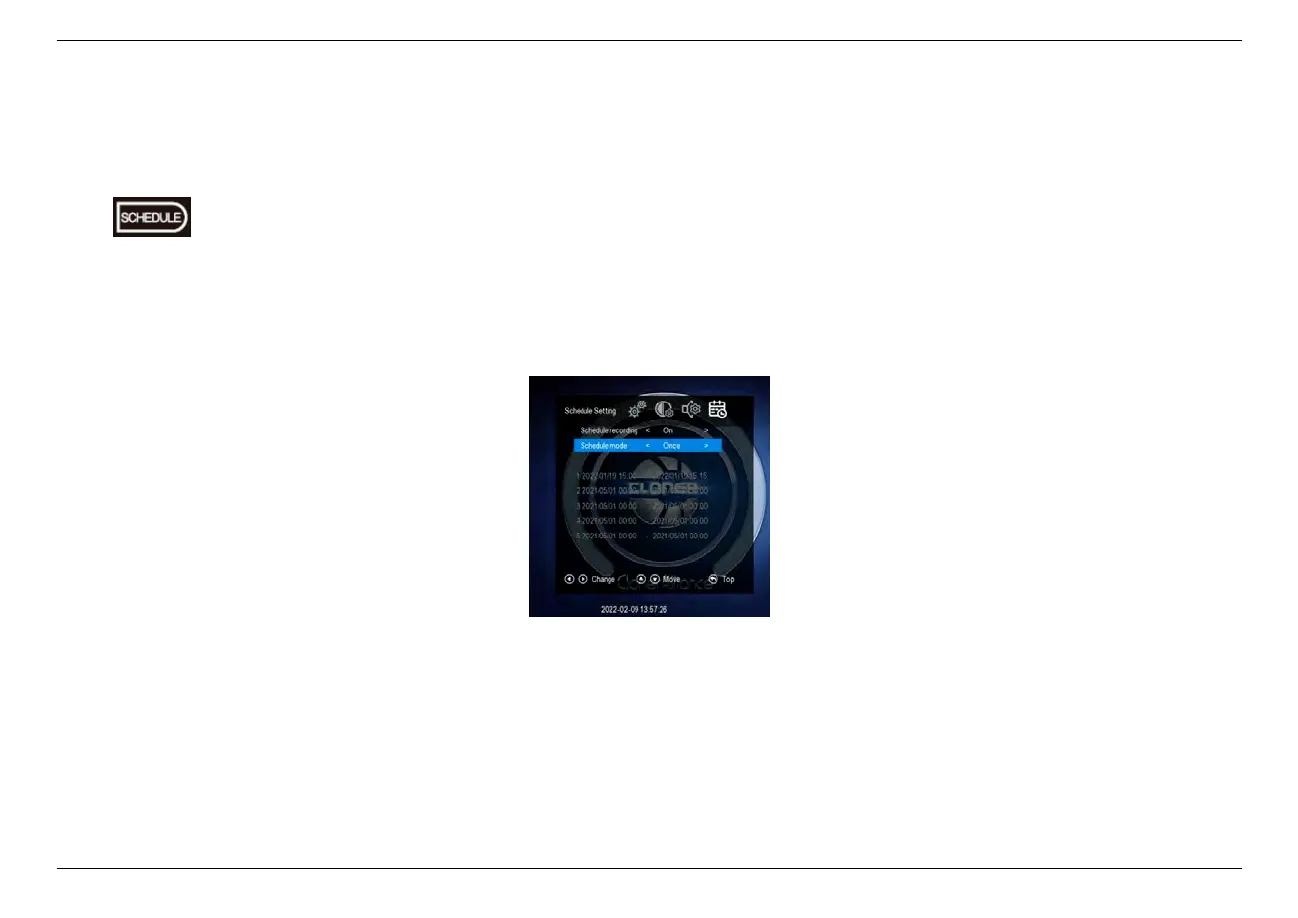
Press button on the remote control to set up schedule tasks.
Set the schedule mode, start time and finish time by using the four arrow buttons on the remote control. Then press BACK
button on remote, it will save the scheduled tasks automatically.
Then ClonerAlliance ViewPro will start to record videos automatically at the scheduled time.
Tips:
1. In order to avoid power failure causing system time changing which may lead scheduled tasks not being executed on
5.2. Schedule a recording 35



 To Next Page