ClonerAlliance ViewPro User Manual
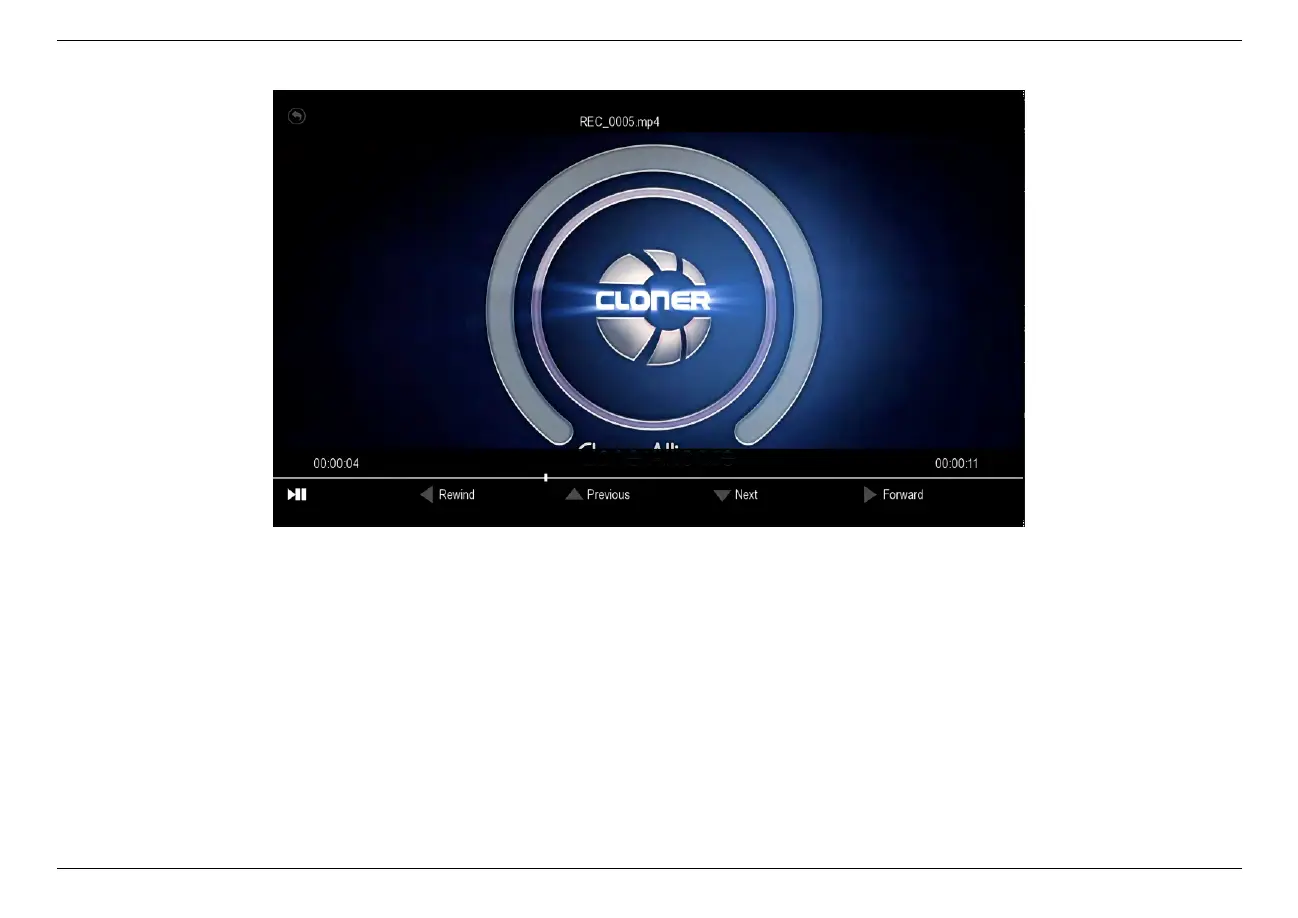
4. During playback, you can use up/down/left/right arrow buttons on the remote to choose previous/next/rewind/forward.
To go back to“Capture”mode when you are done playing back videos, simply press the“Back”button on the remote
several times until you are back in “Capture”mode.
4.1. Playback the Recorded files on ViewPro directly 30



 To Next Page