ClonerAlliance ViewPro User Manual
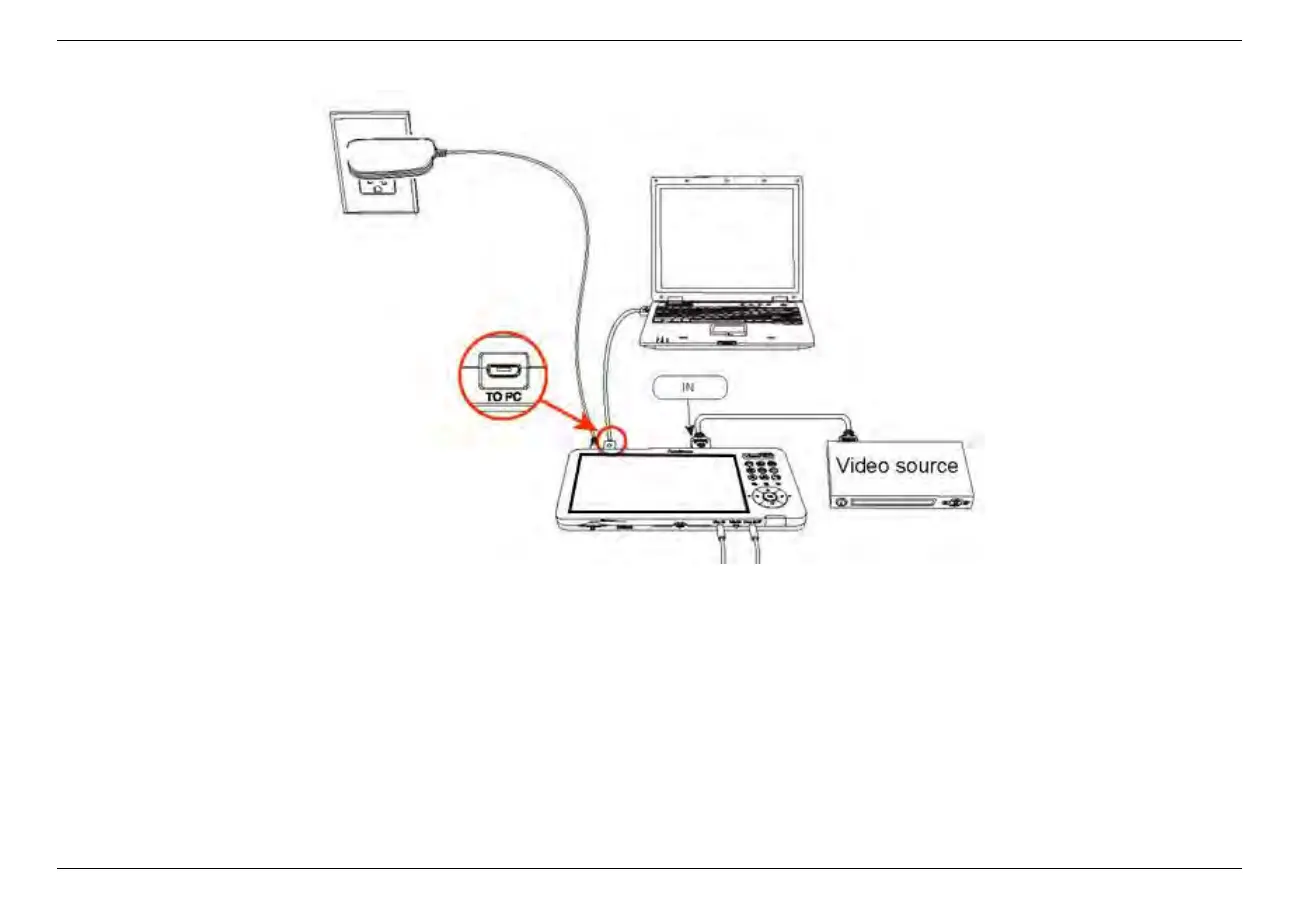
After all devices have been connected properly, please power on all connected devices. The Windows operating system will
prompt“Found a new hardware”and install the driver automatically. Please make sure ClonerAlliance ViewPro is connected
successfully and “ClonerAlliance ViewPro Audio/Video”appears in the Device Manager (Right click My Computer –
Manage – System Tools – Device Manager). If “ClonerAlliance ViewPro Audio/Video”doesn’t appear in the list, please
re-connect ClonerAlliance ViewPro and try again.
6.3. Connect ClonerAlliance ViewPro with other devices. 40



 To Next Page