ClonerAlliance ViewPro User Manual
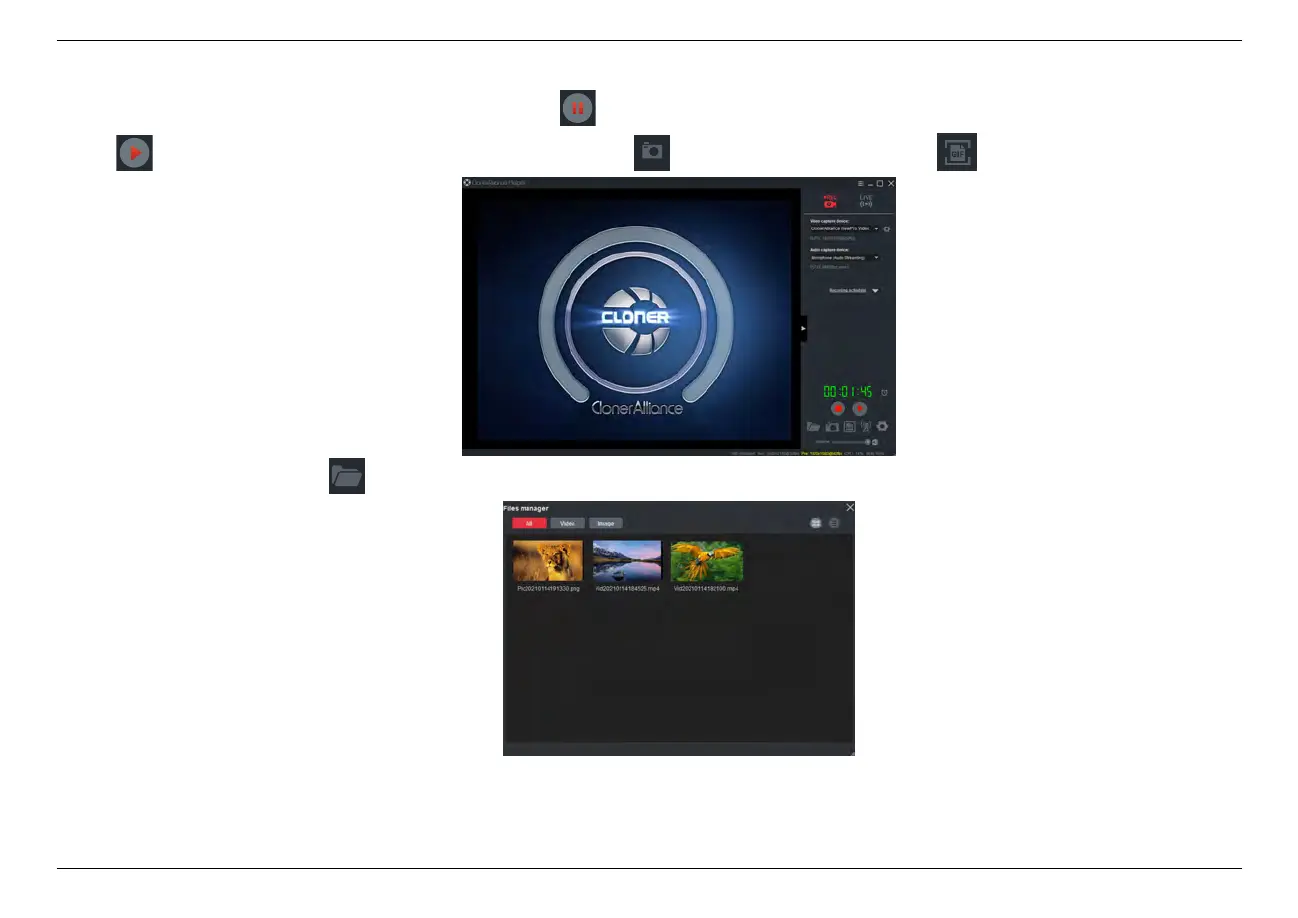
Tip: During recording, you can also click to pause at anytime. When you want to resume, please click
to continue recording. Besides, you can Click to take screenshots, click to capture GIF animation.
5. After recording, click to view the captured files, then double click the files to play back directly.
6.4. Record/Capture videos on PC 45



 To Next Page