ClonerAlliance ViewPro User Manual
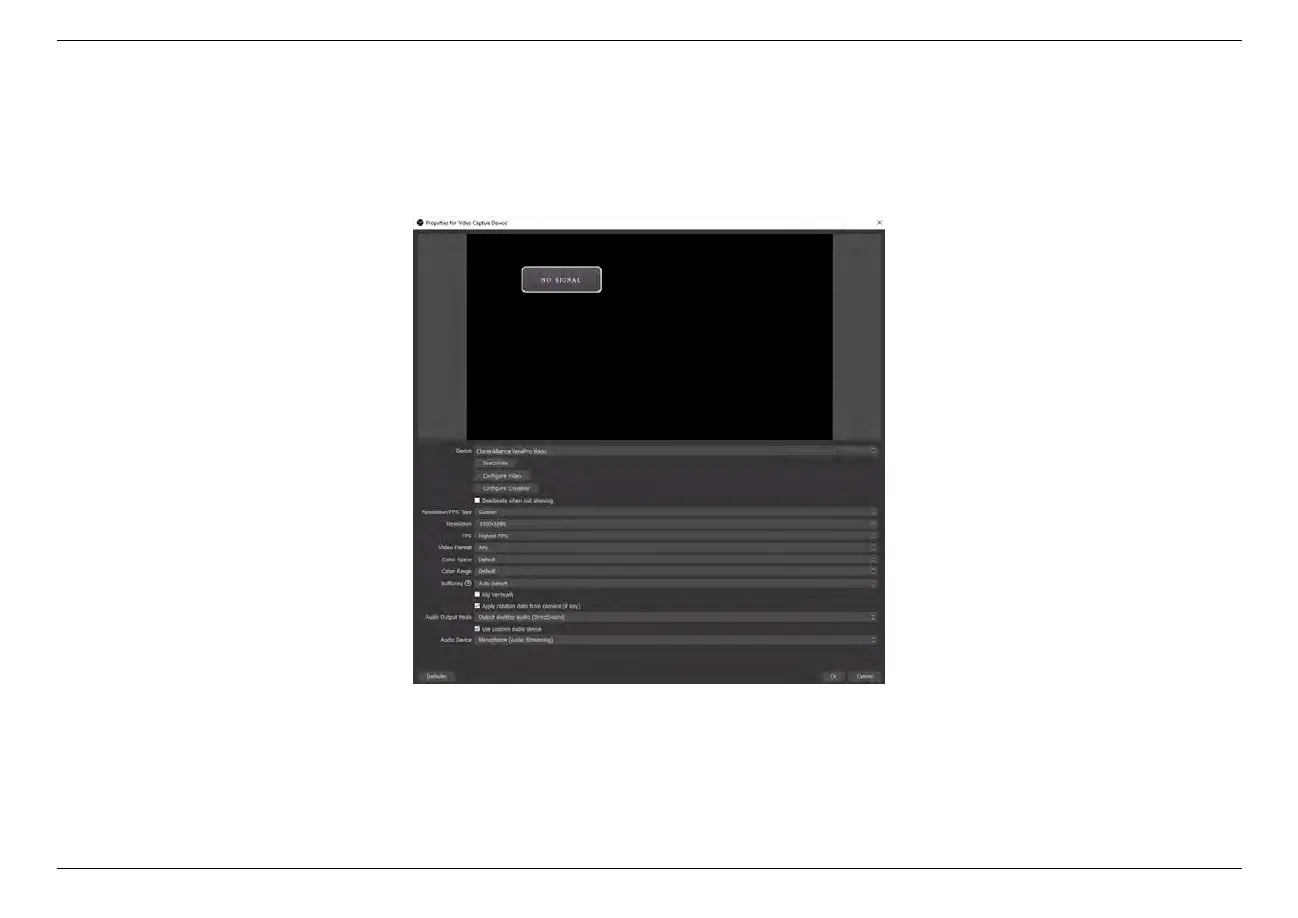
3. In the
“
Properties for Video Capture Device
”
window, select
“
ClonerAlliance ViewPro Video
”
in the dropdown
list of “Device”, and then scroll down to the “Audio Output Mode”option. Please select “Output desktop audio
(DirectSound)”in the drop-down list. Click “OK”to save the settings.
7.4. Setting for preview video in OBS studio 53



 To Next Page