Page | 9
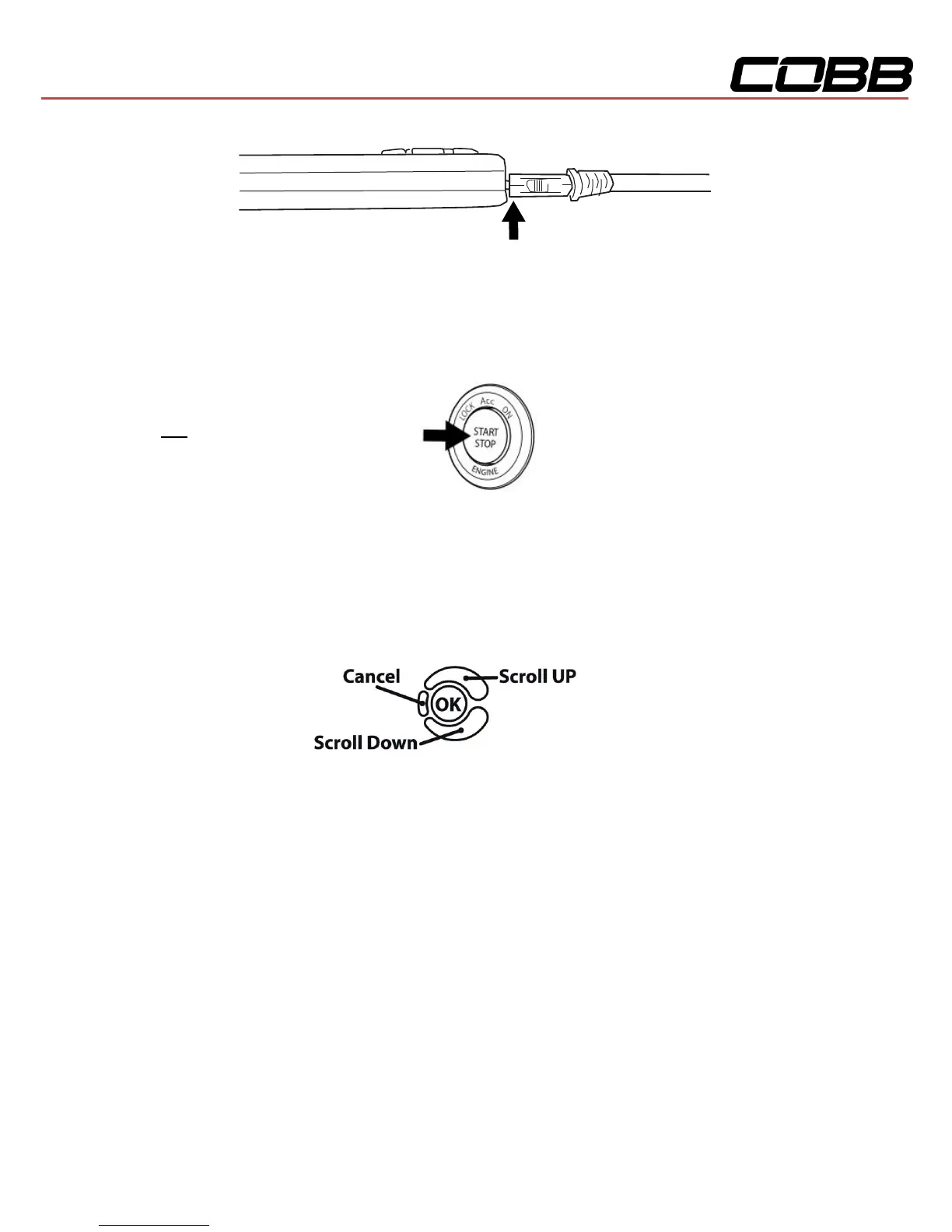
5. Press the START/STOP button twice with your foot OFF the brake pedal to turn on the ignition,
but do not start the vehicle.
NOTE: The engine
should not be running.
6. Select [Install] from the Accessport menu by pressing the [OK] button to proceed with
installation.
Accessport Buttons:
Standard Tuning vs SD (Speed Density) Tuning
Standard Tuning uses MAF (Mass Air Flow) sensor for air flow calculations. COBB Tuning provides Off-
The-Shelf (OTS) maps created using this calculation method.
SD (Speed Density) Tuning uses MAP (Manifold Absolute Pressure) sensor for air flow calculations.
Users who prefer the vehicle to be tuned by this method must either have the vehicle professionally
tuned or generate their own Accesstuner Race map. The Accessport will not be pre-loaded with Speed
Density maps.


 To Next Page