Page | 17
Press [OK] and using the [Up] and [Down] buttons, set the RPM to the desired level to have the shift
light flash. Press [OK] to save the RPM you have selected. By default, the shift light RPM is set above
the stock redline. This essentially disables the shift light since that RPM will not be reached. You will
need to lower the shift light RPM to enable this feature.
Press [UP] to find the Setup option for the Shift Light, where you will find the following options:
Disable Shift Light – Disables the shift light function and removes the shift light from the gauges
screen.
NOTE: When you initiate a datalog, the shift light will reappear to notify you that you are logging.
Reset Shift Light – Resets the shift light back to the default value.
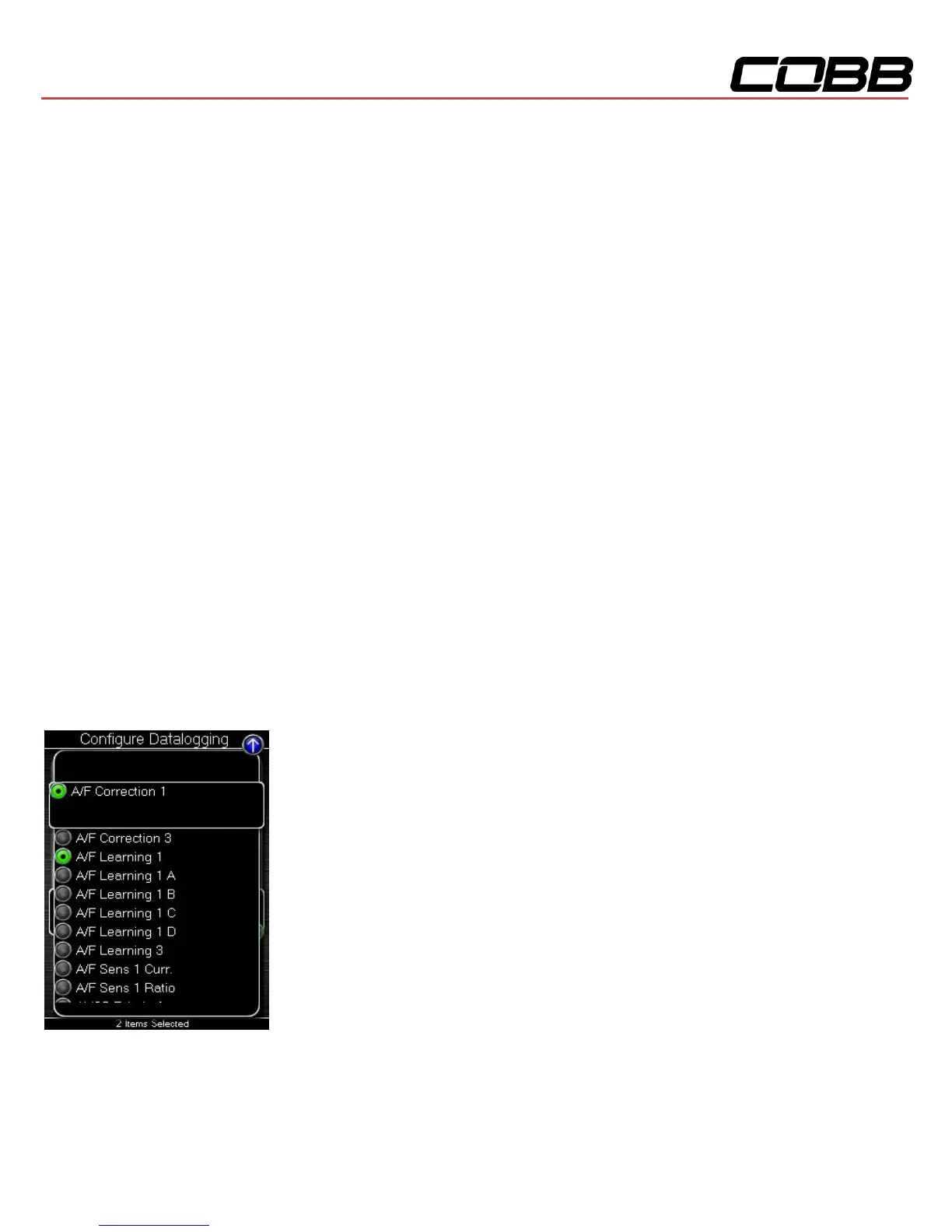
Configure Datalogging
This list allows the user to enable and disable items for logging. Only monitors with a green circle will be
recorded while using the datalogging feature. A default log list including a group of monitors complied
by our in-house tuners has been provided. You can make changes to the log list by highlighting a


 To Next Page