Page | 14
Press the [Up] or [Down] button to select the header. Then press the [Down] button to highlight the
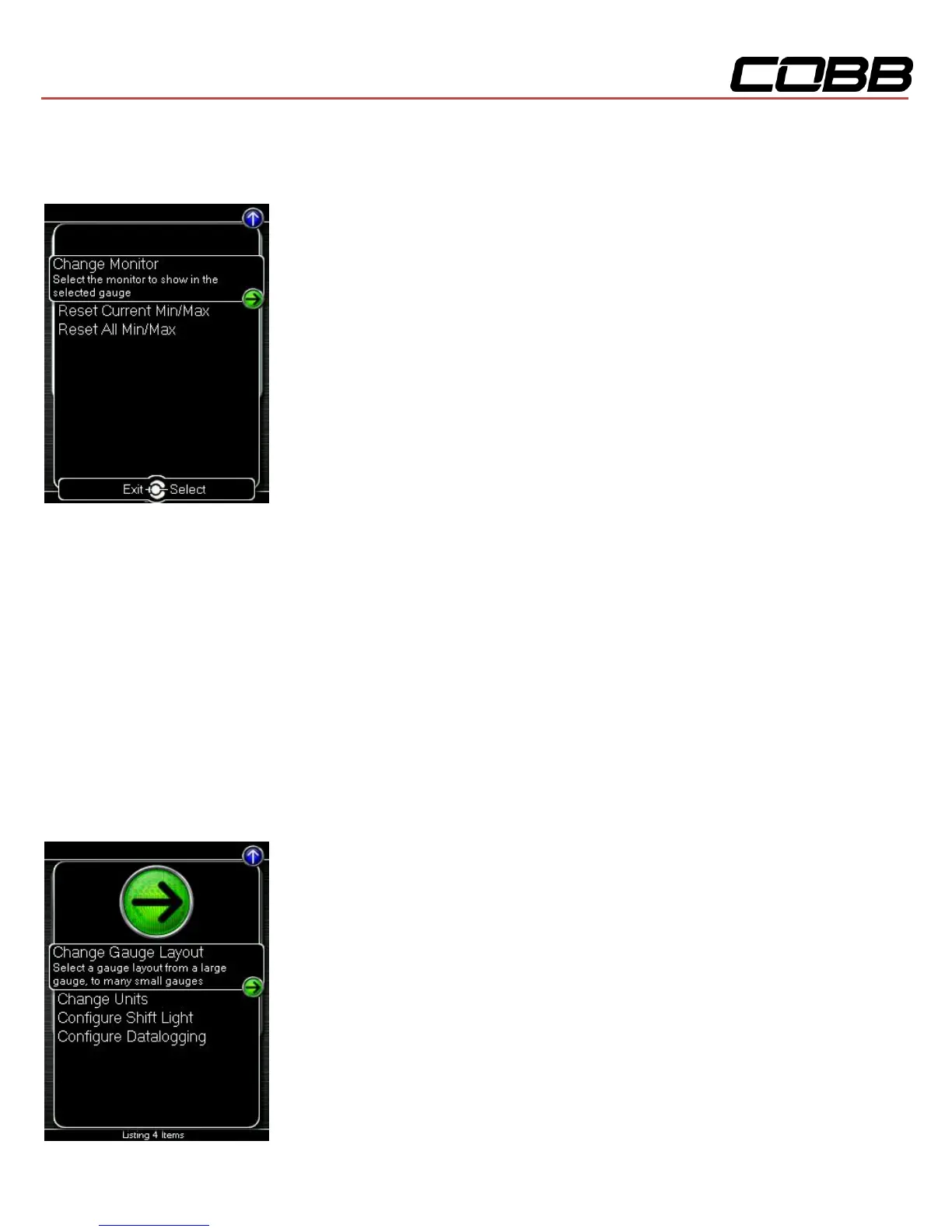
monitor you would like to interact with and press [OK]. You will then be presented with the following
options.
Change Monitor – Select the monitor that will be shown in the selected gauge
Note: While in the Change Monitor list, you can press [UP] to find a Sort Monitors option. This
option will sort all monitors in reverse alphabetical order.
Reset Current Min/Max – Reset the minimum and maximum values of the selected gauge
Reset All Min/Max – Reset the minimum and maximum values of all gauges
Setup
To enter the Setup function, press the [Up] button to select the header. Now press the [Up] key to
highlight the arrow button next to Setup and press [OK] to view the sub-menu.



 To Next Page