Page | 26
Setup
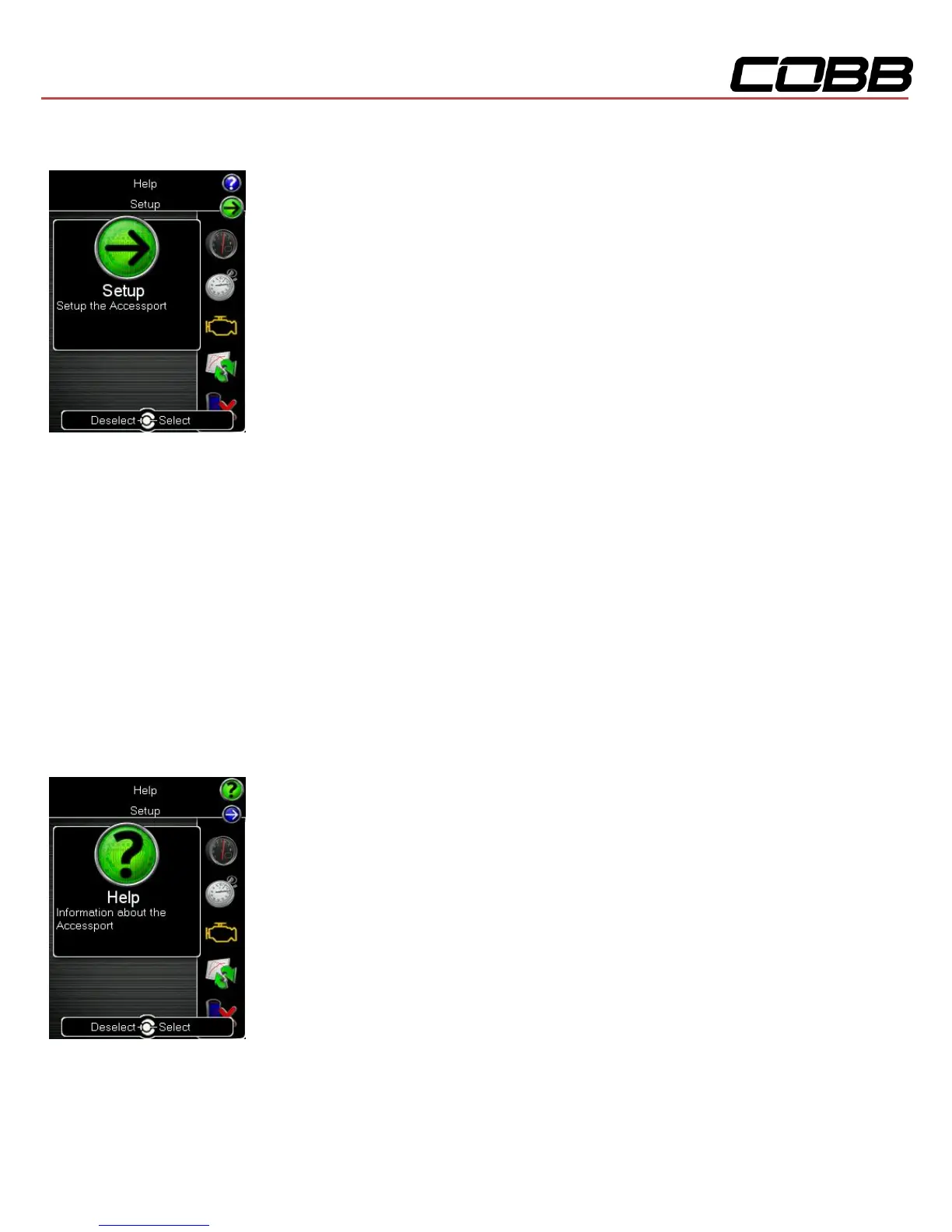
To enter the Setup function, press the [Up] button to bring up the header
above the Gauges icon. From here you will have access to the following
options:
Auto On/Off Settings – Enable this feature and your Accessport will power on
and off with your vehicle.
Enable Auto On/Off – This will enable the Auto On/Off Feature.
Enable Diagnostic Logging – You may be instructed by a CSR to
enable this function when diagnosing issues.
Enable Low Battery Shutdown – This will shut the Accessport down if
battery voltage drops below 10v.
Change Units: Choose from Standard, Metric, and Metric with AFR.
Change Boost Wrap Units: Set the boost wrap unit scheme for your vehicle’s multi-function display.
Note: ECU must be reflashed before new boost wrap units will be used.
Language: Choose from an array of various languages. (Note that not all menu entries are translated.)
Help
To enter the Help function, press the [Up] button to bring up the header above
the Setup icon. From here you will have access to the following options:
About Accessport: Displays technical information about the Accessport.
Context Help: Shows more information about the screen you are currently viewing.



 To Next Page