DIGIMINI EMEA/APAC/AUSTRALIA REPEATERS
PRODUCT DESCRIPTION AND USER’S MANUAL
Cobham Wireless – Coverage Date: 11-Oct-15 www.cobham.com/wireless
Document number: 00030UMCD Rev. 5.0
Page |4-17
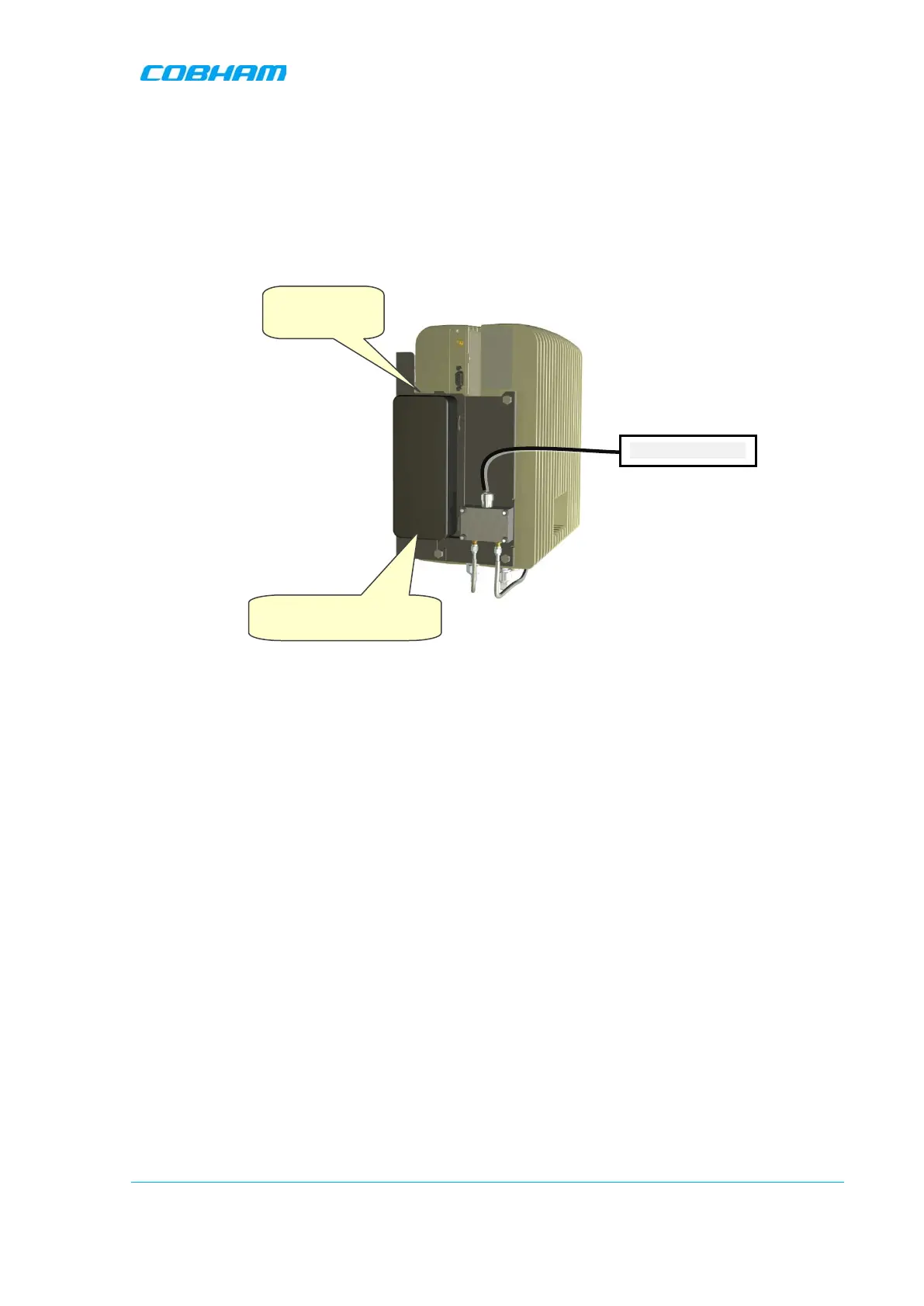
4.8 Power Up
To power up
1. Connect each Power Supply (AC/DC Converter) output to a Repeater front panel DC power
connector.
2. Connect each of the Repeater P.S. units’ to the AC power outlet.
Figure 4-21. Powering Up (shown with illustration of Combiner)
4.9 What Next?
• Installations
without
DIGImini Control Unit (DMCU) – continue to Chapter 5 - SETUP AND
CONFIGURATION
• Installations
with
DMCU – refer to the DMCU User Manual.
110/240 VAC
Connect to
panel DC connector



 To Next Page