www.colorlightinside.com
10
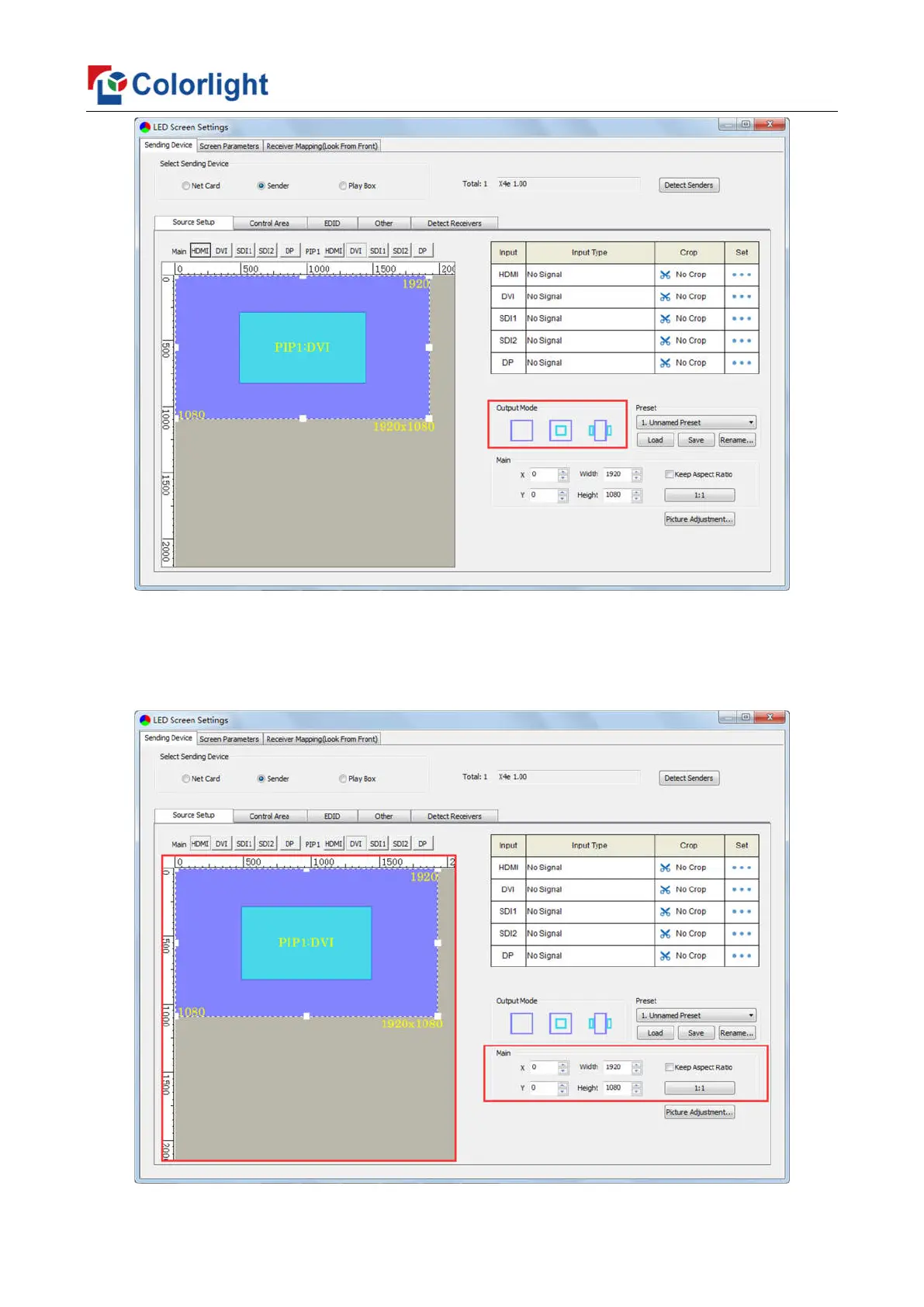
③ Scaling
In Image View Area, select the image that needs to be scaled, set X, Y, width and
height of it in [Main] or [PIP], or you can click the white box in the bottom right corner of the
image and drag it with the mouse, finally click [Save].



 To Next Page