www.colorlightinside.com
19
Note: As the cabinets have multiple and different specification (that is the inconsistent
capacity of the receiving card), you can select the different one to adjust separately after
completing setting.
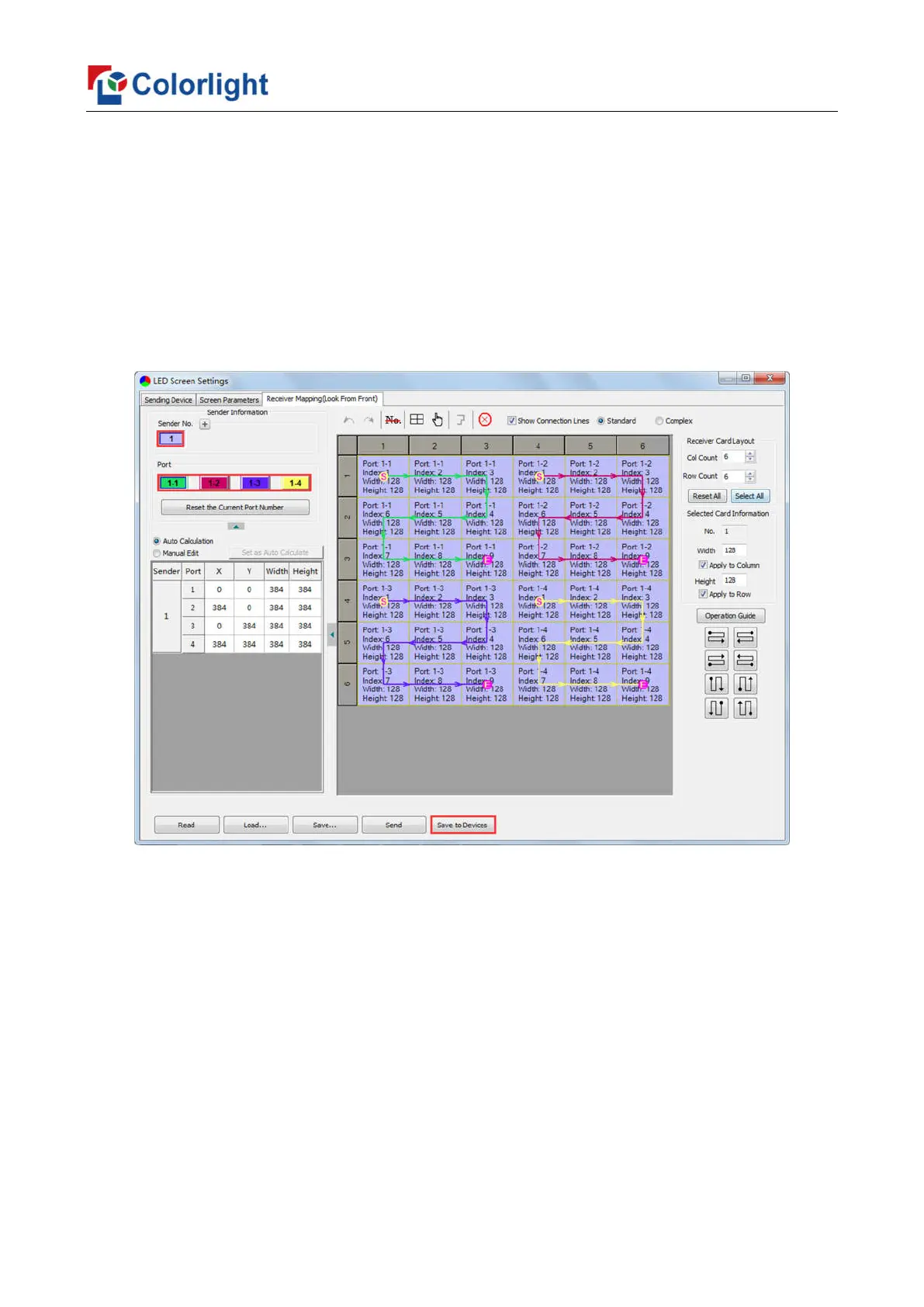
3. Send & Save to Receiving Card
After setting up all the receiving card parameters and connection lines respectively,
click [Send] to send the correct parameter to the receiving card, and the screen should
display normally at this time.
Then click [Save to Receiver] to save parameters to corresponding receiving card
after confirming.



 To Next Page