Version 1.00 18 Global Scanning UK Ltd © 2018
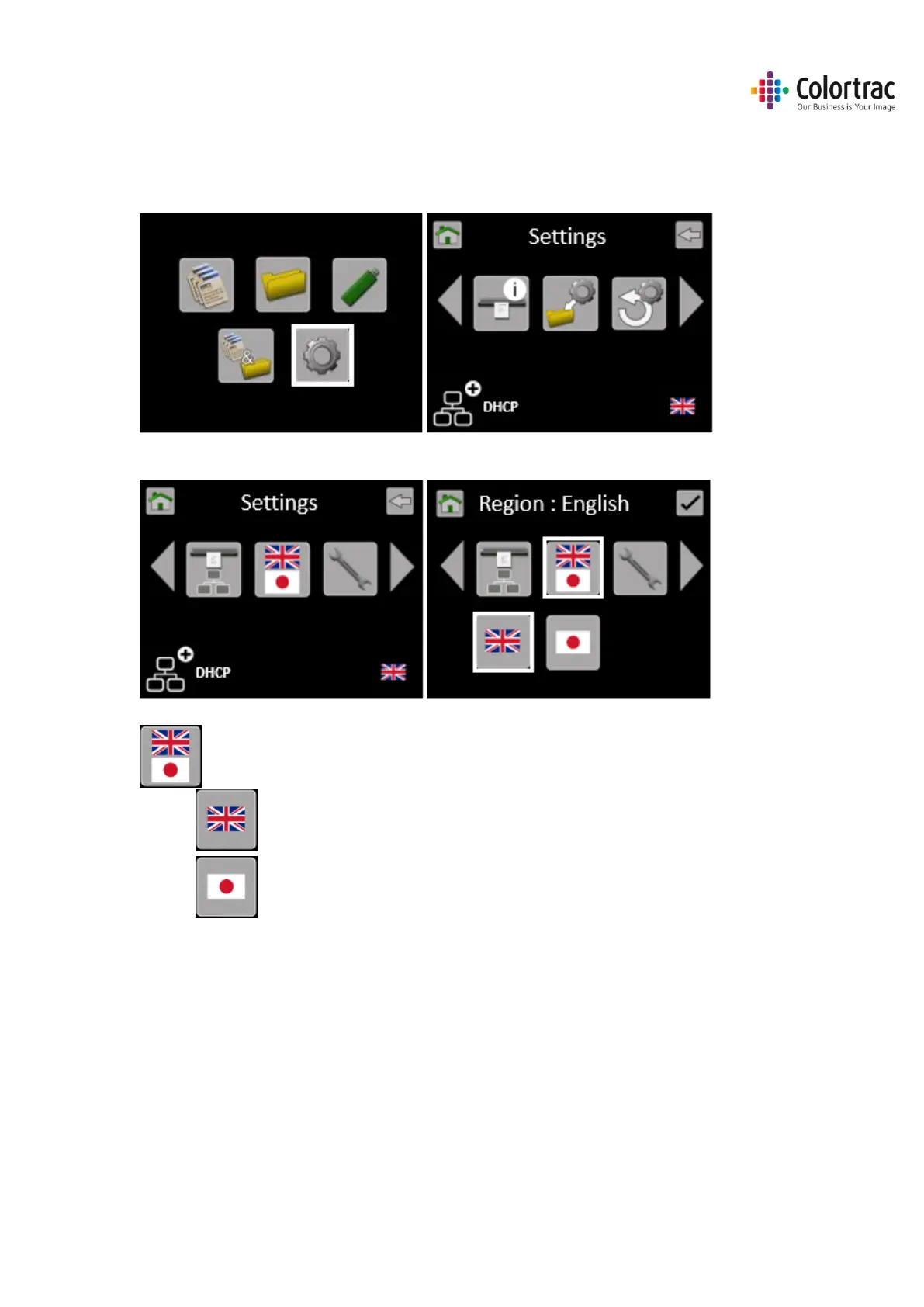
Configuring the language of the scanner
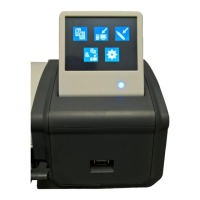
Turn on the power switch on the side of the scanner.
From the Home Page, select Scanner Settings.
Scroll to the left and select Language.
Select Language.
o English Text (Sets ScanApp Mode = Plus)
o Japanese Text (Sets ScanApp Mode = Standard)







 To Next Page