Version 1.00 72 Global Scanning UK Ltd © 2018
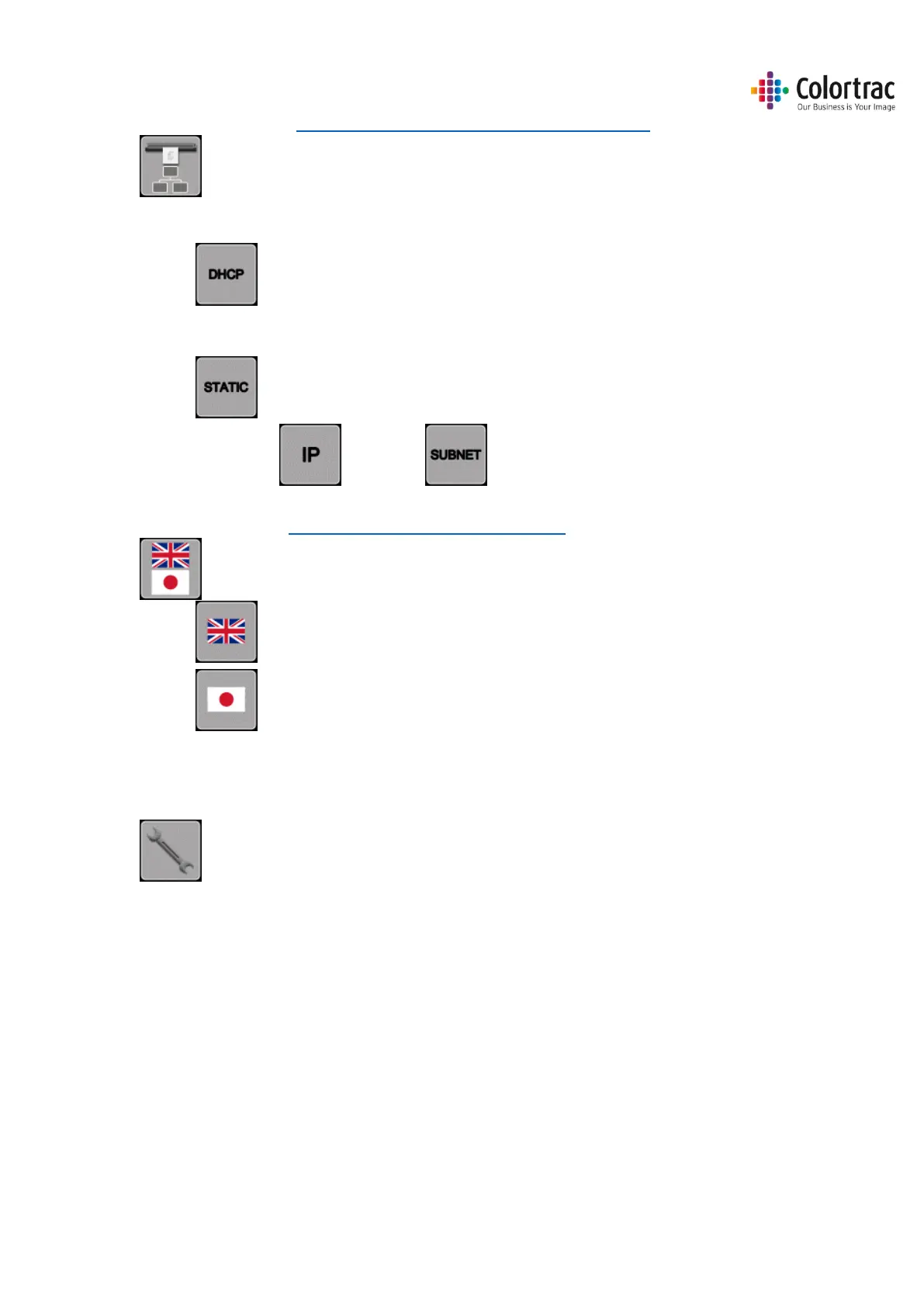
Network Settings. See Configuring the network connection of the scanner
o Automatic IP Settings
DHCP
o Manual IP Settings
Static IP Address
IP Address, Subnet Mask
Select Language. See Configuring the language of the scanner
o English Text (Sets ScanApp Mode = Plus)
o Japanese Text (Sets ScanApp Mode = Standard)
Engineer Menu. (For service use only - password required).
Saving Scanner Settings
The Scanner Settings are saved automatically through their respective menus:
Firmware, Calibration, Stitch adjustment, Scan Length, ScanApp Mode, Assigned printer
numbers, Assigned PC numbers, Scanner Network Settings, Language.
No. scans/copies, scan length, error log.











 To Next Page