Version 1.00 91 Global Scanning UK Ltd © 2018
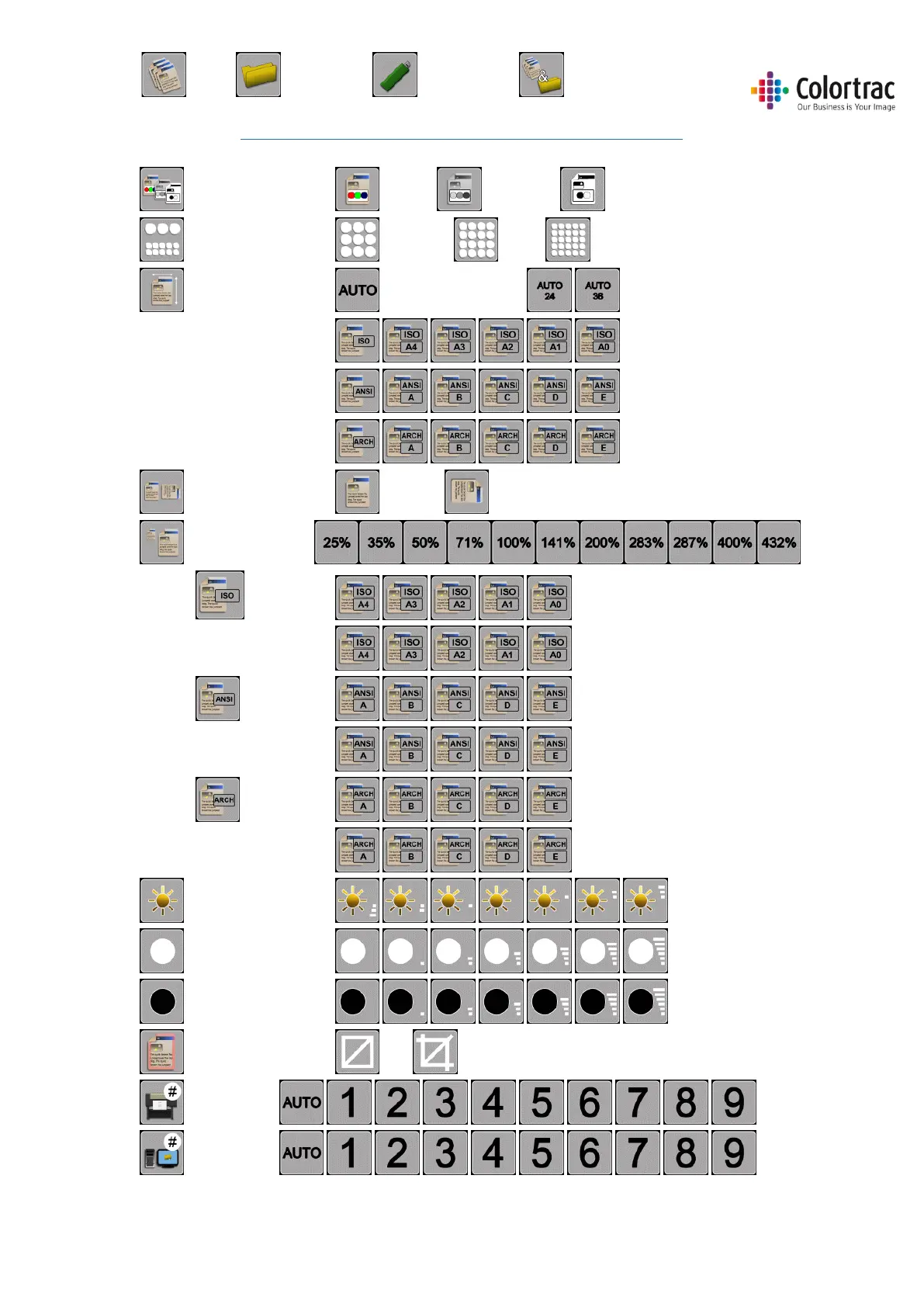
Icon Guide L24ei / L36ei – Function Settings:
Colour mode: Colour, Greyscale, Black and White
Quality Mode: Standard, High, Best
Document size: Auto width x length 24”/36” x auto length
ISO sizes
ANSI sizes
ARCH sizes
Orientation: Portrait, Landscape
Copy scale factor:
o ISO sizes: Input size
Output size
o ANSI sizes: Input size
Output size
o ARCH sizes: Input Size
Output Size
Brightness: -3 to +3
White Point. 0 to +6
Black Point: 0 to +6
Crop: Off, On (Removes 3mm border)
Select iPF:
Select PC:
Copy, Scan to PC, Scan to USB, Copy & Archive











 To Next Page