Version 1.00 85 Global Scanning UK Ltd © 2018
If the printer status and communication is still OK, the scanner will setup a print job via the LPR
protocol on TCP port 9100.
o Any problems with this communication should result in an Error 16 as well.
Scan - Ports and protocols:
The scanner searches for the PC by issuing a proprietary broadcast packet on UDP port 706.
o Three attempts with a timeout value of 1sec will be tried.
Given that the scanner received a response from the PC, it will attempt to open a TCP
connection on port 710.
o There is a timeout value of 1sec for this action.
Scanner Info - Ports and protocols:
ScanApp Lei searches for the scanner by issuing a proprietary broadcast packet on UDP port 704.
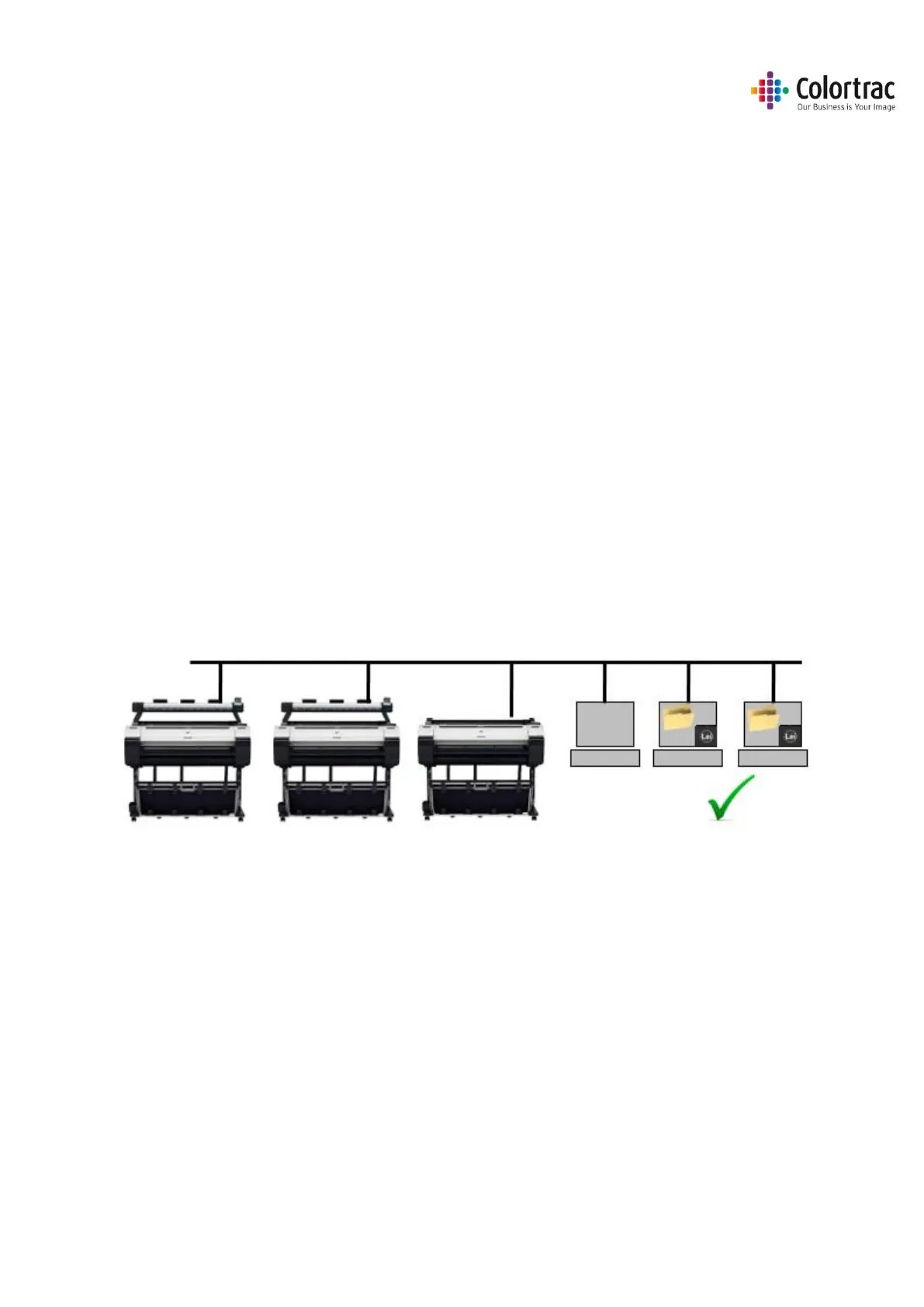
Supported Configurations
Multiple L24ei or L36ei scanners, PCs running the ScanApp Lei and iPF67x/77x, TM-
200/300/5200/5300 printers are supported on a single network.











 To Next Page