Version 1.00 56 Global Scanning UK Ltd © 2018
Copy & Archive
The scan data is transferred directly to the PC while scanning to make the scanner available for
the next job sooner. The ScanApp Lei then sends print data to the printer and saves the scan file.
Ensure ScanApp Lei is running on the PC you wish to send the scan file.
See ScanApp Lei Operation
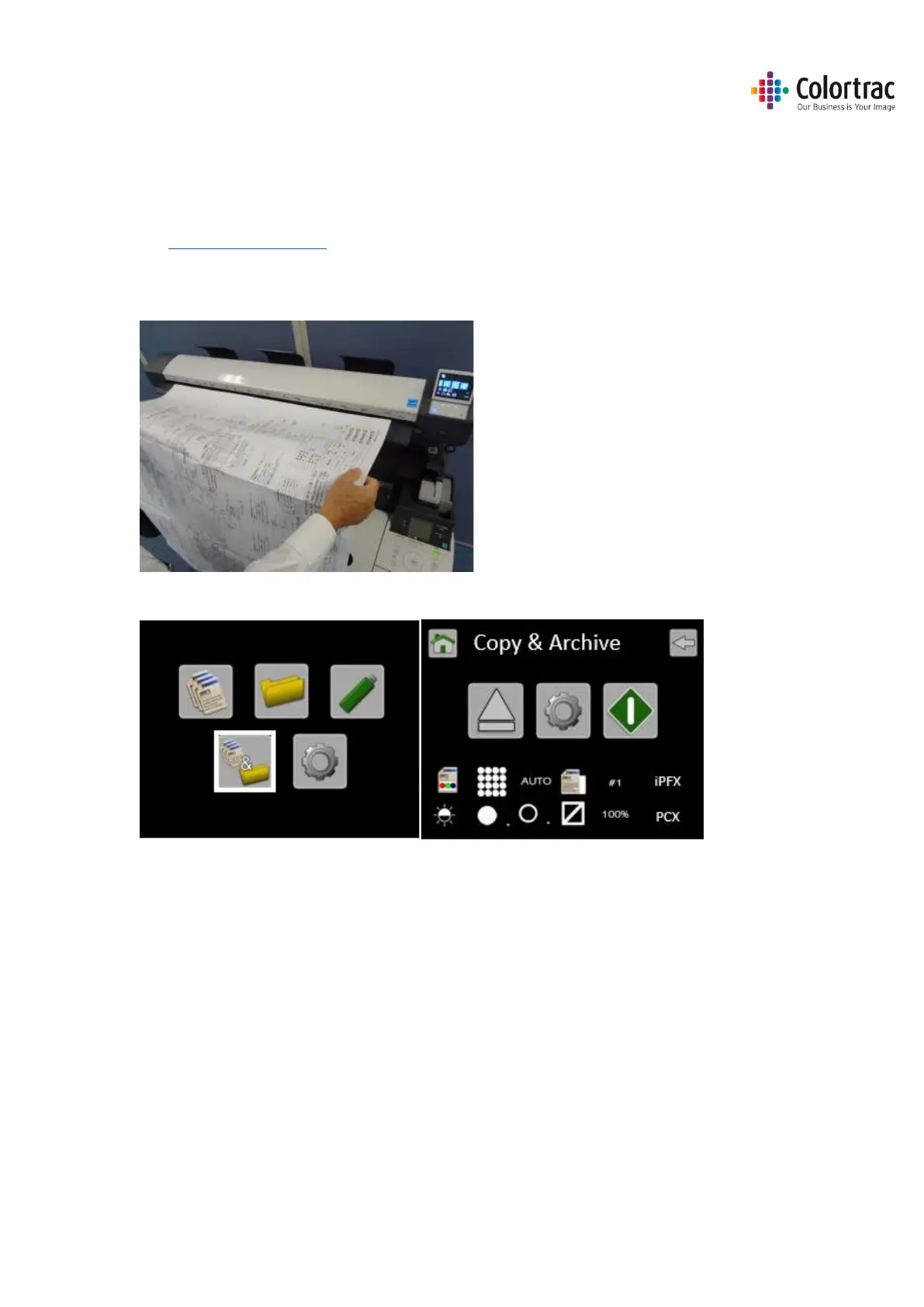
Ensure the printer is on-line and ready to print. Insert a document into the approximate centre
of the scanner, face up. The exact position is not critical as we will scan using Auto-Size.
From the Home page, enter the Copy & Archive menu.











 To Next Page