Version 1.00 45 Global Scanning UK Ltd © 2018
Scan to PC
Ensure the ScanApp Lei is running on the PC to which you wish to send the scan file.
See Configuring the PCs
Ensure ScanApp Lei is has been configured with the scan folder of your choice.
See ScanApp Lei Operation
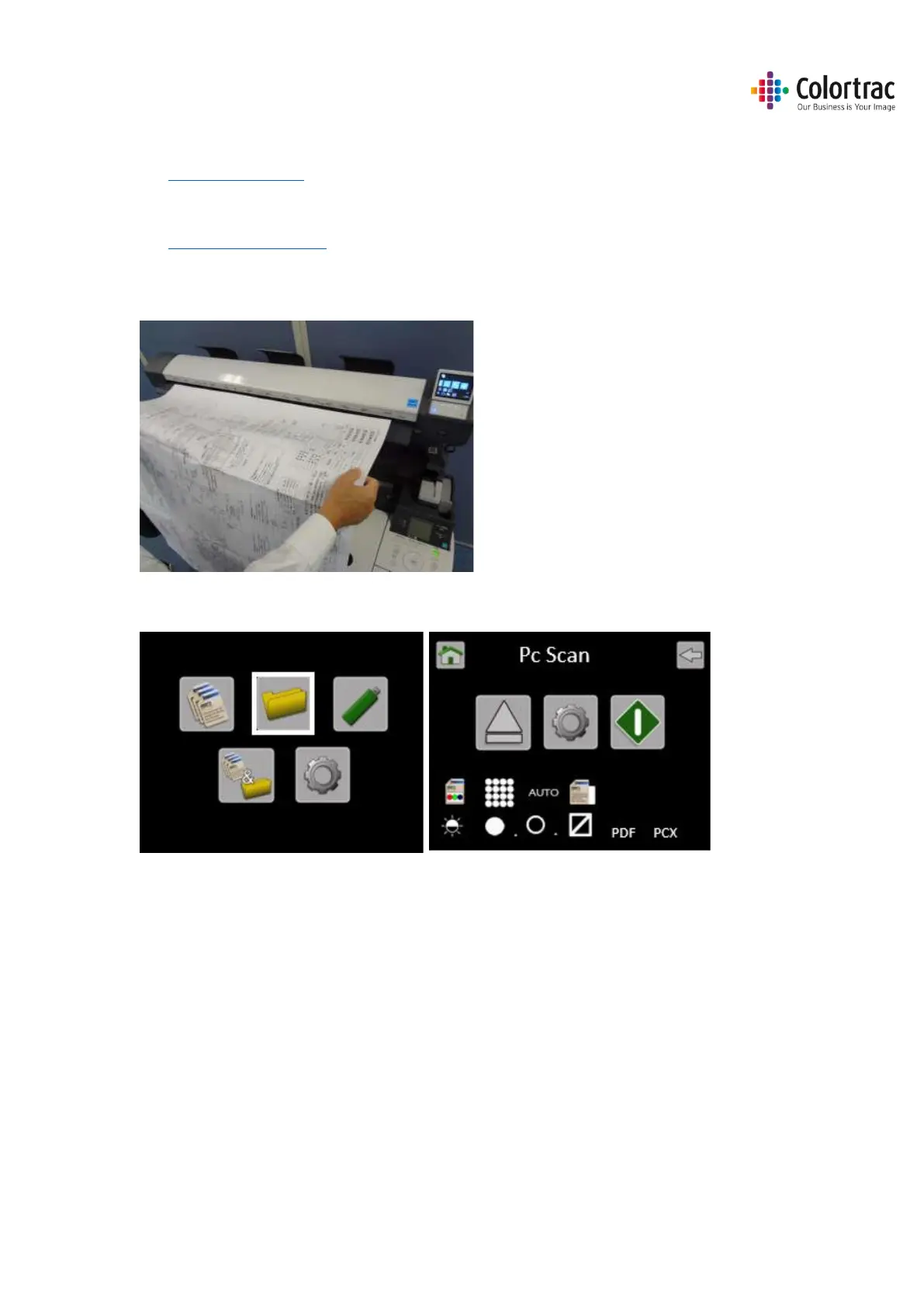
Insert a document into the approximate centre of the scanner, face up. The exact position is not
critical as we will scan using Auto-Size.
From the Home page, enter the Scan to PC menu.
The PC to be used for Scanning to PC is shown on the Scan to PC page. This example shows the
current PC selected as PCX. This means the scanner will complete an Auto PC search and prompt
the user to select the PC before completing each scan.
To change the PC# select the Scan to PC Settings. Scroll and select PC#. Select the PC# you wish
to use.











 To Next Page