Version 1.00 47 Global Scanning UK Ltd © 2018
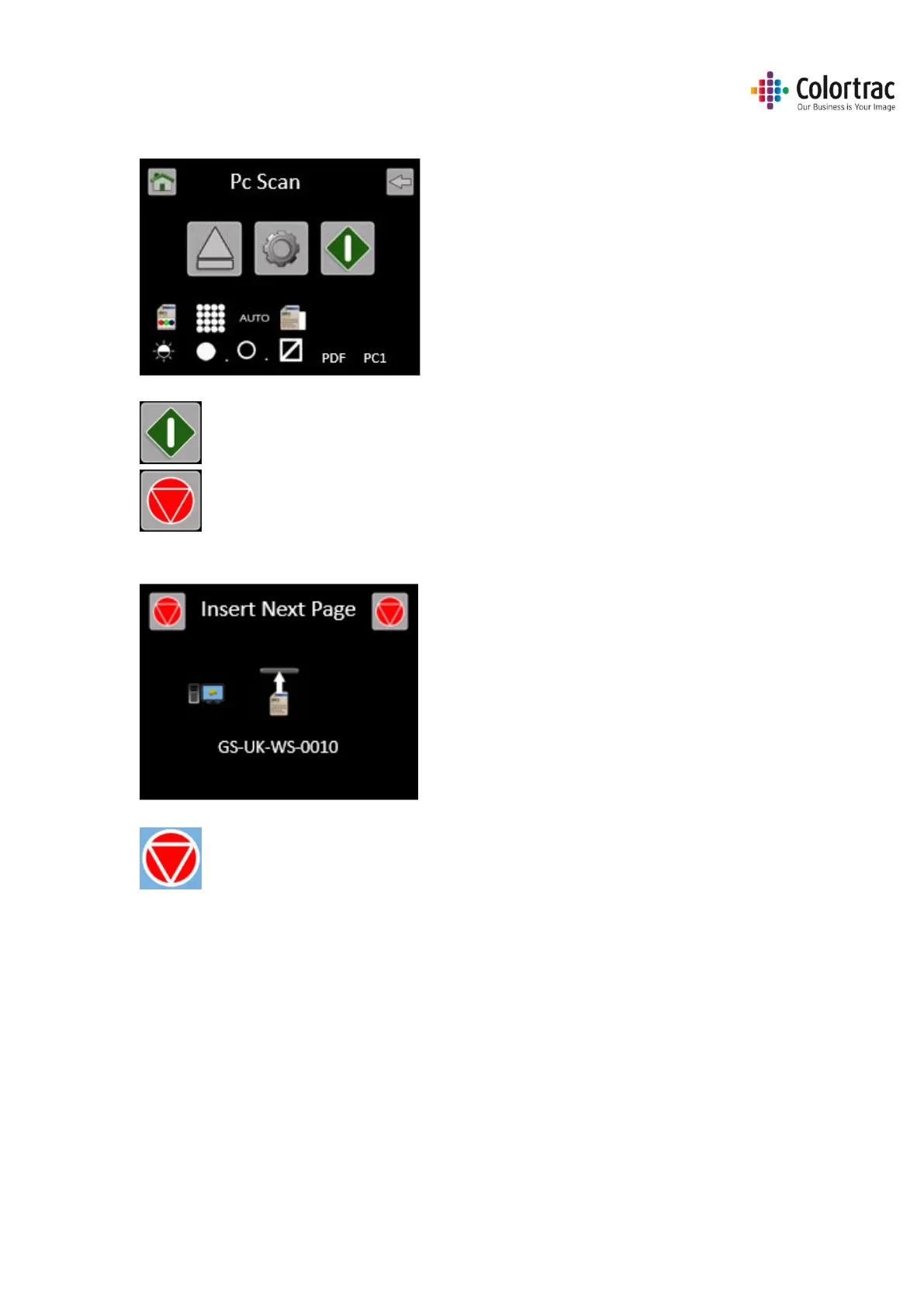
Leave the remaining Scan to PC Settings at default:
Colour mode, Standard Resolution, Auto-size. Brightness=0, BP=1, WP=1, Crop off.
Press the Green button to start the function.
Cancel: Pressing the Red Stop button will stop the scanner immediately.
If the file type =M-PDF (Multi-Page PDF), insert the next page when prompted.
When all the pages have been added, press the red stop button to close the file.











 To Next Page