Chapter 4 RP5100i installation
OneCell
®
Hardware Installation, Release 4.5 4-5
D
R
A
F
T
Mounting the Radio Point on the ceiling tile
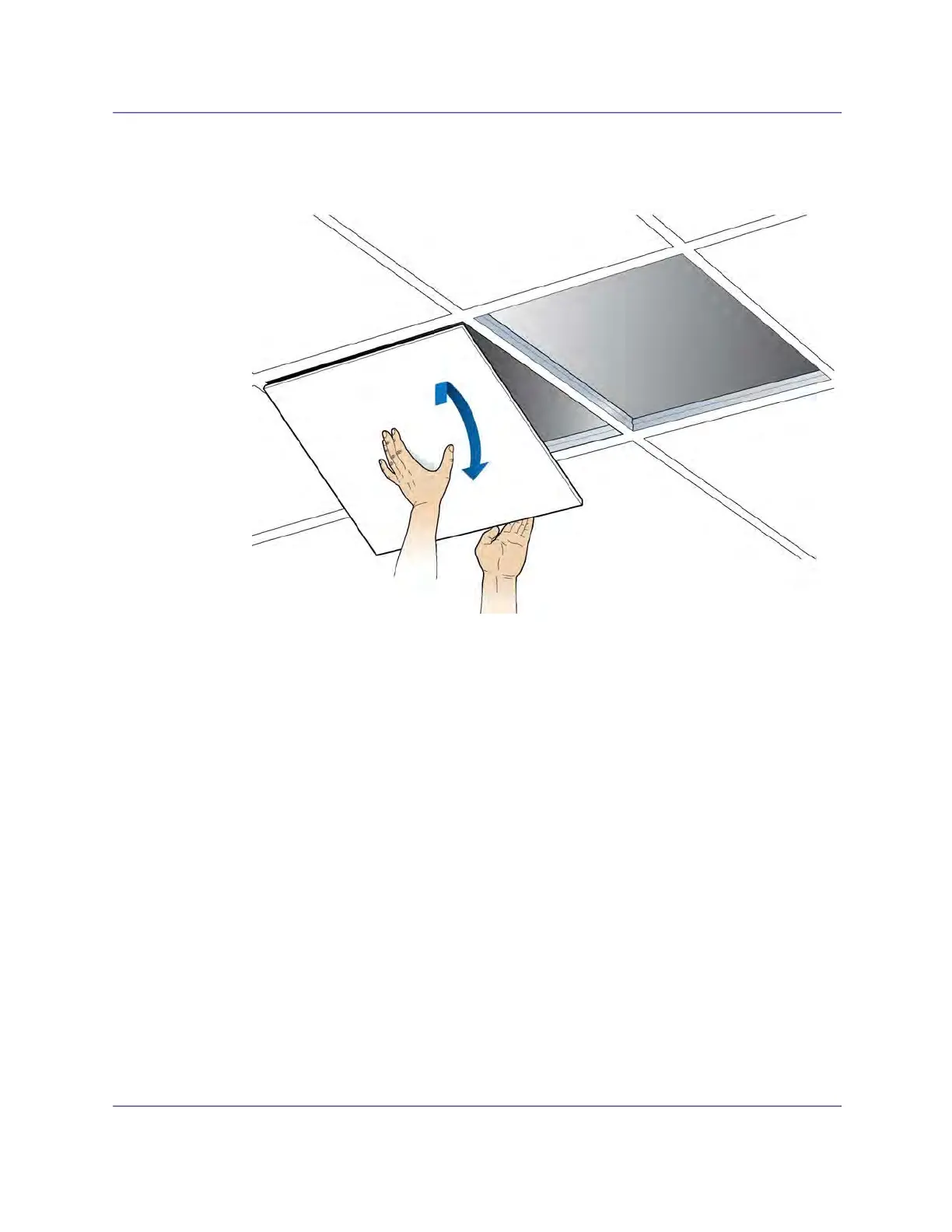
1 Remove two ceiling tiles from the overhead.
2 Place the octagon box on the tile and trace the outline. Cut the opening.
3 Drill a 1/2-inch diameter hole for the Ethernet cable pass-through.
NOTE: Use a 1-1/2 deep RACO 8125 or equivalent.



 To Next Page