Chapter 5 RP5100r installation
OneCell
®
Hardware Installation, Release 4.5 5-2
D
R
A
F
T
Rugged Radio Point installation overview
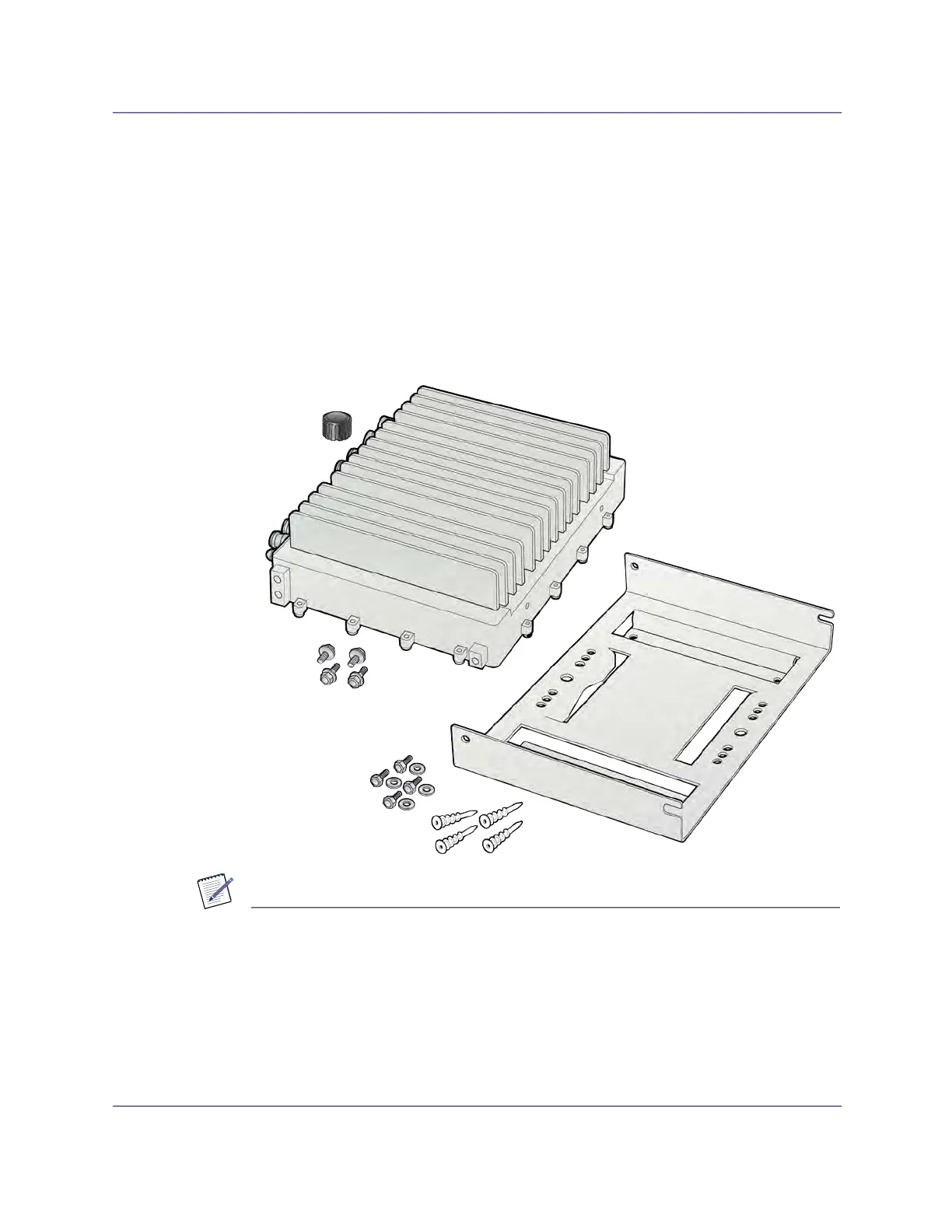
The Rugged Radio Point (RP) ships with the following hardware:
• Radio Point
• Mounting plate
• Mounting bolts (M8 Hex)
• RJ45, IP67 connector for CAT 6A cables
Figure 5-1. Hardware provided by CommScope
NOTE
An M8 hex wrench is required to install mounting bolts.
Mounting the Radio Point (RP) on a pole requires the following hardware provided by
the system integrator:
• Two U bolts
• Four nuts



 To Next Page