Chapter 4 RP5100i installation
4-24 M0303A2 4.5.01 September 2020
D
R
A
F
T
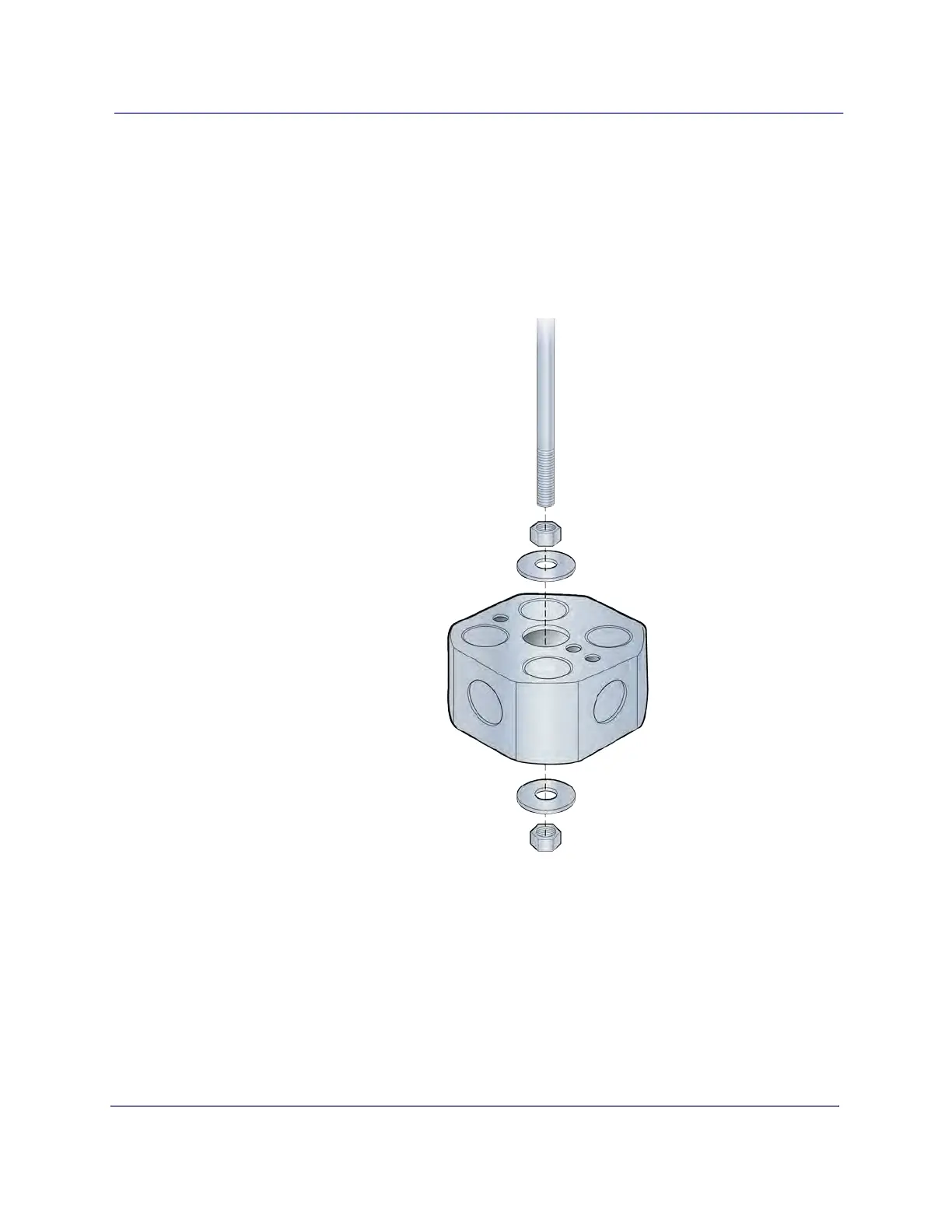
Flown mount installation
1 Attach the threaded, 3/8-inch rod, cut to the required length, to the ceiling.
2 Install the nut and a flat washer on the rod.
3 Slide the octagon box on the rod and install a flat washer and the nylon lock nut.
NOTE: Be sure the bracket is tight between the nuts and there is enough clearance
at the end of the rod to attach the bracket to the Radio Point.



 To Next Page