Section 11: Utilities
160
Adjusting the LCD Screen
Adjusting the Contrast
• From the Main Menu press and hold to darken the LCD.
• Press and hold
to lighten the LCD.
If the screen flickers when the cursors or highlight bar are moved
rapidly, make the LCD darker.
Restoring the Default Contrast
• From the Main Menu press + to restore the default
contrast.
Turning the Backlight On/Off
The backlight provides better LCD visibility in dark environments.
• In any screen, press
+ to turn the backlight on/off.
Note: The backlight consumes a relatively high level of power and
will automatically turn off if the battery voltage falls below 6.1 V.
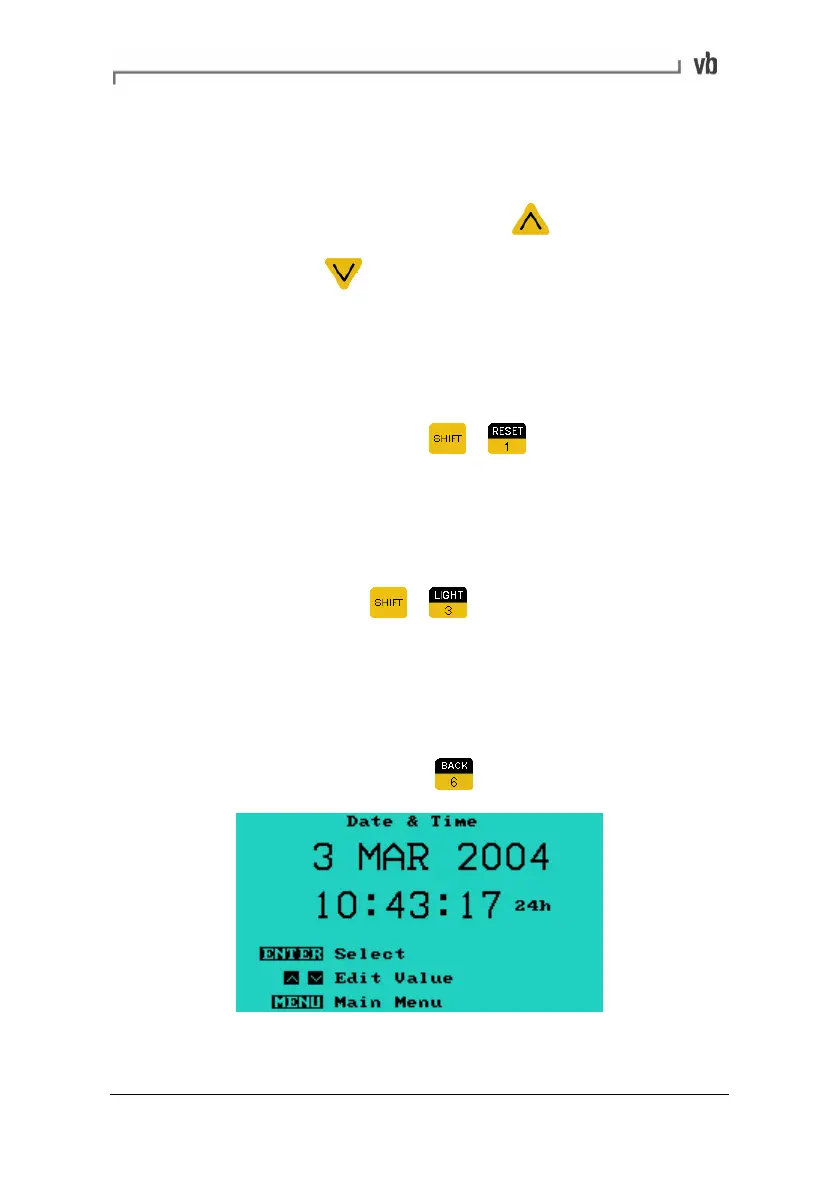
Setting the Date and Time
• From the Main Menu, press Date & Time.
Artisan Technology Group - Quality Instrumentation ... Guaranteed | (888) 88-SOURCE | www.artisantg.com



 To Next Page